

Indesign when exported to pdf it doesnt look the same...
Hello this is my first time writing for help on this page.
I have been working on designing a script book, but when I export it to test print the pdf looks not as refine as it does in the indesign file.
For example this is a screenshot of the page in indesign. The red texture with the noise was created from glow in indesign.
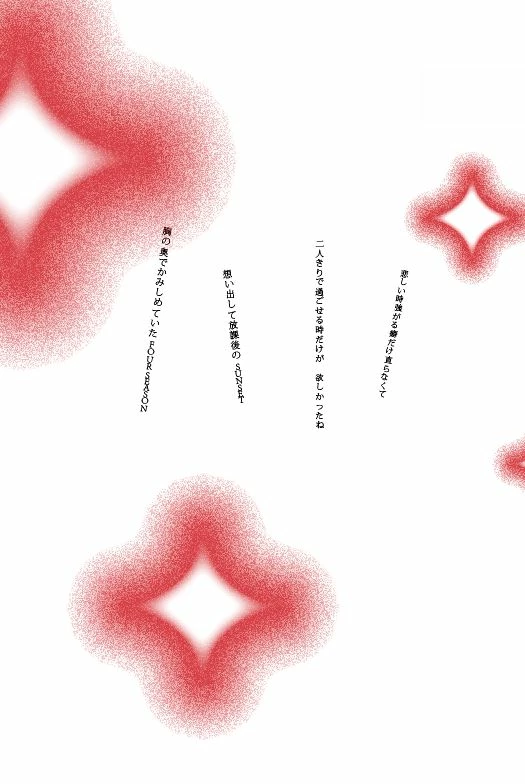
However exporting it in different ways they all come out like this.
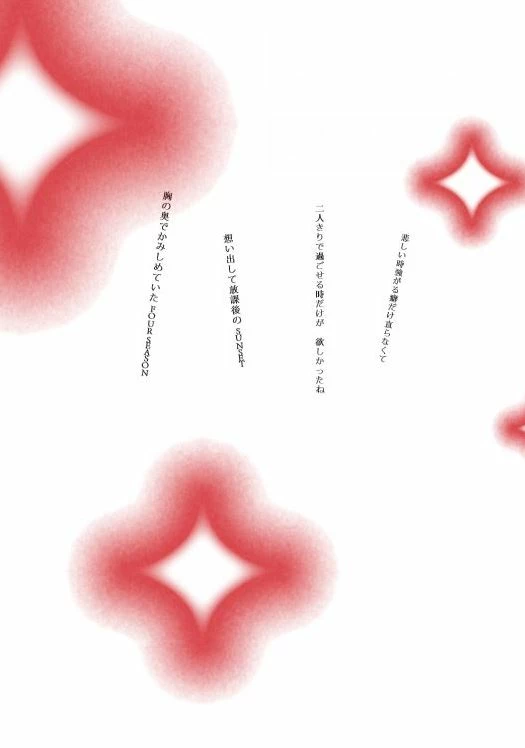
The detail of the noise texture disappears and it just comes out like a blurr.
Another example, the first image is the one shown in indesign and when its exported the details dies from what you can see on the second image.

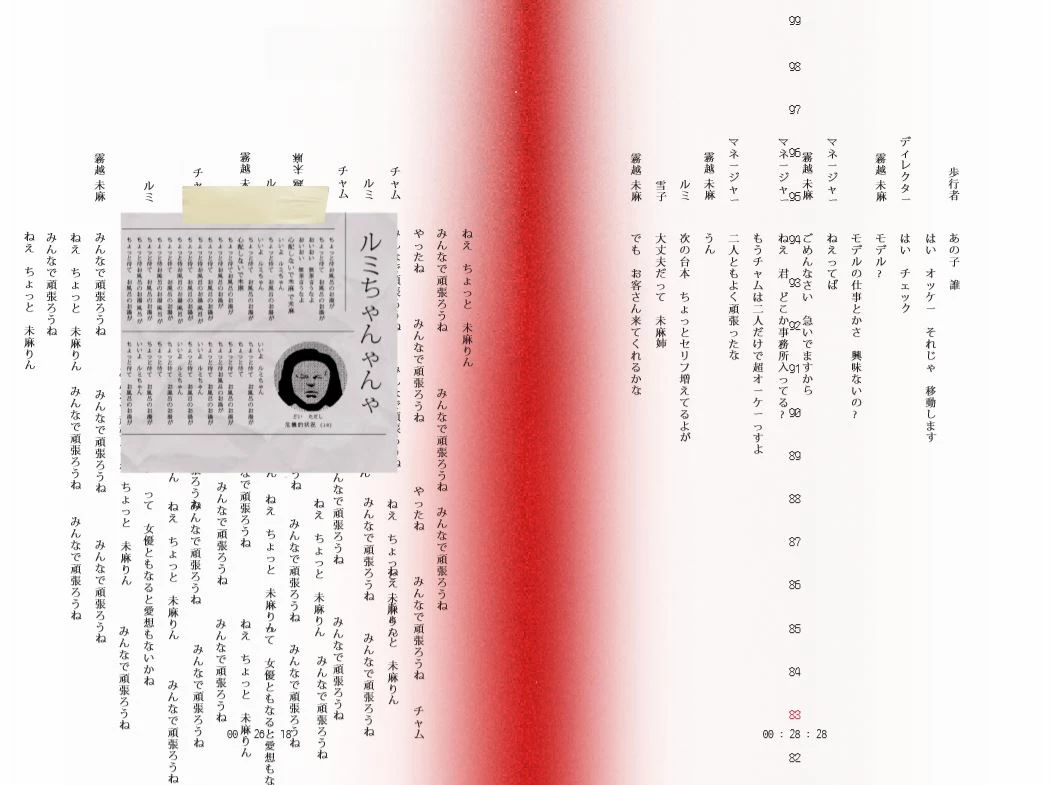
I've been searching for answers to how to export it correctly but couldnt find anything that helped me out.
Is there a way for me to keep the details alive just like the way it looks like in indesign?
Does it have to do with the fact that the gradiant or the noise was created with the indesign tool?
 AdChoices