
Participant
October 22, 2025
Question

Indesign won't open due to broken splash screen

  • October 22, 2025
  • 2 replies
  • 126 views

Hi,
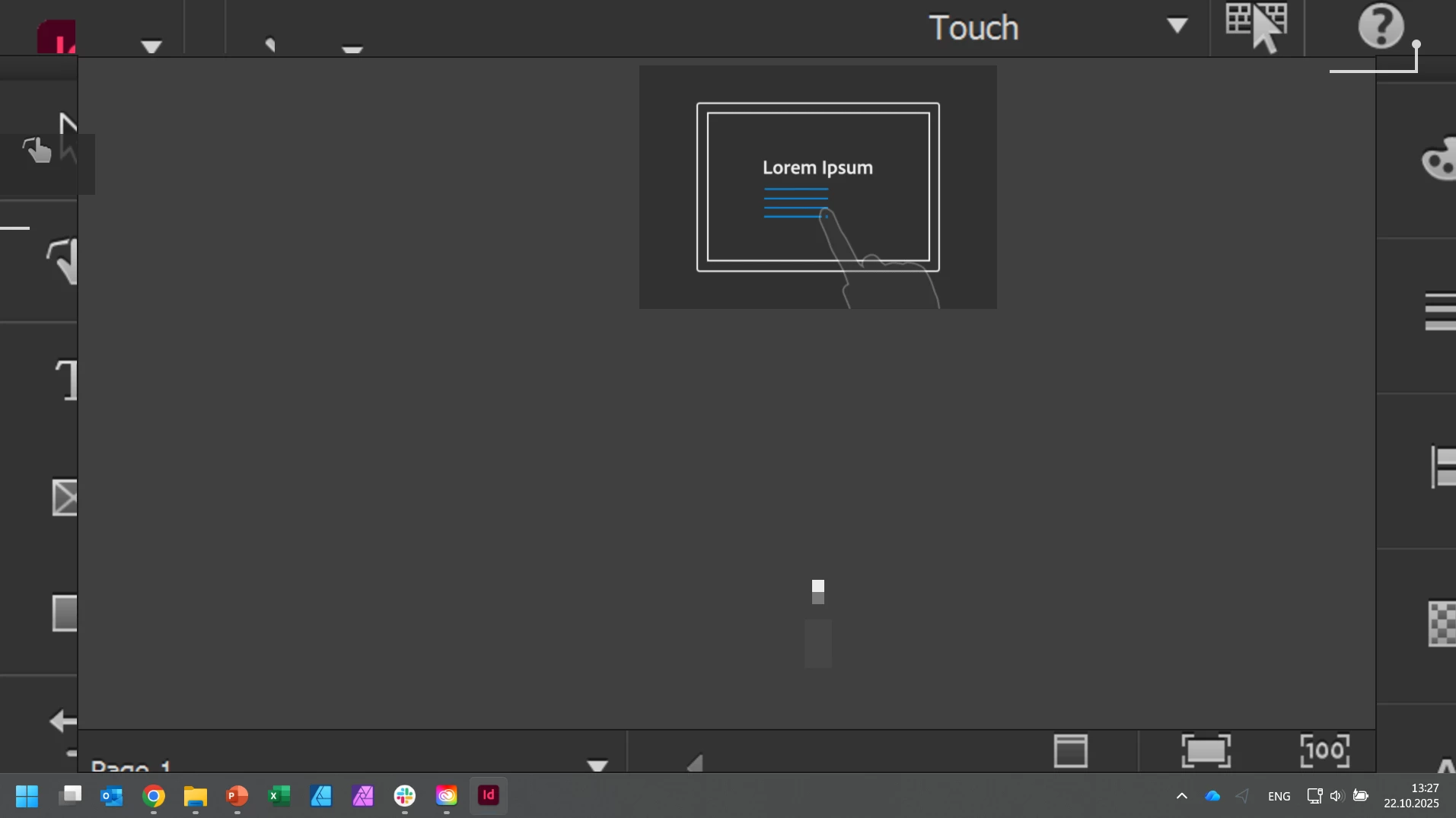
Recently, I installed InDesign on my computer. The app won't open due to some broken splash screen that cannot be turned off (no buttons are there, it cannot be zoomed in or out to see if there's anything "outside" the screen). The app looks okay for a second or two after launching and then the resolution breaks and the splash screen (or what I assume is a splash screen) appears, you can see it on the screenshot below

I tried re-installing CC, InDesign, going back to a previous version of the app, tried clearing appdata and roaming folders, tried the CC Cleaner Tool, nothing worked. Photoshop and Illustrator work without issues, only InDesign has this problem. Any ideas what to do? 
2 replies

Mike Witherell
Community Expert
Community Expert
October 22, 2025

I disabled touch screen on my Windows 11 device:

  1. Right-click on the Start  menu and select Device Manager.
  2. In the Device Manager window that opens, select the arrow next to Human Interface Devices to expand it.
  3. Under Human Interface Devices, right-click on HID-compliant touch screen and select either Enable device or Disable device depending on which action is desired.
  4. If there are multiple HID-compliant touch screen devices listed, repeat the steps for each device.
Mike Witherell
BobLevine
Community Expert
Community Expert
October 22, 2025

That's the Windows touch workspace. Change the workspace from Touch to anything else.