
Participant
September 26, 2023
Answered

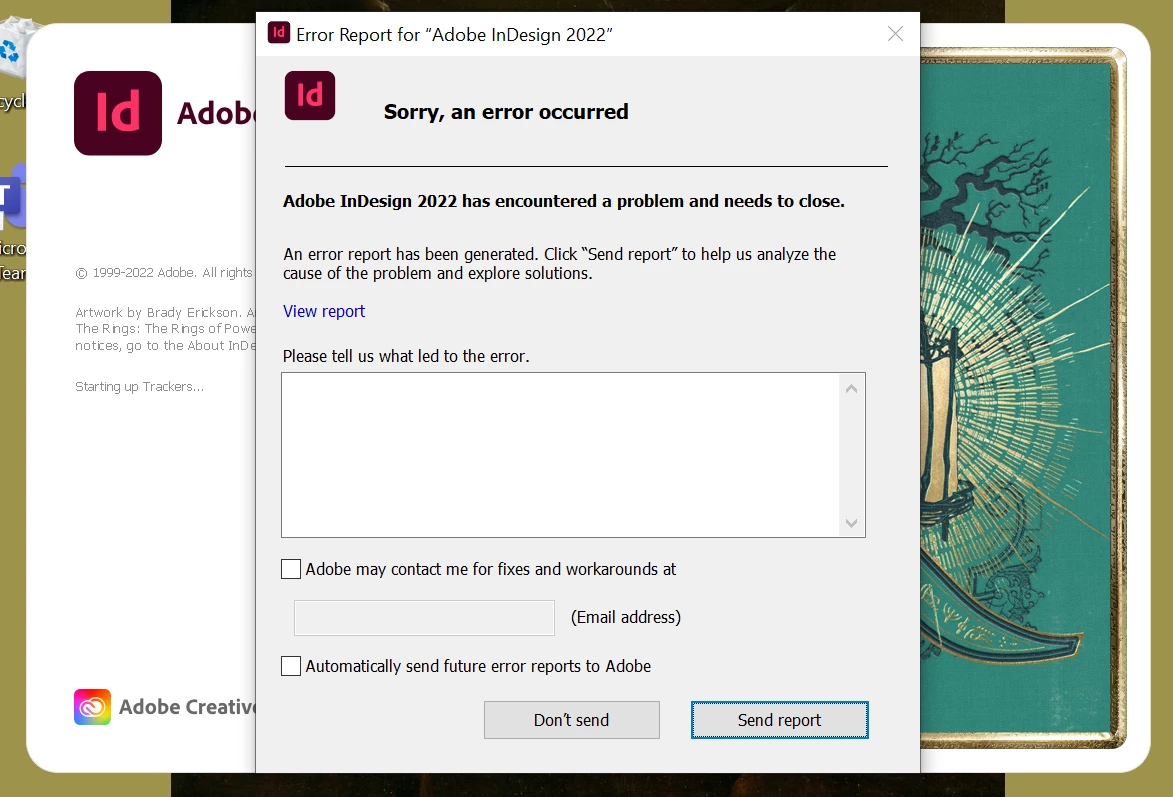
InDesign won't open. getting error window

  • September 26, 2023
  • 2 replies
  • 494 views

Hi all,


I have tried to launch my Indesign recently and got an error window. I tried to unistall then reinstall, update and even Shirft+Ctrl+Alt on opening the app to delete prefernces. Unfortunatly no luck.

I use Windows 10 and InDesign 17.4.2 (had same issue with older versions) my laptop is not compatible with the new version so going 18.5 is not an option


Thanks
 

This topic has been closed for replies.
Correct answer leo.r

See this thread:

https://community.adobe.com/t5/indesign-discussions/indesign-2022-crashes-immediately-upon-launch/m-p/14112891/page/2#M543398


Try to update your Creative Cloud app - the latest update may fix this bug.


Otherwise, revert to InDesign 17.4.

2 replies

leo.r
Community Expert
leo.rCommunity ExpertCorrect answer
Community Expert
September 26, 2023

See this thread:

https://community.adobe.com/t5/indesign-discussions/indesign-2022-crashes-immediately-upon-launch/m-p/14112891/page/2#M543398


Try to update your Creative Cloud app - the latest update may fix this bug.


Otherwise, revert to InDesign 17.4.

Participant
September 26, 2023

Will do that now and let you know how I get on.

kglad
Community Expert
Community Expert
September 26, 2023

<moved from cc desktop bugs>