
Indesign won't refresh the screen.
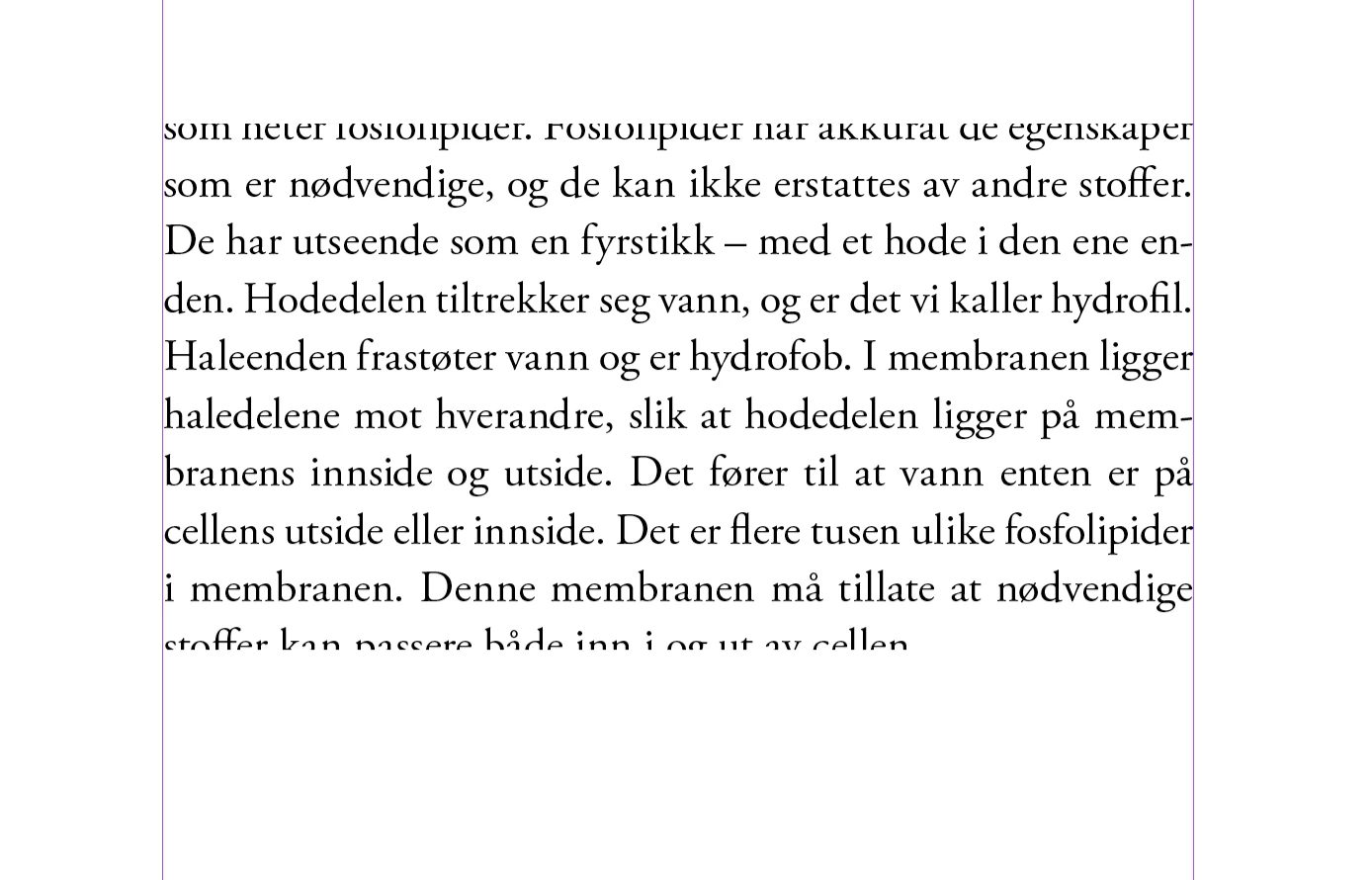
"Ghost text" remains on the screen after being adjusted or moved, and the screen only refreshes if I scroll until the text is not visible and then back again. (See screenshots 1 of "the ghost text".) Often new and old text are placed on top of each other as well.
I had this problem on my old Macbook Pro too, but I thought it would disappear on my new Macbook Pro 2024 (M4) with Indesign 2025 (v. 20.0) and OS 15.1.1 Sequoia. But the problem is still there! It occurs on my Macbook Pro screen as well as my external Samsung 4K screen.
1. I have deleted old preference and cache files, but it didn't help.
2. I have tried setting Mac performance and energy usage to High Performance, but it didn't help.
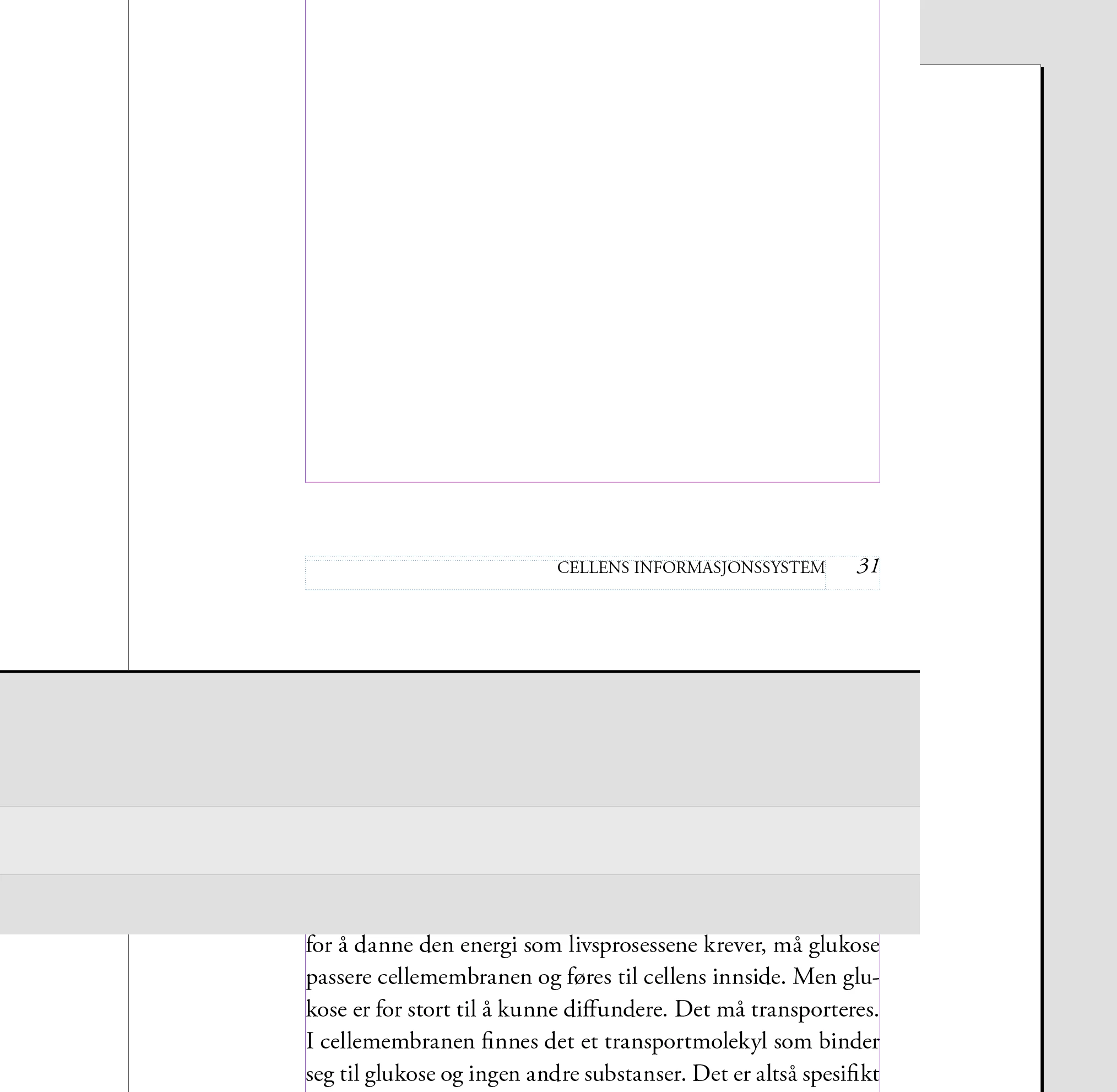
3. I have read that some people recommend turning off the GPU in Indesign, but I see no good reason why it should be necessary on a brand new Macbook Pro. It didn't solve the problem either. (See screenshot 2.)
4. I don't have an app called Magnet, which some people thought could be causing the issue.
Is there a good solution to this problem?
Best regards,
Kapex from Norway
Screenshot 1: "Ghost text" - text I have forced to the next page (page break), but it is still showing until I scroll.
Screenshot 2: Here I have turned GPU off. It creates just another problem:


 AdChoices