


Participant
July 14, 2026
Question

Indesign won't remember window size

  • July 14, 2026
  • 3 replies
  • 24 views

I work on a 27” iMac but like my documents to not cover the whole screen so I am able to access things on my desktop easily. Have been using InD since about 2002 and it worked fine, whatever size I set my window to and created a new document, it would stay the same size but the 2026 (21.1) every time I create a new doc, it opens it to full screen! Having to have to resize a doc each time was getting too time consuming so I now use 20.5 (2025) version 95% of the time. I have called tech support repeatedly over this & no solution ever was given. Can I really be the only person who doesn’t want it to cover my whole screen? I have found over the years not everything they say on tech support is true. Does anyone know a workaround to keep the windows open to the size of my choosing? Thanks so much!


this first pic is of the desktop with the document in the size I like - 2nd pic is what the 2026 version does when I go to make a new document - boom opens to whole screen 
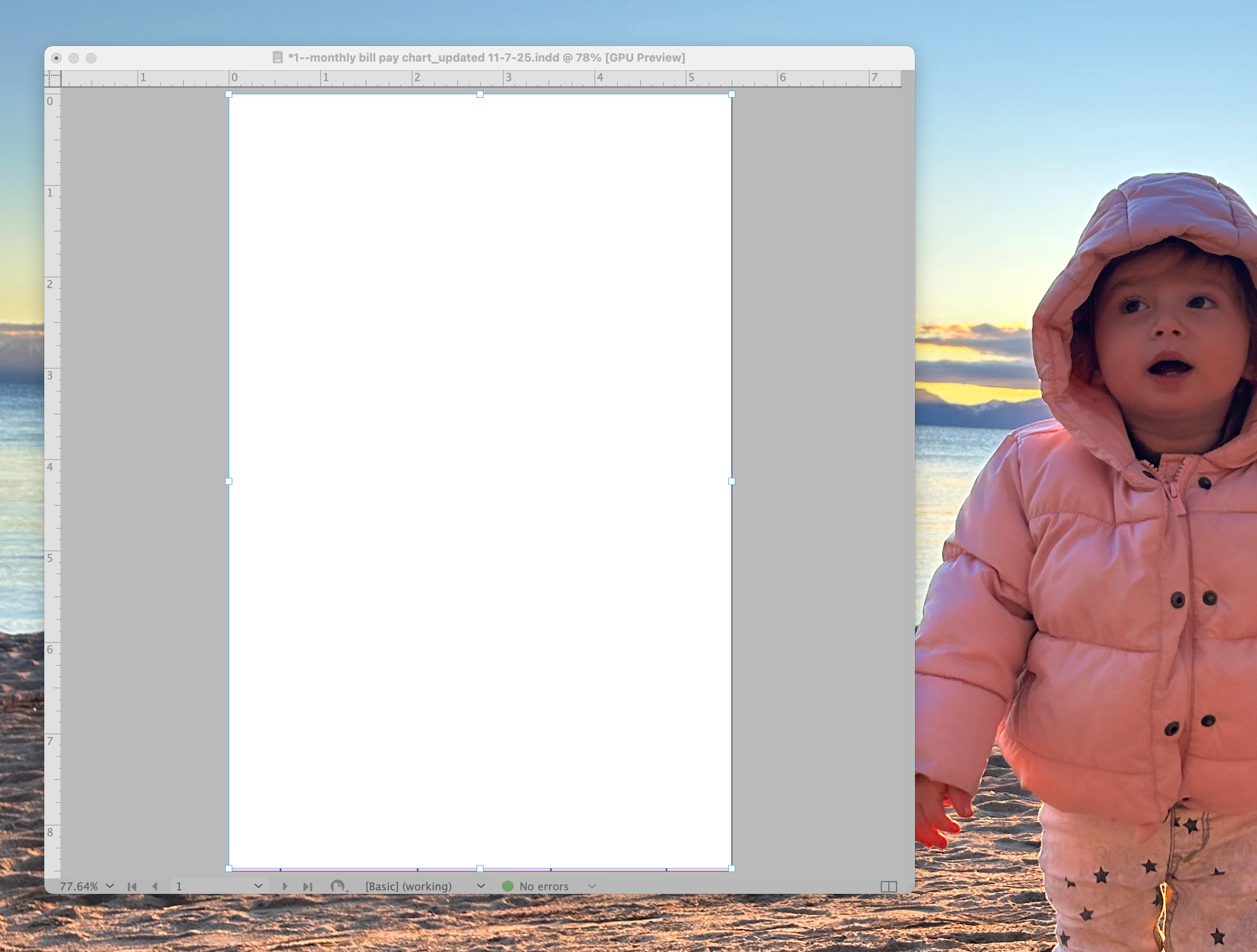
this is how I like to work - have been working this way for 20 plus years - why now do they change something (if it ain’t broke - don’t fix!!)
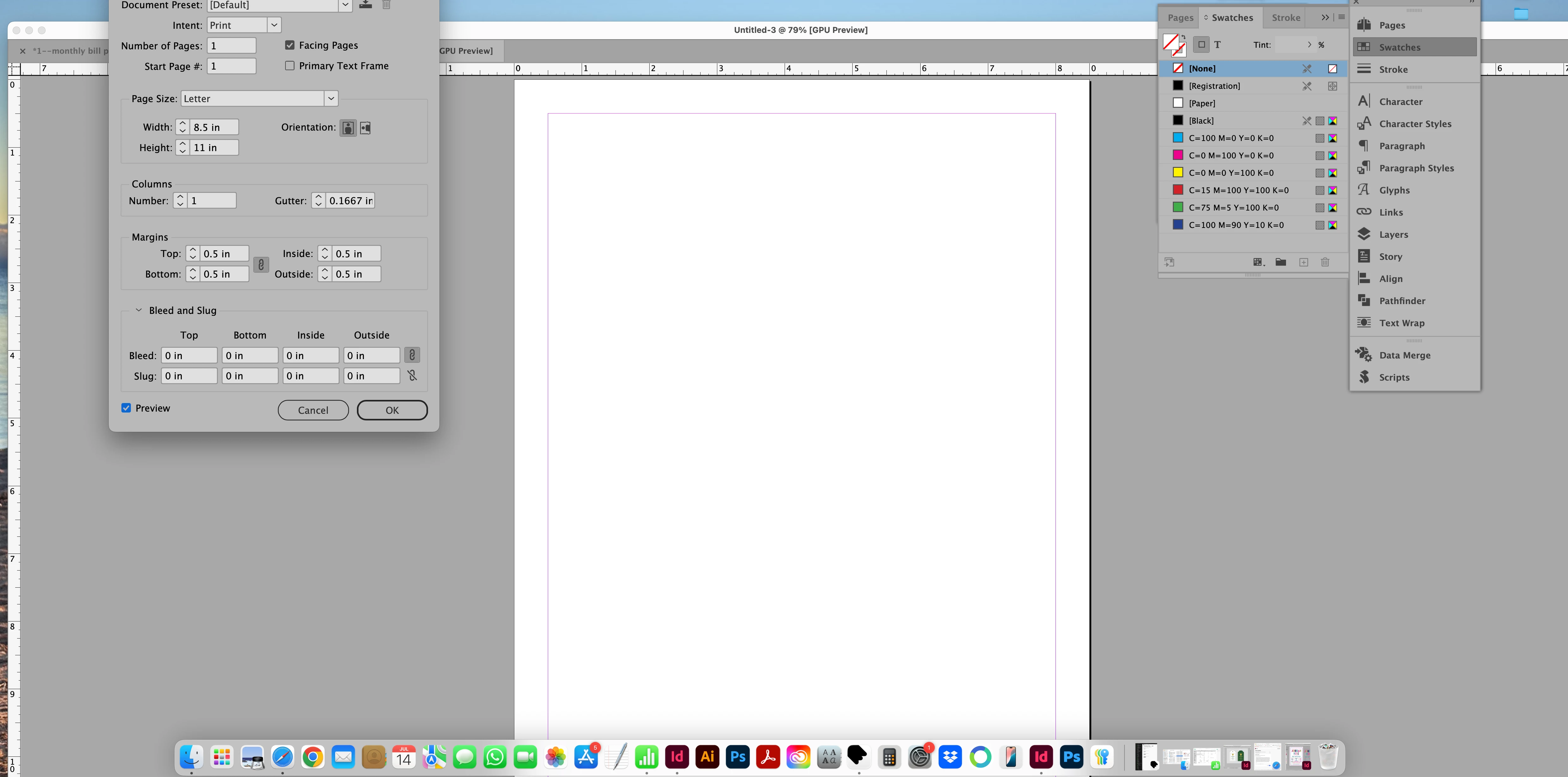
what happens when I go to make a new document even tho another document  is already open in the size I prefer

hope this helps understand my question & have a solution would be wonderful!

    3 replies

    Participant
    July 15, 2026

    Wow, can’t thank you enough!! Did the upgrade and it works like a charm - I am so excited to be able to work the way I want to.


    There are some other small issues I’ve never been able to solve but not as important as this one was. Is it OK, if I write you directly here when I  can recreate the issues to explain properly?

    leo.r
    Community Expert
    Community Expert
    July 15, 2026

    Glad it helped. Quite a few people were unhappy with the behavior of InDesign 2026 windows on Mac when it was released, but this eventually was fixed. 


    Is it OK, if I write you directly here when I  can recreate the issues to explain properly?


    Are you referring to direct messaging? Regardless, write wherever you wish, the more people see your post the better chances your issues will be addressed.

    Participant
    July 15, 2026

    Thank you for your followup & simple,  easy to understand answer. You’ve been a big help!

    Abhishek Rao
    Community Manager
    Community Manager
    July 15, 2026

    Hi ​@giannic35078275,


    I hope you're doing well.

    I wanted to check in and see if you had a chance to update to InDesign 21.4.1, as suggested by the expert.

    Could you please let us know if the issue has been resolved, or if you're still seeing the application window expand to full screen when creating a new document? If the issue persists, could you also try toggling Window > Application Frame and let us know whether that changes the behavior?

    Your update will help us determine the next steps and assist you accordingly.


    Looking forward to hearing from you.

    Abhishek

    Participant
    July 15, 2026

    Yes I did what Leo said and it works exactly how I wanted 

    I may have some more questions in the future, this forum is great!


    thank you for your help

    leo.r
    Community Expert
    Community Expert
    July 15, 2026

    I can’t seem to reproduce it (unless I’m using a different scenario).


    I set the frame to a specific size, then open new or existing documents. They all open in the existing frame without changing its size.


    it would stay the same size but the 2026 (21.1)


    Why such an outdated version? The latest version is 21.4.1, which is the one I’m using.


    Participant
    July 15, 2026

    thank you for replying - I didn’t realize I had the old version of the 2026 one because when I couldn’t solve the problem by calling Adobe tech support multiple times, I just kept using the 2025 version and only used 2026 for some documents that accidentally were created before I knew of this issue. I want to upgrade 2026 & hope you are correct on that being the issue but I can’t take a chance losing all my old files created in 2025 (the version not the year), Called Adobe to make sure that if I upgrade I won’t lose the old version just in case. I’m a graphic artist for invitations and such and many of my designs I sell over and over just change the info for that customer. Even something as simple as the size of the window is still time consuming to have to change each one, each time. Waiting to hear back from them, I pray you are correct and I can move on to the newer version but still be able to use the older one if need be for some older designs. Thank you so much, I’ll let you know if it works.

    leo.r
    Community Expert
    Community Expert
    July 15, 2026

    Called Adobe to make sure that if I upgrade I won’t lose the old version just in case


    You can have both InDesign 2025 and 2026 installed.


    If you already have 2026 installed, just update it in the Creative Cloud app—this shouldn’t affect your 2025 installation.


    If you install 2026 from scratch, make sure to uncheck the option to remove older versions. In any case, as long as InDesign 2026 is the latest version, you can reinstall 2025 at any time, if needed.