

InDesign won't show an open any file and the tools & windows are gone
Hi, I used to have this problem intermittently but I could always fix it by restarting InDesign. Not this time...
When I open InDesign, all I get is the menu on top. All the other tools and windows normally open aren't there either. Notice below:
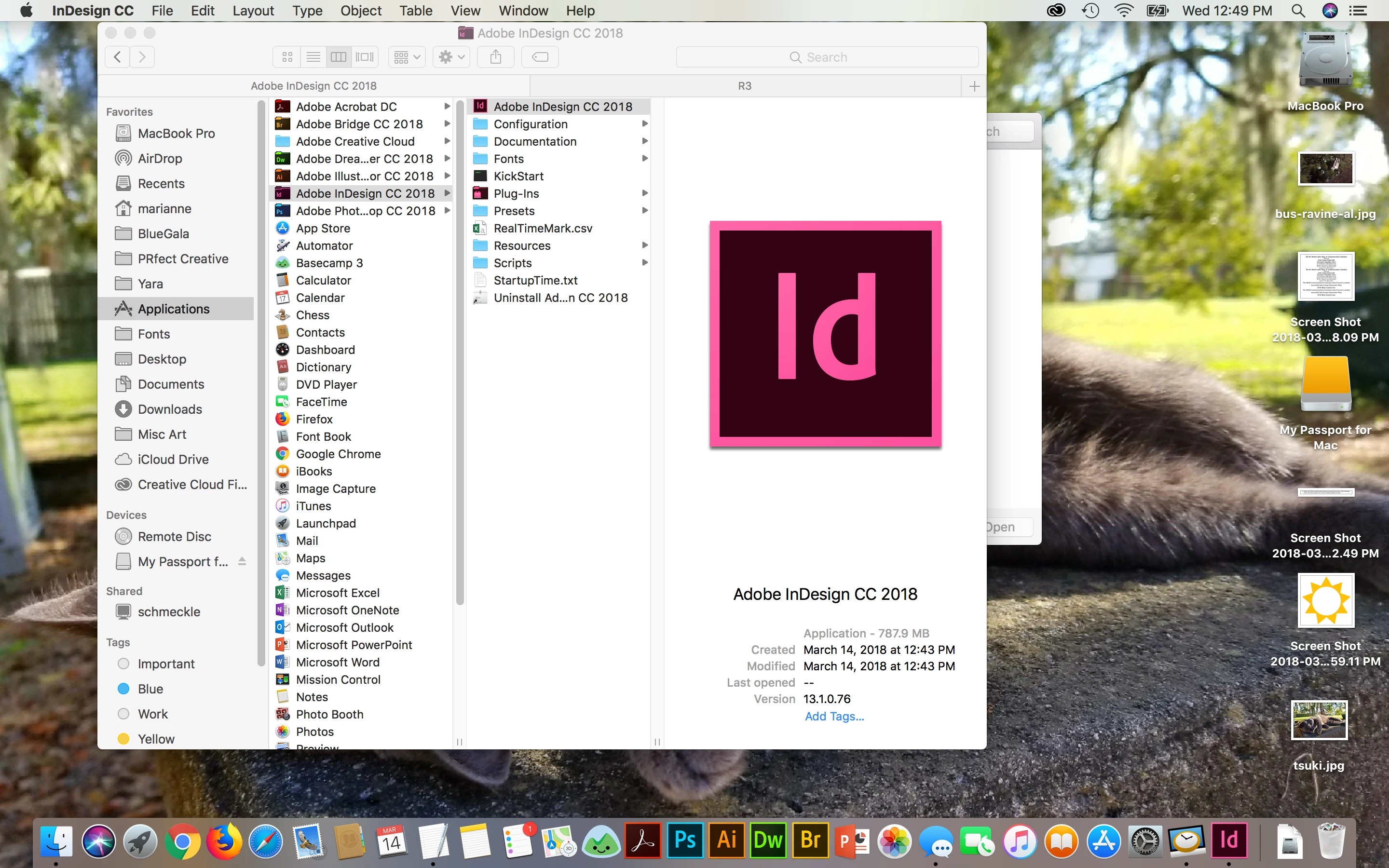
And any file I open won't show even though you can see a temporary file open right by the file within the Finder, as if it's open, and when I go to quit again, it asks me if I want to save even though it never showed the document within InDesign:
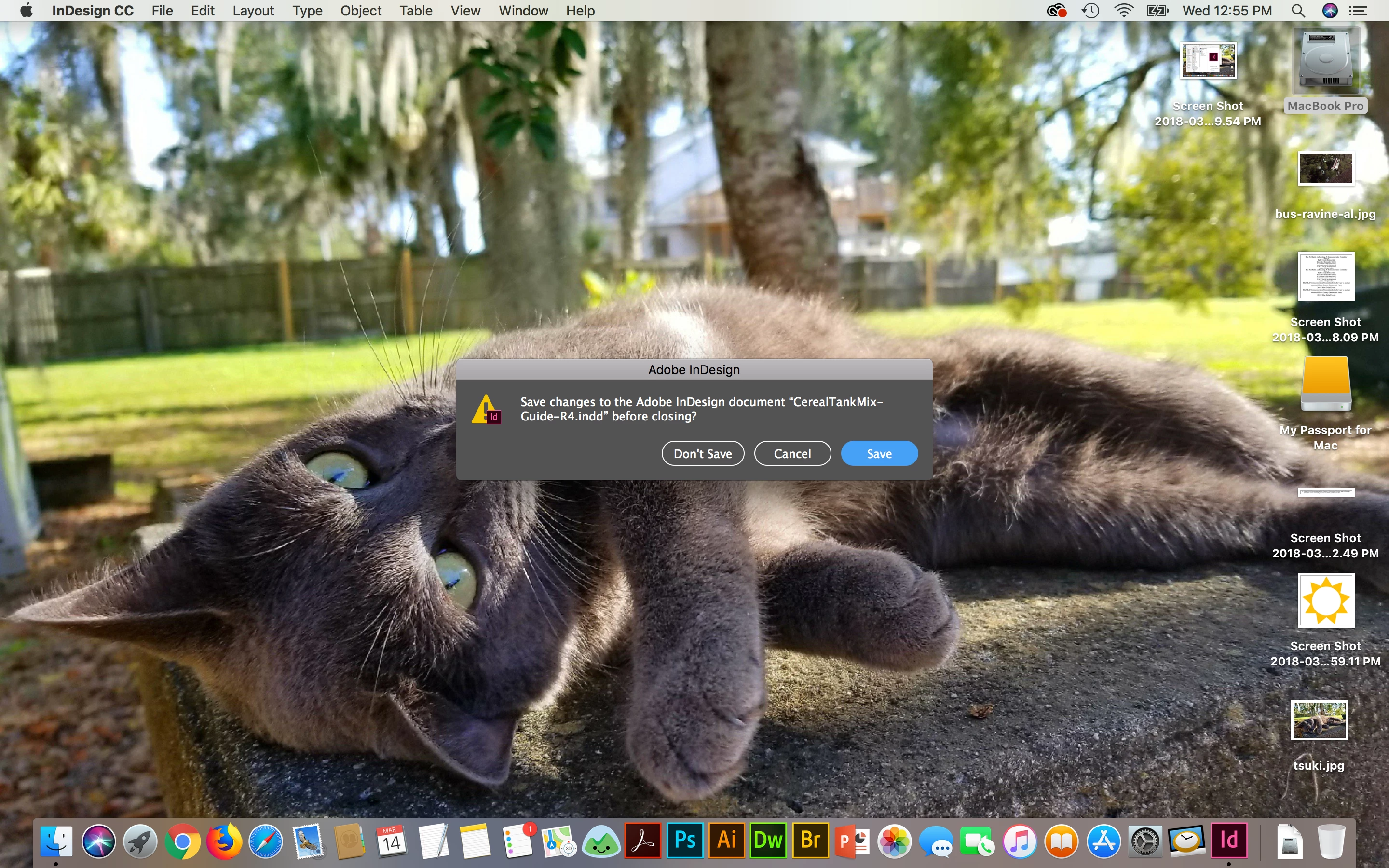
I reset the preferences, I restarted InDesign, restarted the computer, uninstalled and reinstalled InDesign from Adobe CC. It's still doing it.
Notice it's not only when I open a file, it's happening even when I just open InDesign before I open a file. And it does it no matter what file I open.
Also, I just erased, reinitialized and reinstalled everything on my computer last weekend. This started today. I've been using Indd all week.
This looks like a bug and I submitted a bug report this morning.
This is my lifeblood for work. I'm dead in the water. Can anyone help, please? Thank you in advance.
~Marianne


 AdChoices