
Participant
February 29, 2024
Question

Indesing Notas al Pie

  • February 29, 2024
  • 1 reply
  • 199 views

Estimada Comunidad:


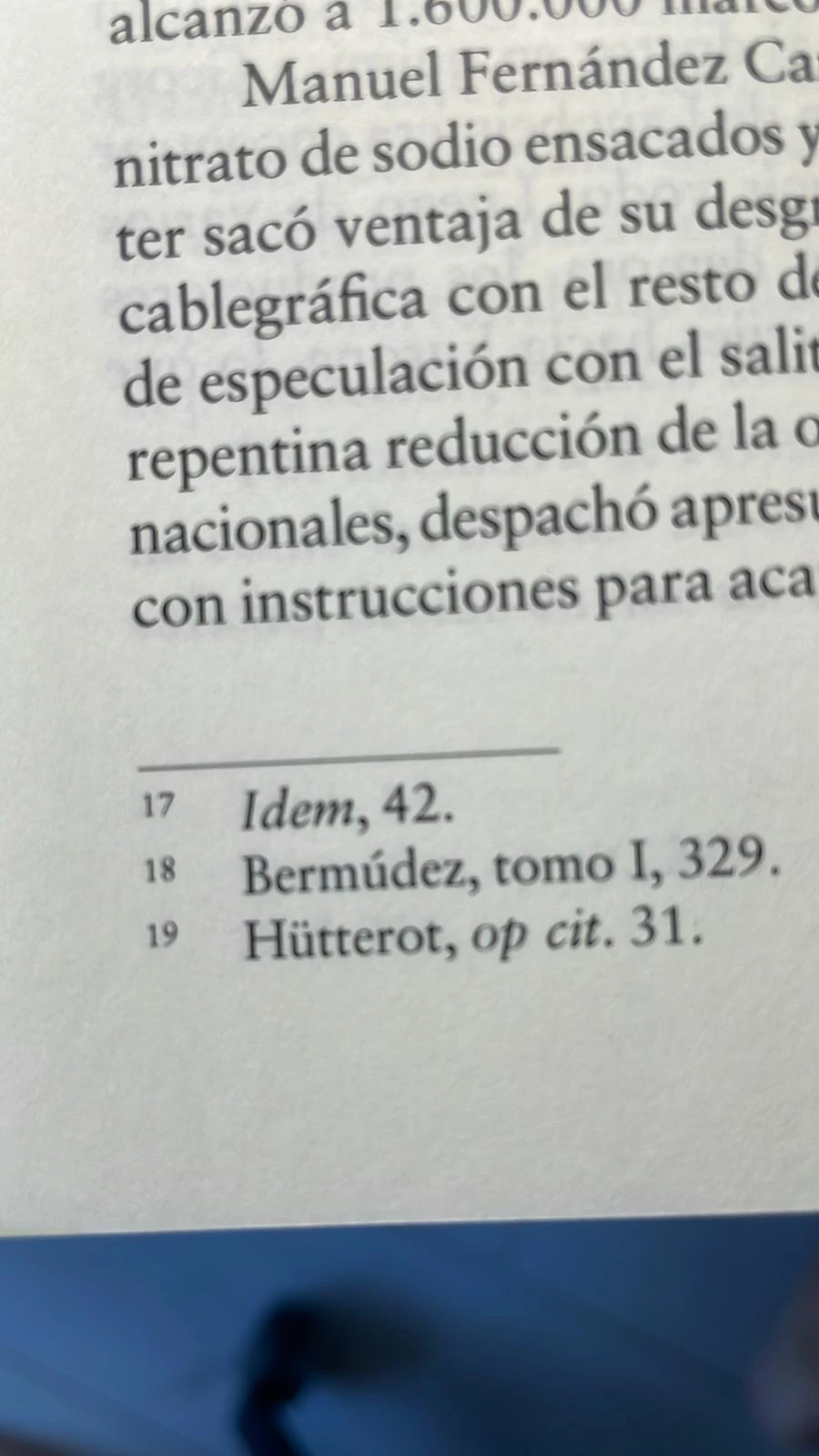
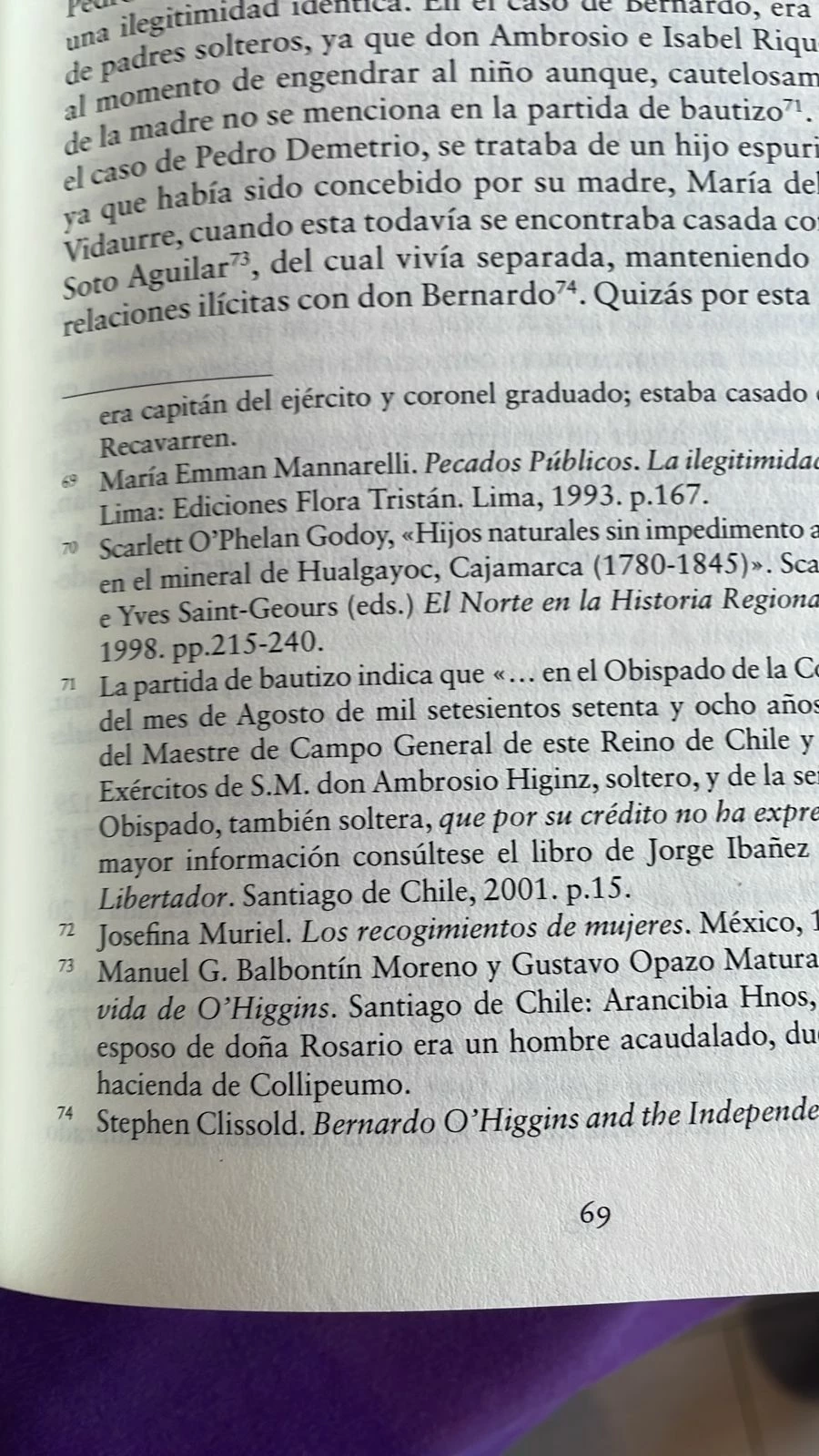
Tengo una duda. Cómo puedo configurar o darle estilo a las notas al pie de página como aparece en la fotografía. No sé cómo hacerlo. Agradeceré sus comentarios y aportes.
 

[Moderador curado los temas. Por favor, seleccione sólo los temas pertinentes.]

This topic has been closed for replies.

1 reply

Community Expert
March 10, 2024

Create your Paragraph and Character styles for Footnotes


Go to Type>Document Footnote Options


Set your Footnote Paragraph formating to your Paragraph Style for Footnotes


In the Character Styles - edit your footnote number


Change your formatting to Superscript (and any other setting you want - like Italic or whatever way you wish it to look like)


In the paragraph style - edit Footnotes


Insert this code and in the Apply Style - set it to the Footnote Number

^.+(?=\t)


This grep code works for any text at the begining of a paragraph up to a Tab


So it might not work for your specific setting - if you show us a sample document we can help further if this is not working


Now when you insert a footnote it will automatically go to superscript in the numbering


You can further enhance your look with the Character Style

For example

I've applied a greater baseline shift 

and applied an underline for an effect


Attached is an InDesign file that shows the settings I have described


Let us know if you need any further assistance.


Thanks


Community Expert
March 10, 2024

I have tweaked some settings in the InDesign file that do not match the screenshots.