Answered
InDesing Scritping. Export page to JPG leads to creation several extra files.
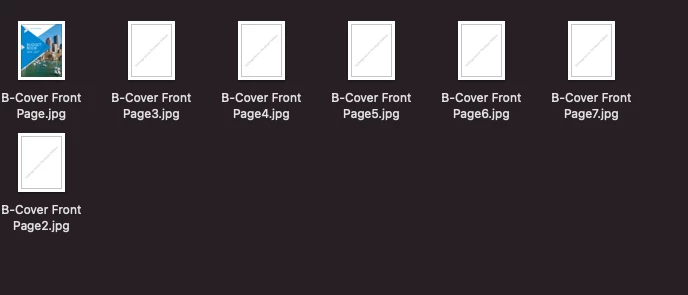
Hi everyone! I'm working on a script which will export final view of master page into a image. I haven't anythong better than apply master spread to page and export it as image. It works, but with of the indd file i noticed weired thing - instead of one file it saves 7 (screenshot below). Unless i'm missing something it seems to be incorrect behavior. Does anyone know what can cause such behaviour?
I'm using macos big sur v.11.4 and InDesign v.11.0.4 (also tried on server version).
Script which i used:
var doc = app.activeDocument;
app.jpegExportPreferences.jpegQuality = JPEGOptionsQuality.LOW;
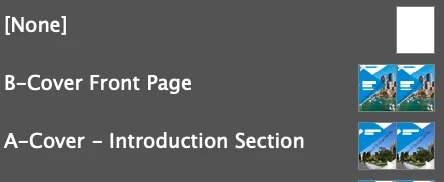
var masterPage = doc.masterSpreads.itemByName('B-Cover Front Page');
var previewFile = new File("/Users/user1/Desktop/test_export_images/" + masterPage.name + '.jpg');
doc.pages.firstItem().appliedMaster = masterPage;
doc.exportFile(ExportFormat.JPG, previewFile);
previewFile.close();
 AdChoices