Index | Don't Want Index Title | How to Trick or Eliminate?
- February 20, 2023
- 2 replies
- 976 views
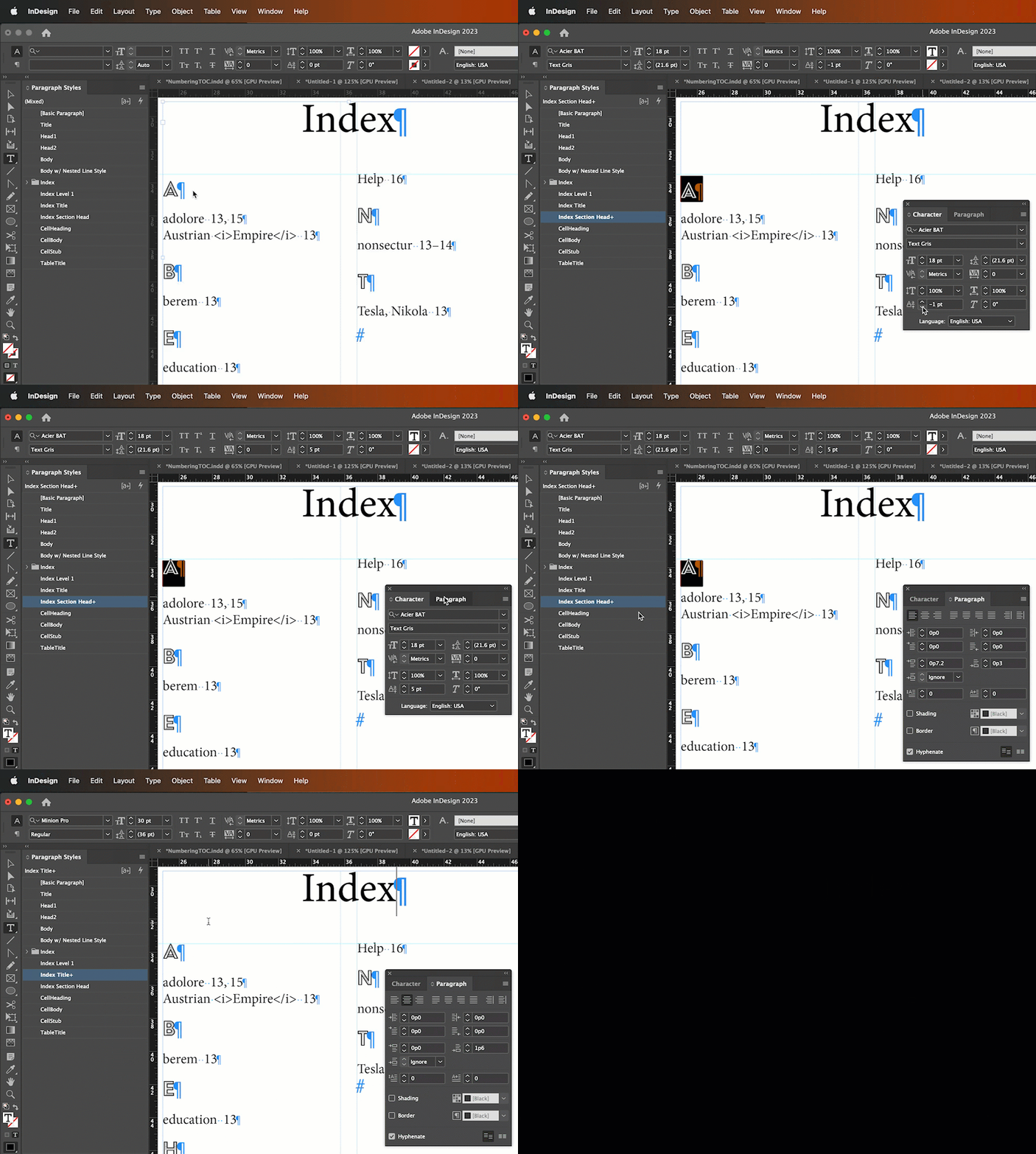
I'm generating a two-column index for my book. On the page where the index begins, I already have an index title paragraph style established for it to be uniform with the rest of the book's chapter headings. Therefore, I don't want to be forced by InDesign to use an index title. However, when I generate or update the index, I seem to have no option but to accept one. I can name it anything I want, but I don't want one at all. How do I trick InDesign to not have an index title? This matters since the two columns result in unevenness. See the attachment.
What I'm doing now to get the two columns to be even---as much as possible---is to create a paragraph style for the index title and shrink the font size to its lowest level of "0.1 pt". (It won't accept "0.0 pt".) I then input two blank spaces for the index title as filler. It's imperfect and barley discernable relative to the adjacent column, but still an unprofessional visual annoyance. Again, see the attachment.
 AdChoices