Known Participant
February 27, 2023
Answered

index non breaking after cross-reference

  • February 27, 2023
  • 2 replies
  • 967 views

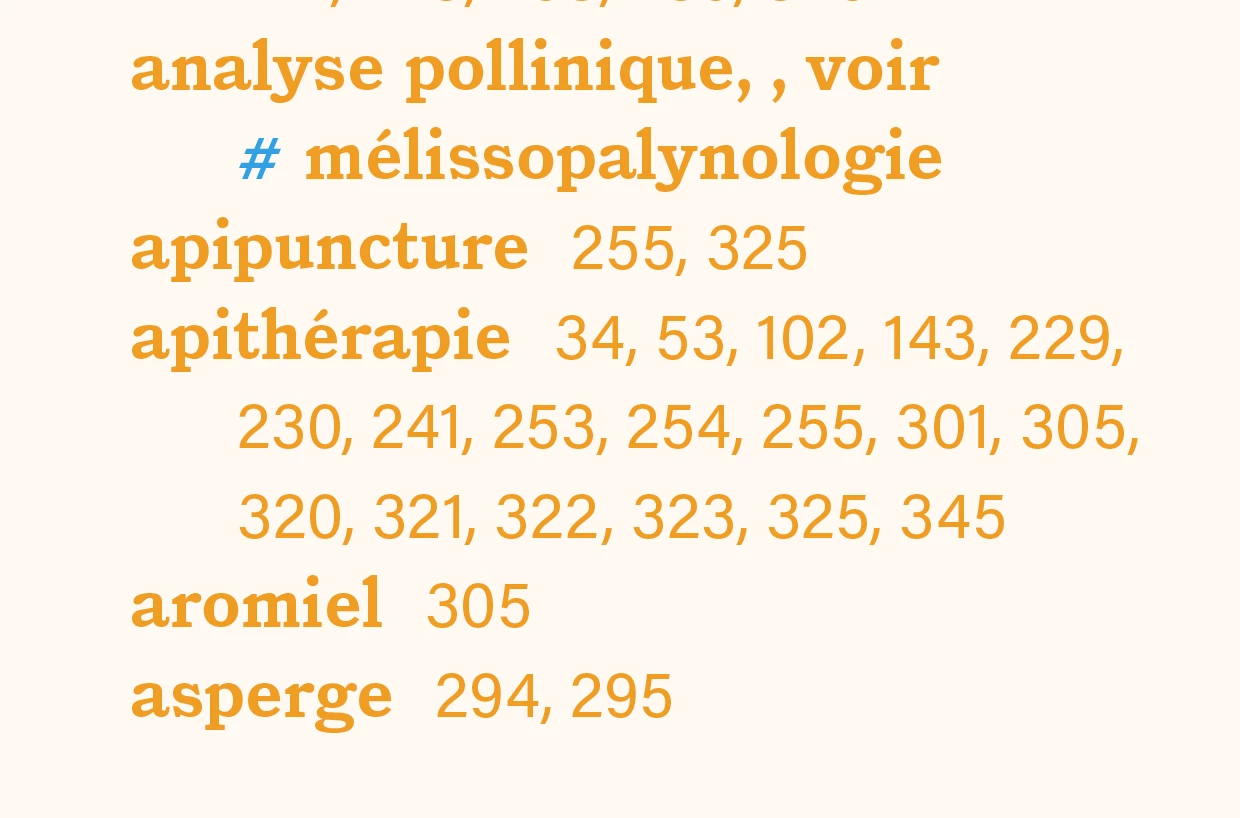
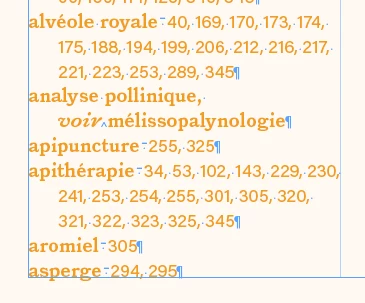
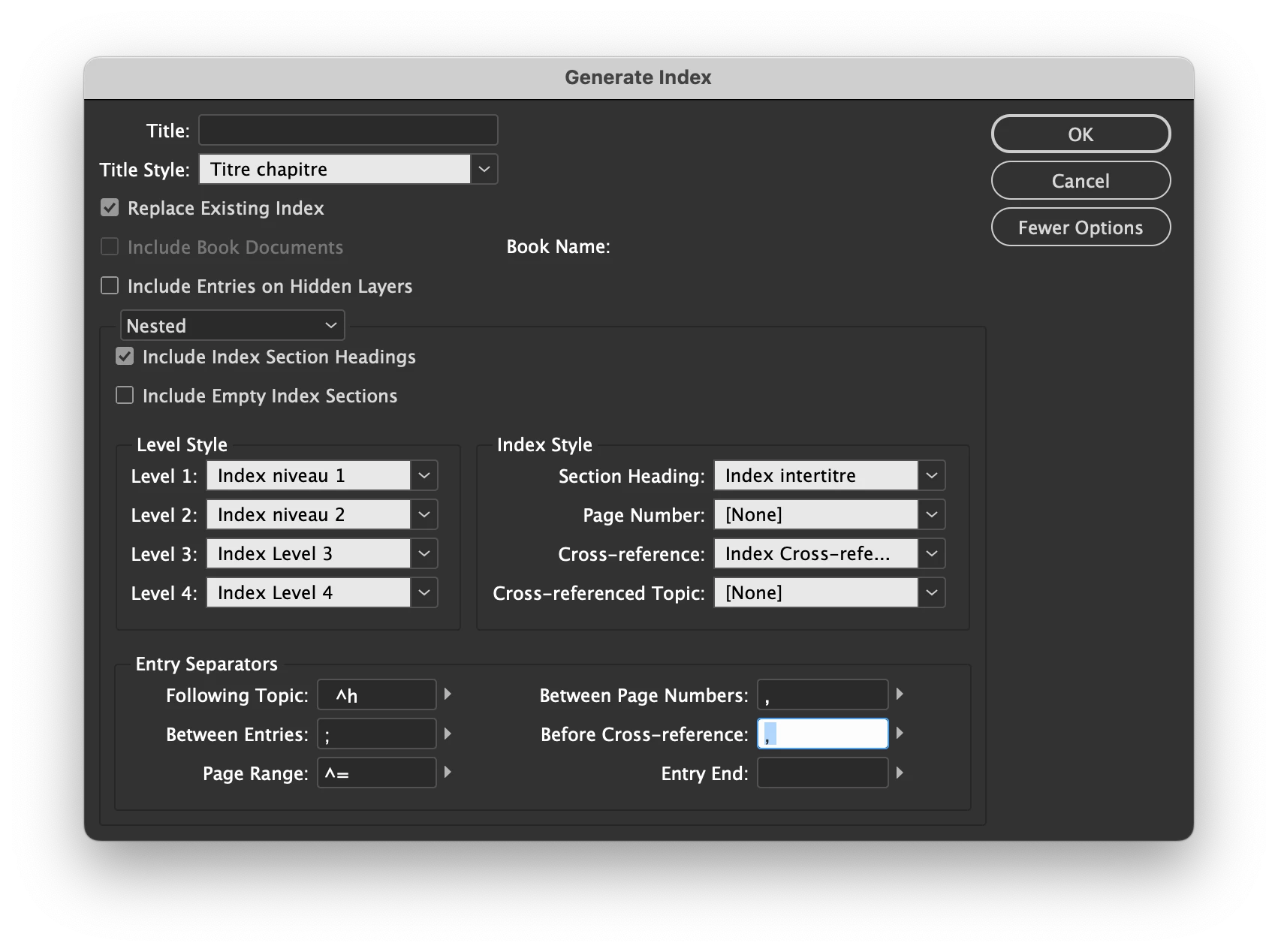
Hi, I'm trying to change the non breaking for a regular space afer the cross reference (, voir) in the index.

Any clue? Thanks!
This topic has been closed for replies.
Correct answer FRIdNGE

Hi @FRIdNGE , thanks for the answer. I'm not sure I get it completely. Even if I put a 0% tint to the «#», there's still a non breaking space after it, isn't it?


"Invisible" Char style is:
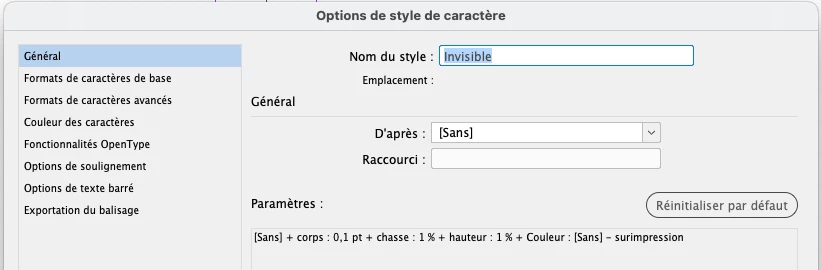


(^/)

2 replies

Barb Binder
Community Expert
Community Expert
February 27, 2023

Hi @JolinMasson:


The typical handling of an index cross-reference (in English, anyway) is as follows: 


When a see reference follows a main entry it is preceded by a period and See is capitalized and set in italics. No comma is used to separate the word See from the cross-reference.


InDesign is following that format. Best I can tell, your only option is to follow Eugene's advice and post-process the index. You will need to remember to do this each time you update the index. Don't forget to choose the GREP tab at the top of the Find/Change dialog box.


~Barb


~Barb at Rocky Mountain Training
Known Participant
February 27, 2023

Hi Barb, thanks for the answer. I would indeed have liked to not have to do some Find/Change after each Generation of the index, but well, I'll settle on this option. Thanks!

FRIdNGE
February 27, 2023

Of course you can do it! …


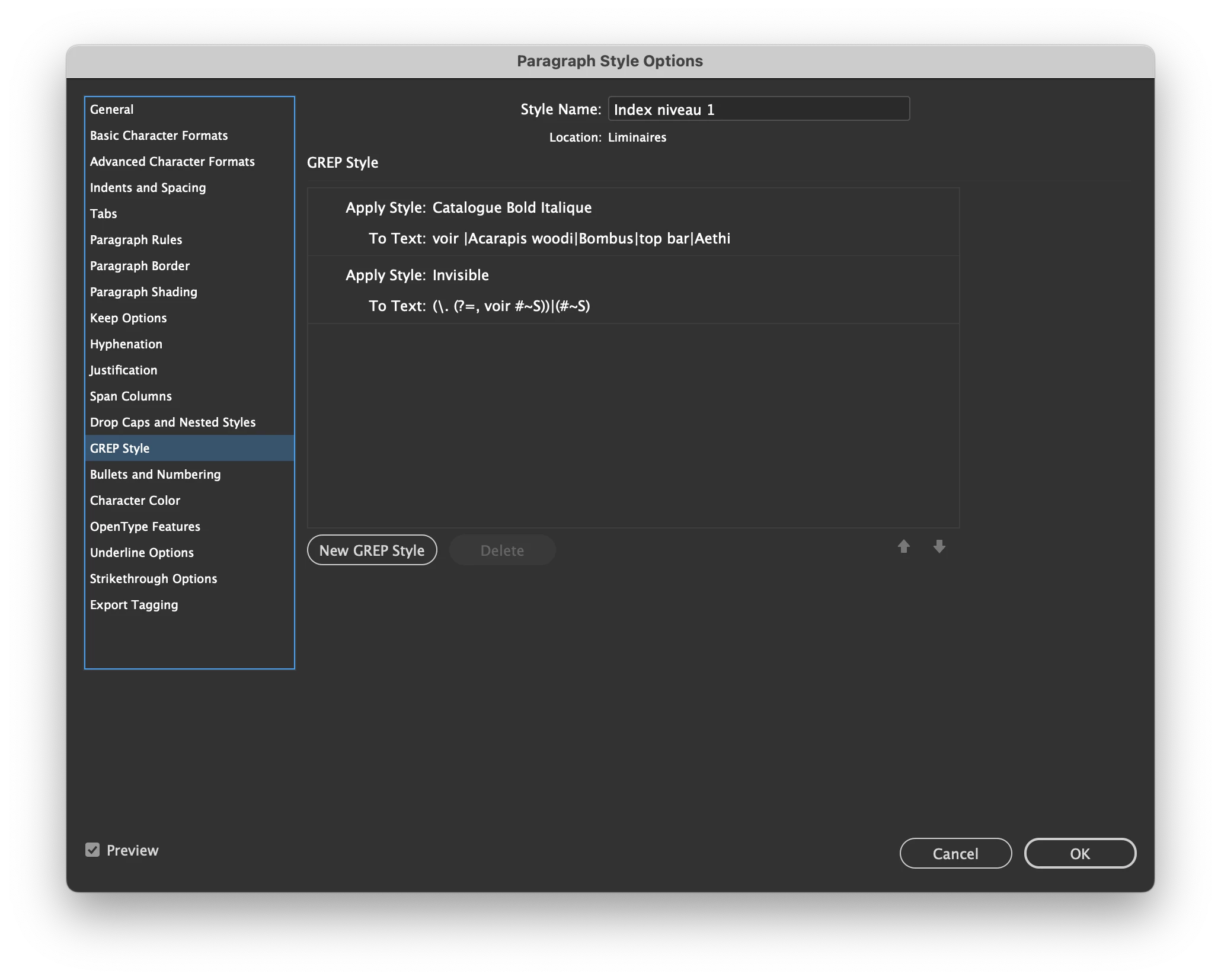
Use a "personalized cross-ref" as:

, voir #

and include this Grep style:

(\. (?=, voir #~S))|(#~S)

char style = invisible


Result:


(^/)  The Jedi

Community Expert
February 27, 2023

Not sure what you're doing here but a find and replace would do the trick?

Find

voir\K~S


Change to

<space>


where <space> is just a normal space