Participant
June 30, 2025
Question

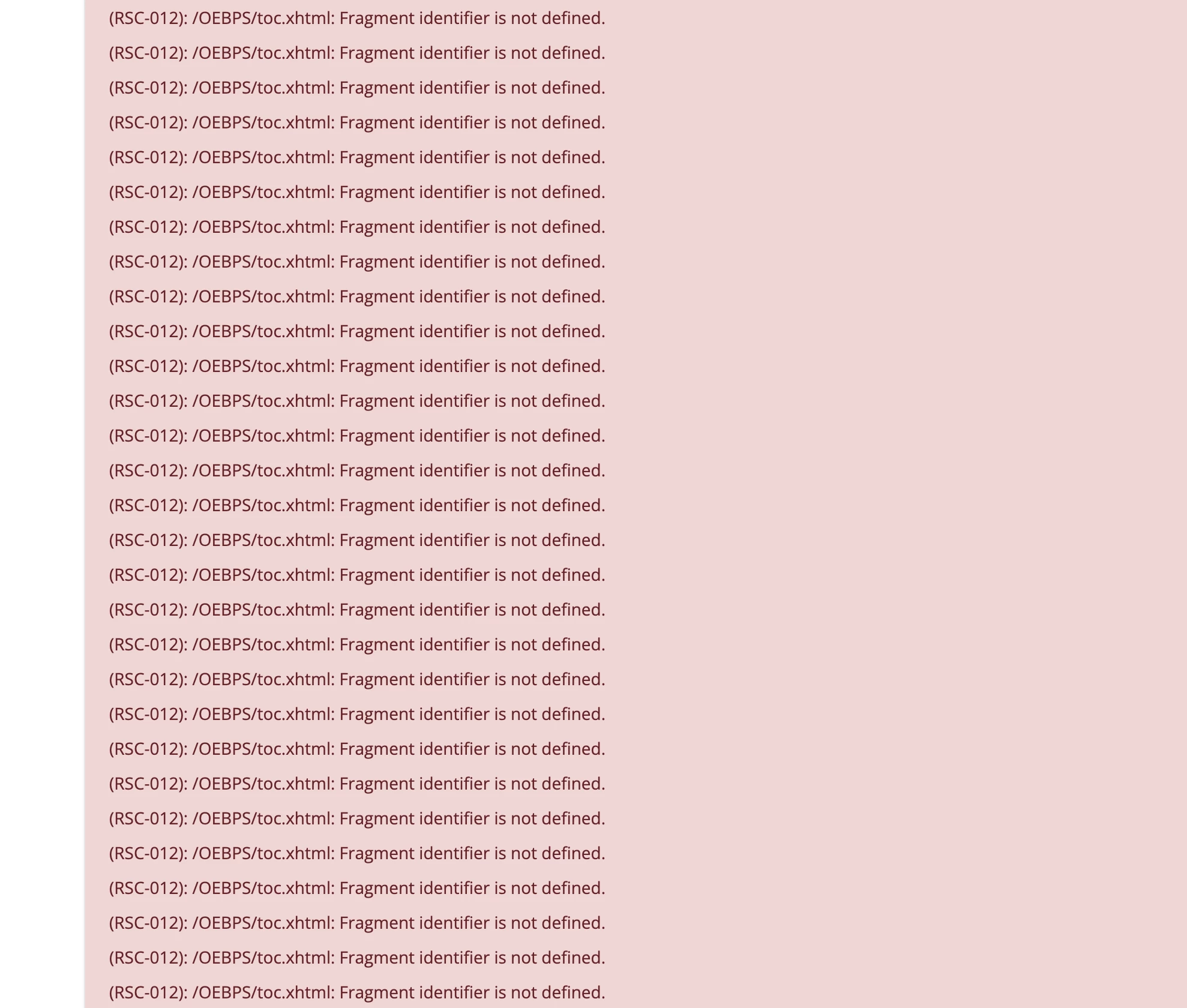
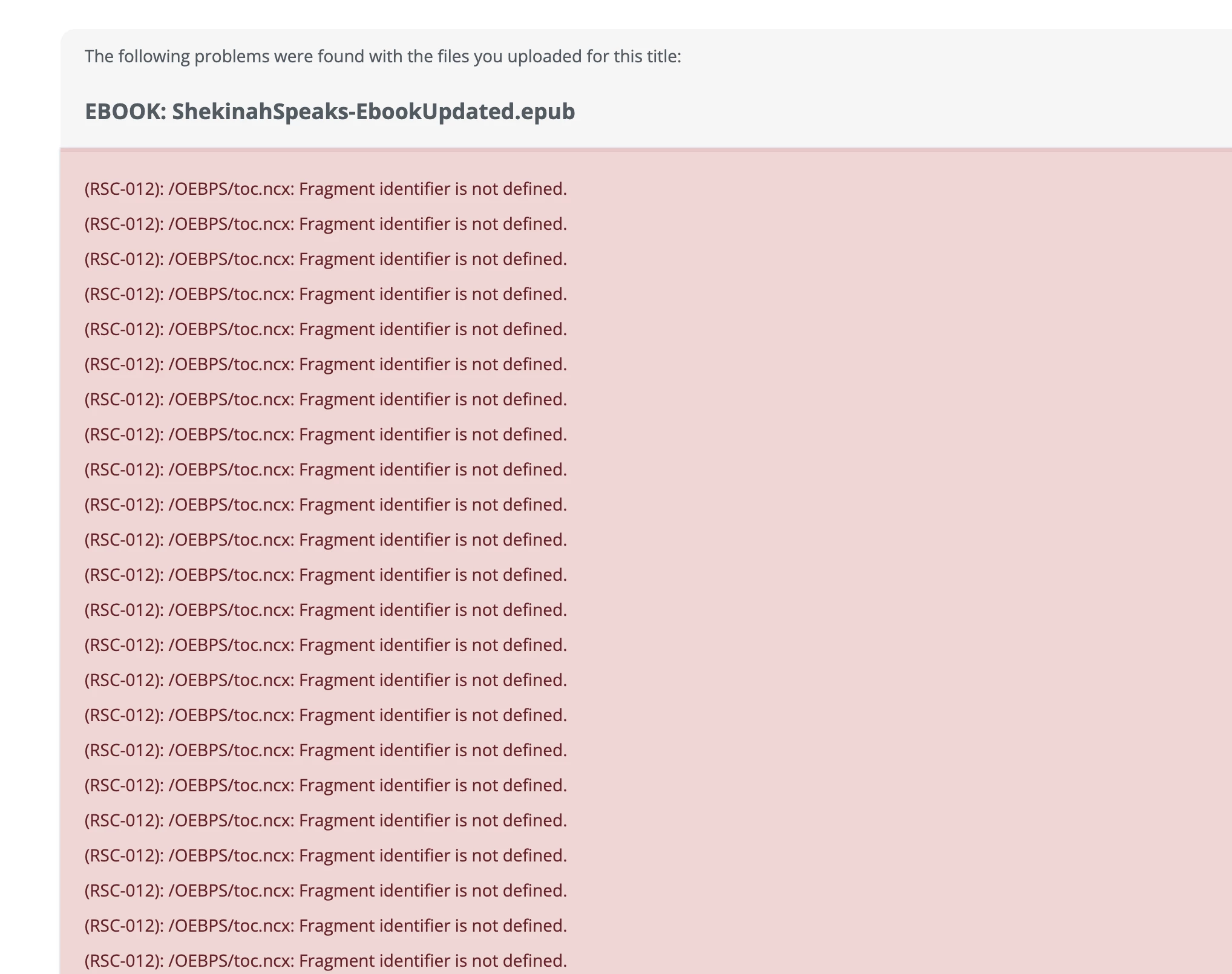
IngramSpark Ebook Error- RSC-012 (InDesign) - Please help!

  • June 30, 2025
  • 2 replies
  • 215 views

I have been seraching for a solution for hours. I've made this reflowable ebook in InDesig the same way I always do with a multi-level TOC and I've never had this error before.

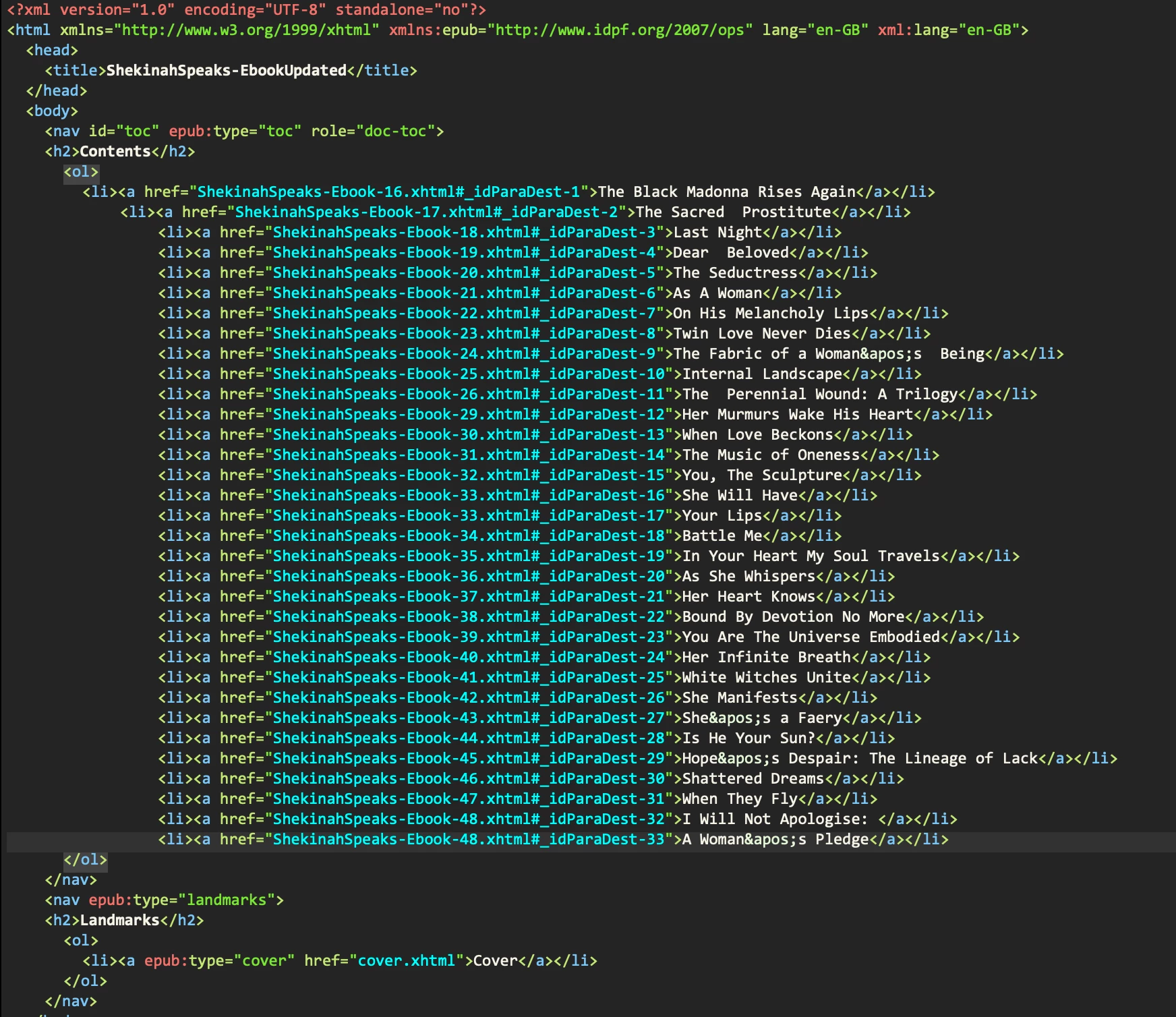
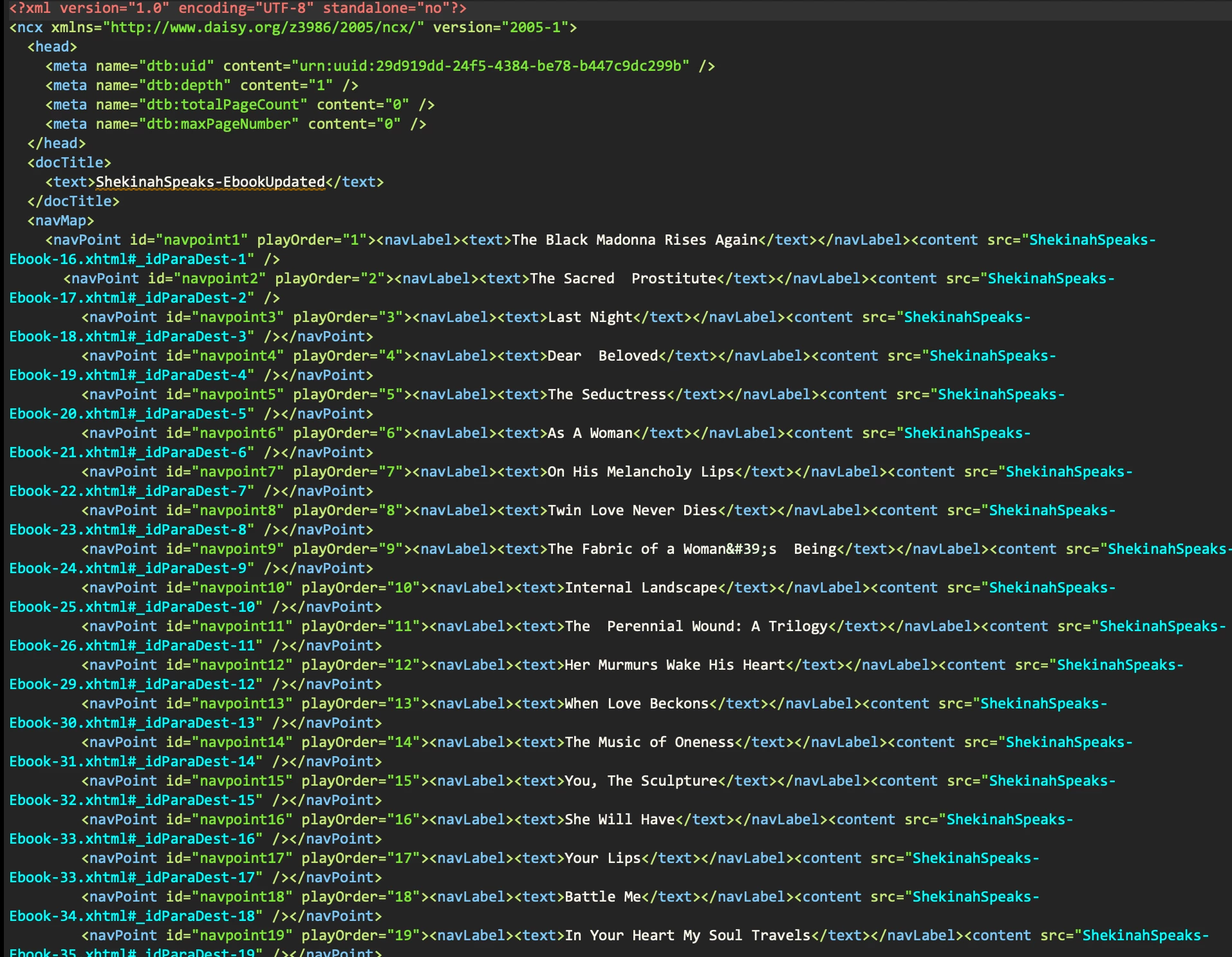
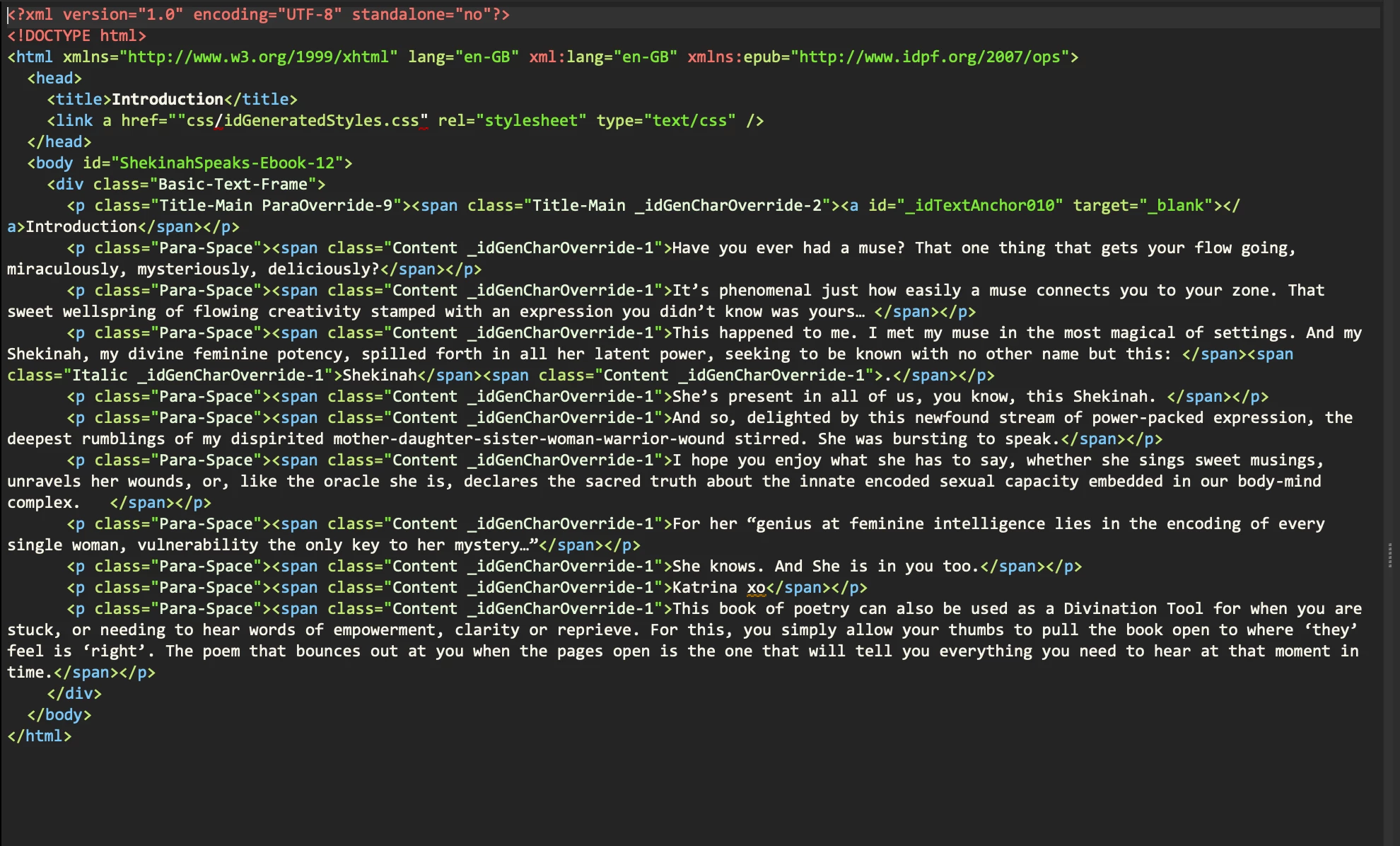
I have checked the code and all links in the TOC appear correctly labelled to correspond to tthe relevant ID markers on the relevant pages. I'm stuck, and my client's book needs to be published yesterday 🙂

I tried Unchecking 'Page Navigation' as suggested on another thread but this made no difference.

Can anyone help please?
2 replies

Inspiring
July 2, 2025

What a weird issue. The code looks fine but something is clearly going wrong. If you are comfortable editing the code, you might try deleting everything after .xhtml in the link reference. So <a href="ShekinahSpeaks-18.xhtml"> instead of <a href="ShekinahSpeaks-18.xhtml#_idParaDest-3">.

This will be a quick fix so you can get this project out the door but won't address what was going wrong in InDesign. 

Abhishek Rao
Community Manager
Community Manager
June 30, 2025

Hi @lyndam57073415,


Thanks for sharing all the details, and I completely understand how urgent this is, especially with your client waiting.

Could you please confirm which version of InDesign you're currently using, as well as your operating system? Also, let me know if this error is happening only with this particular EPUB file or if it's affecting other files as well.

If possible, please try creating a new simple sample file with a basic TOC and export it as an EPUB to see if the same error occurs. This will help us check if the issue is file-specific or a broader problem.

If you're not already on the latest InDesign version (20.4.1), please update to that version, export the EPUB again, and then test it in IngramSpark.


Let me know how it goes. Looking forward to hearing back from you. 

Abhishek


Participant
June 30, 2025

Thank you for your reply.

I'm using InDesign 20.3.1 - I am unable to update it right now but I will try that tomorrow.

This is the first file I have had this error with.

I just quickly made a simple test book with a TOC - I uploaded it to Ingram and I got some other error messages (fonts), but not the same one.


Abhishek Rao
Community Manager
Community Manager
June 30, 2025

Hi @lyndam57073415,


Thanks so much for the update. Once you're able to, please try exporting your EPUB using the 20.4 version of InDesign and let me know if you still run into the same error there.

Also, could you please confirm if what you're experiencing sounds similar to the issue described in this community thread: https://adobe.ly/4no32Nz

This will help us better understand if it's part of a known behavior or something different.


Looking forward to your update!

Abhishek