Inspiring
June 1, 2023
Answered

Inline object affecting adjacent text vertical position?

  • June 1, 2023
  • 2 replies
  • 419 views

Can't quite figure this one out... all things being equal (manual leading as well), When I paste this circle in place, for instance, the copy on the same line (vertically centered in Text Frame Options) drops to the bottom.

If I adjust Y for the anchoring, the circle and text can be aligned, but do so "low" in the frame & the circle extends outside the bottom of the frame.
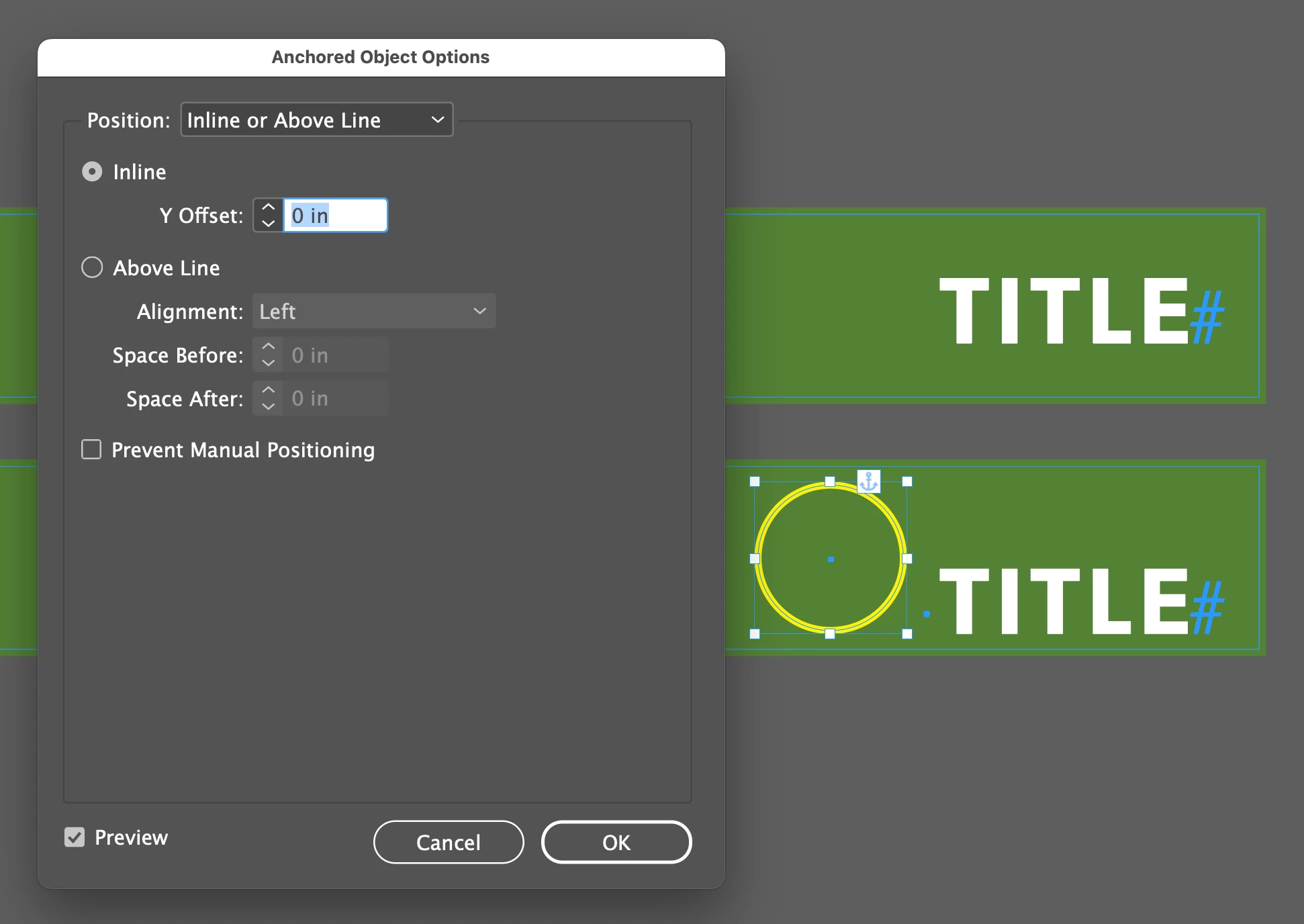
 

Not sure where to look to solve this...


thanks!
This topic has been closed for replies.
Correct answer Peter Spier

Seems to be a long-standing problem -- see it in CS6 as well.

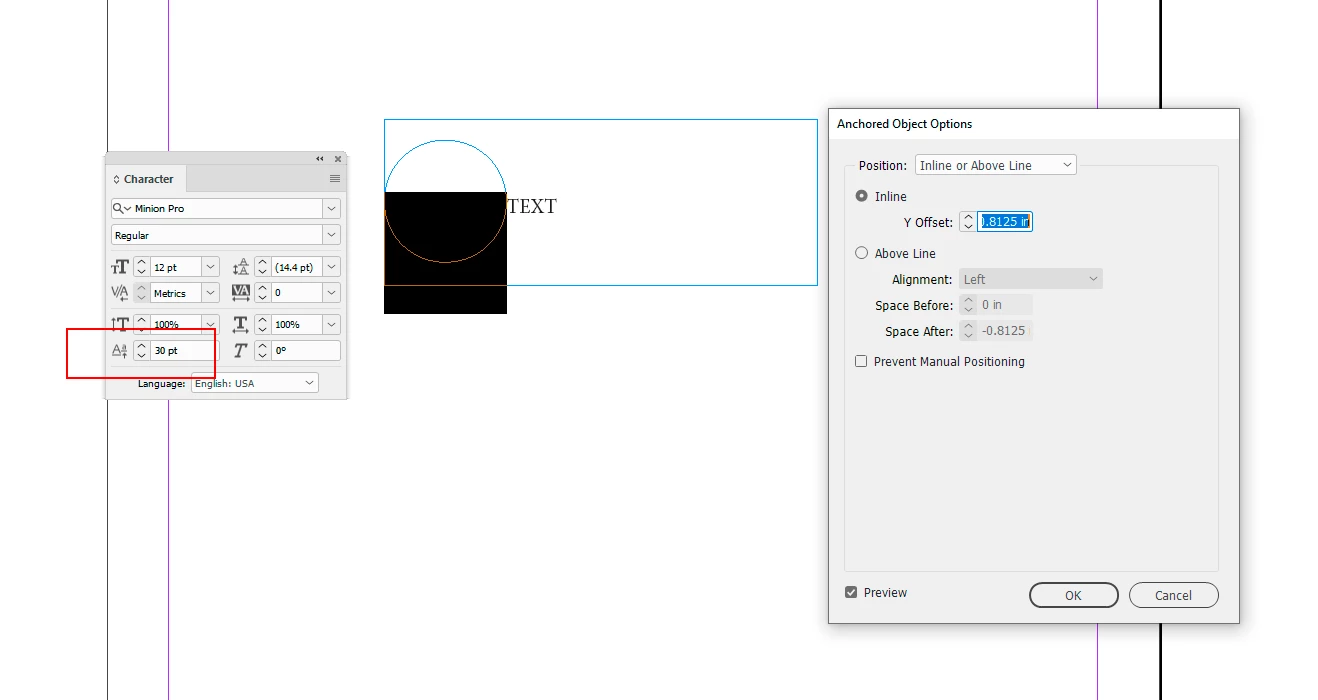
I don't see a solution other than combining a Y-offset with baseline shift applied to the object.


2 replies

Peter Spier
Community Expert
Peter SpierCommunity ExpertCorrect answer
Community Expert
June 1, 2023

Seems to be a long-standing problem -- see it in CS6 as well.

I don't see a solution other than combining a Y-offset with baseline shift applied to the object.


James Gifford—NitroPress
Legend
June 1, 2023

Or a two cell table, or two frames, grouped. But nothing very "clean." Odd bug. 

James Gifford—NitroPress
Legend
June 1, 2023

Set text wrap on the image to None, or another option?

turner111Author
Inspiring
June 1, 2023

Hey James - thanks - no wrap...