Participant
July 30, 2018
Question

Insert image name using variable text

  • July 30, 2018
  • 2 replies
  • 10947 views

I'm trying to do a couple of things:

1. insert variable text field on the master page to generate image name (layer name, not actual file name)

2. Lock frame positions in the master (prevent manual positioning in pages)

Here's what I tried:

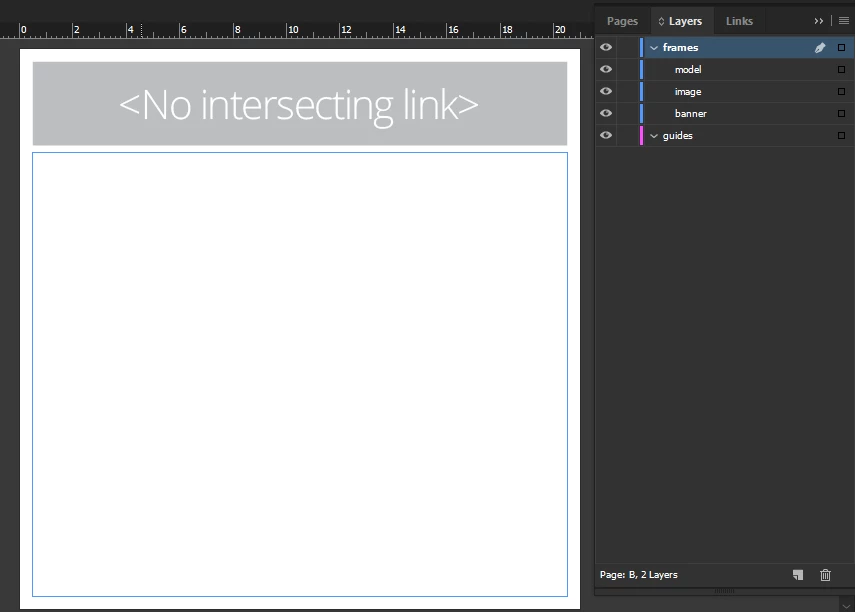
1. On master page, insert variable text "Image Name", as layer "model"

2. On master page, create a frame to hold the image, as layer "image"

3. Create some pages, drag some images into frames
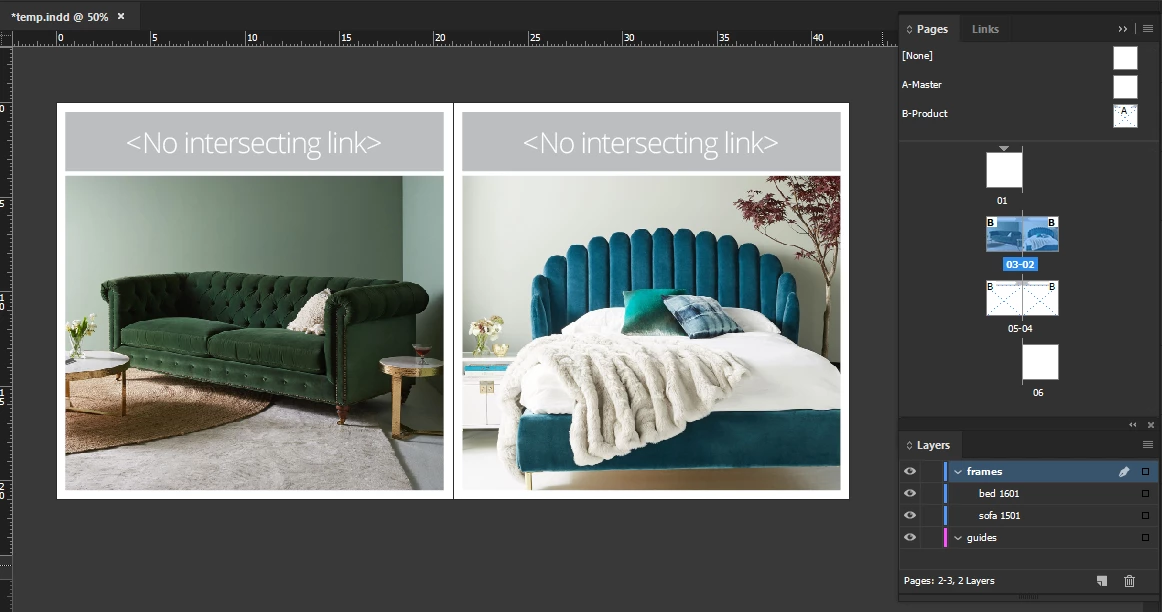
4. The text renders as "No intersecting link" in both master and pages

5. Create the same variable text, directly on a page (not in the master)

6. Text renders the image filename rather than the slug/layer name (sofa 1501, bed 1601)

The other thing I'm trying to do is to prevent manual positioning of the frames so that they don't move around when I drag/position images into them

    This topic has been closed for replies.

    2 replies

    vinny38
    Legend
    July 30, 2018

    Just some clarification:

    • A metadata variable must touch (or intersect) the related graphic. Otherwise, INDD throws the <No intersecting link> message.
    • If you put the frame that holds the metadata variable in your Master spread, it will behave like a Master element, meaning it will be sort of "locked" and won't relate to the image in your normal pages. To make the variable/caption active, you must override the master text frames. Place them on a separate layer in order to override them all in one go.
    • Metadata "Name" relates to file name. I'm really not sure what you mean by "slug/layer names"
    • In order to lock position of your placeholders, you must select them in your Master page and lock them. Then go Preferences > General and uncheck "Prevent Selection of Locked Objects".
    • As a alternative workflow, you could also place your header and image placeholder as an element in a library. Now, here's a cool trick that I often use : if you add a locked element in the library, Indd will put it right where it's supposed to go (make sure you select the right page though). See example below:

    Hope that helps...

    Vinny

    macpawel
    Participating Frequently
    July 30, 2018

    Hi,

    I'm not sure - your workflaw is correct

    Instead of text variable - try tu use Captions

    Go to menu Object>Captions>Settings and try to set tchem using matadata - Nama as well

    Then select images and use Generate Static or Dynamic Captions from OBject Menu (or you can use right mouse buton)

    Maybe it helps

    pawel

    Participant
    July 30, 2018

    Hi Pawel, yes I have tried the Captions though it's more of a manual method considering I have over 200 pages in this catalogue

    The variable text option is the best way to go just not sure what I'm doing wrong

    macpawel
    Participating Frequently
    July 30, 2018

    In your case - you have to put text frame over image

    Just enlarge your text or image frame - and be sure text frame overlap image

    it works

    pawel