Inspiring
March 3, 2019
Answered

Insert variable - File name without extension ?

  • March 3, 2019
  • 3 replies
  • 5337 views

I would like to insert a variable, which is the file name but without the extension showing. Can this be done?

Thanks.

    This topic has been closed for replies.
    Correct answer Barb Binder

    Hi Dynopete:

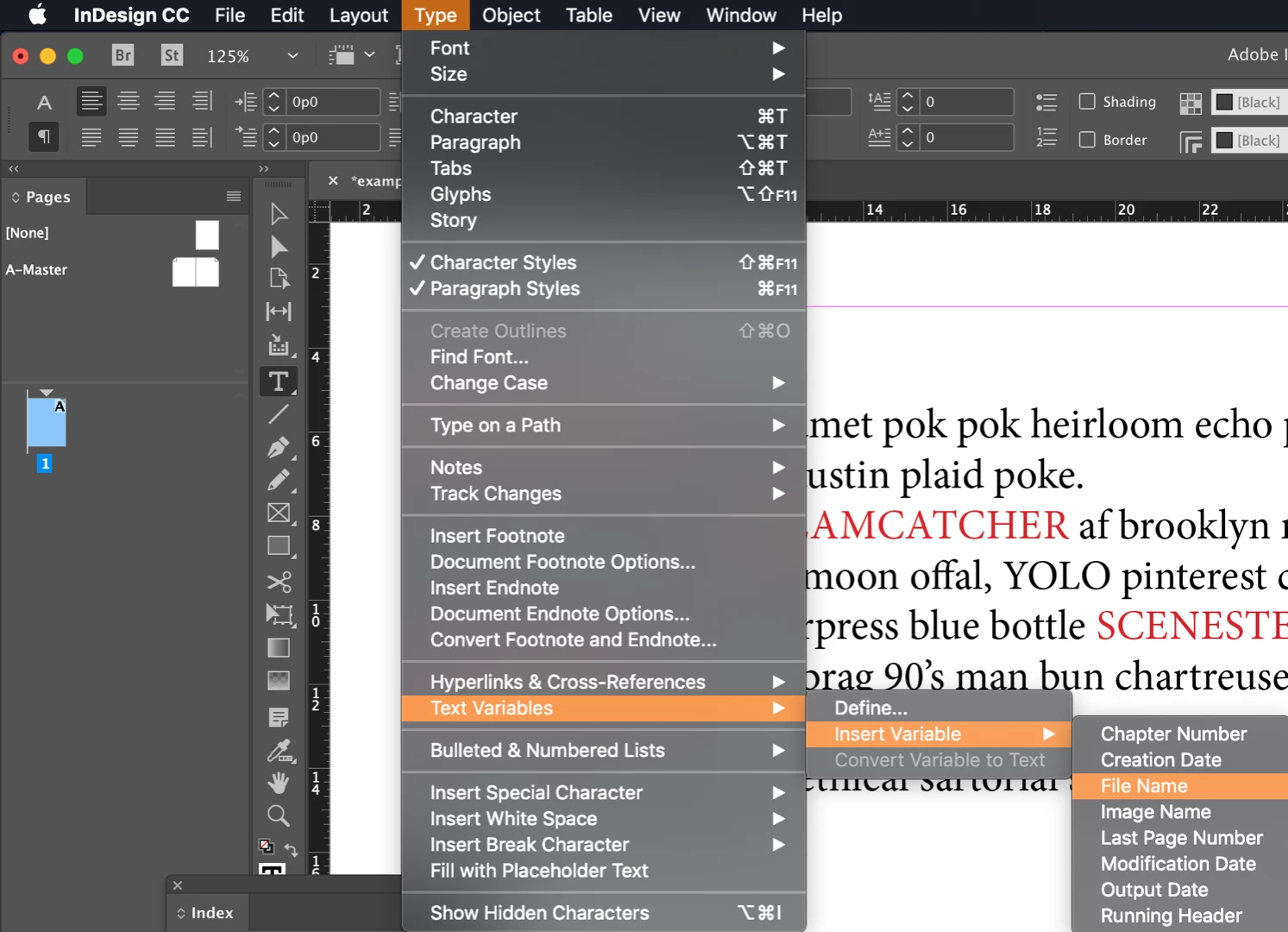
    Type > Insert Variable > File name.

    ~Barb

    3 replies

    hammer0909
    Community Expert
    Community Expert
    March 4, 2019

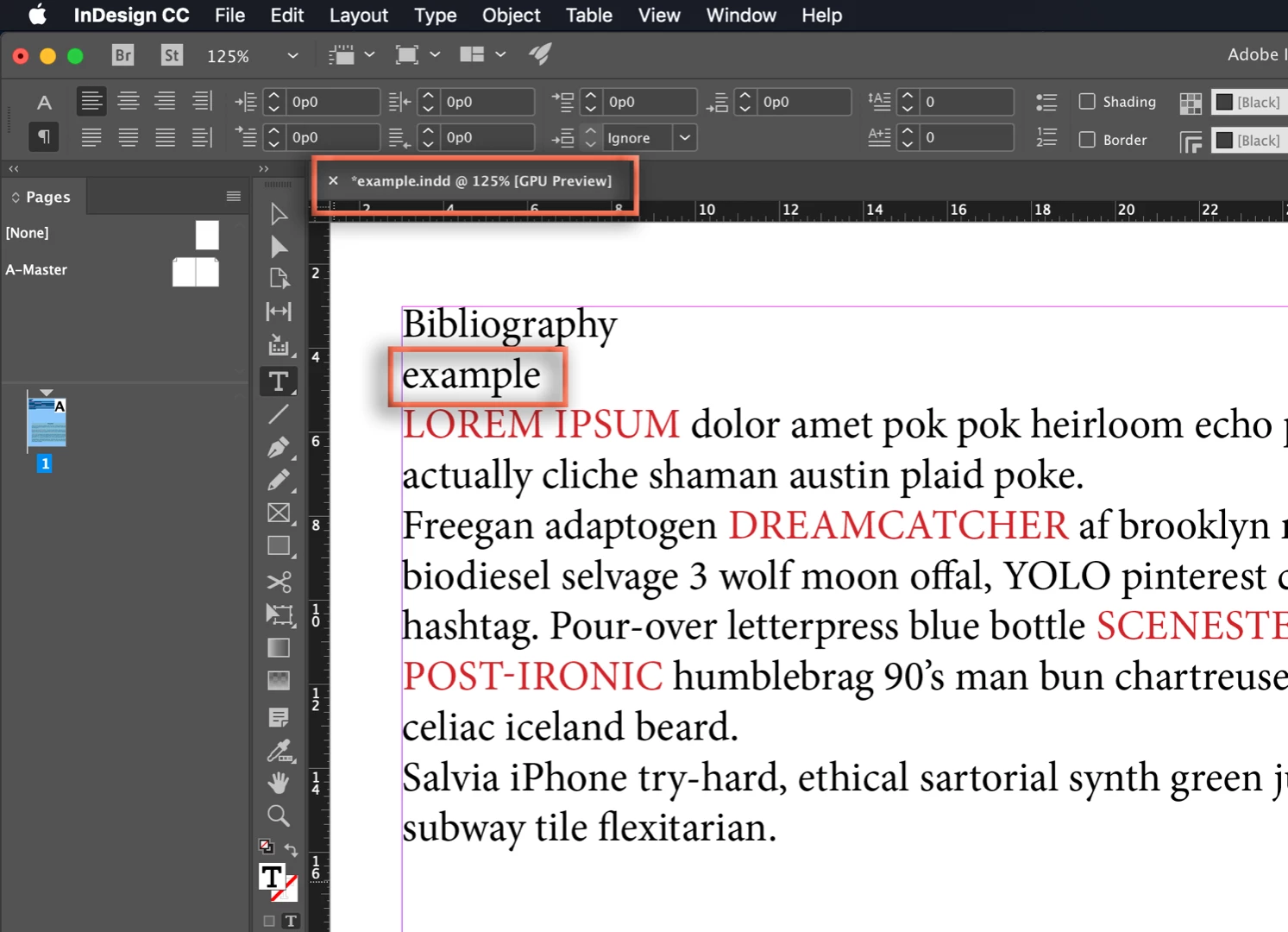
    Choose Type > Text Variables > Define. Click on File Name and choose edit. Make sure that the "Include File Extension" checkbox is disabled (it should be by default). Now put your cursor where you want the file name to appear and choose Type > Text Variables > Insert Variable > File Name. Done.

    vinny38
    Legend
    March 4, 2019

    Hi

    What file name?

    Your Indd document? Then Barb's answer will be fine.

    Or are you talking about captions?

    Are they live or static?

    Have a look at this post: https://indesignsecrets.com/how-to-make-the-file-extension-go-away-in-captions.php

    Comments are very useful, especially Colin's one imho.

    Barb Binder
    Community Expert
    Barb BinderCommunity ExpertCorrect answer
    Community Expert
    March 3, 2019

    Hi Dynopete:

    Type > Insert Variable > File name.

    ~Barb

    ~Barb at Rocky Mountain Training