Steve Dave
Inspiring
October 17, 2017
Question

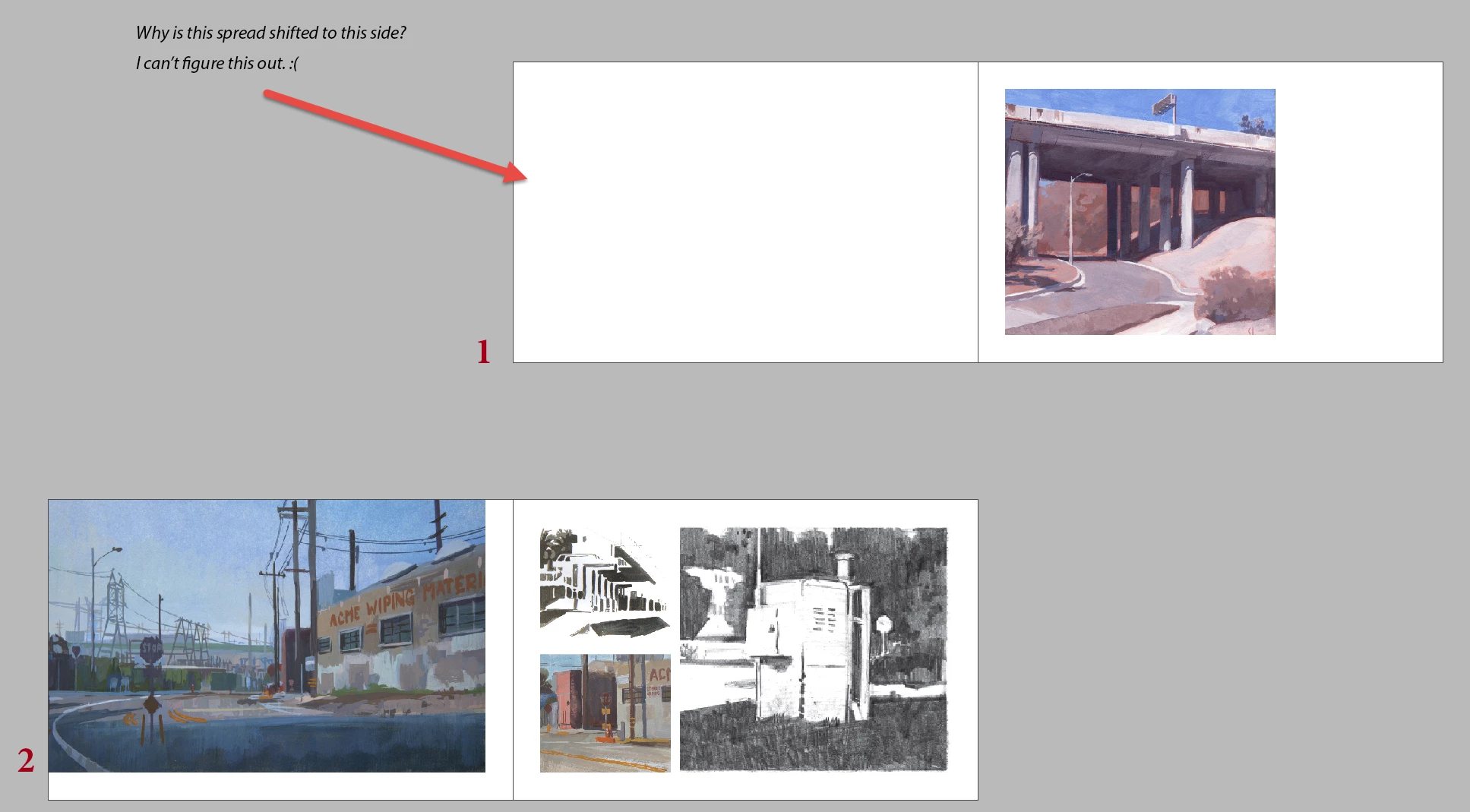
Inserted new page is on the right side?

  • October 17, 2017
  • 1 reply
  • 2255 views

Hi All,

I have a silly question but I can't figure this out for the life of me. In spread #1, I inserted a new page in hopes to create a blank page. As its happened,the new page spread shifted to the right as shown in the picture below. I don't know how to fix this or what it means. All my other spreads are like spread #2.  Thanks in advance for any help!
This topic has been closed for replies.

1 reply

JonathanArias
Legend
October 17, 2017

In the pages panel there are options checked by default, one of them I called ”allow pages to shuffle and keep spreads together” unchecked the both and now you will be able to move the pages the way you want.

Steve Dave
Inspiring
October 17, 2017

Gah, silly me. Thank you so much for your help!

JonathanArias
Legend
October 17, 2017

Not silly at all. I don’t like that is checked and you have to uncheck it to activate the capability to do what you wanted. Should be the other way. I struggled with that feature many times to move pages how I want.