


Pixelysian
Inspiring
July 16, 2018
Question

Interactive Button issue

  • July 16, 2018
  • 2 replies
  • 619 views

I am creating a test button as part of an interactive doc. It will have an image at some point which will go from greyscale to colour. Once selected, it should take the user to a separate page...

Current test button:

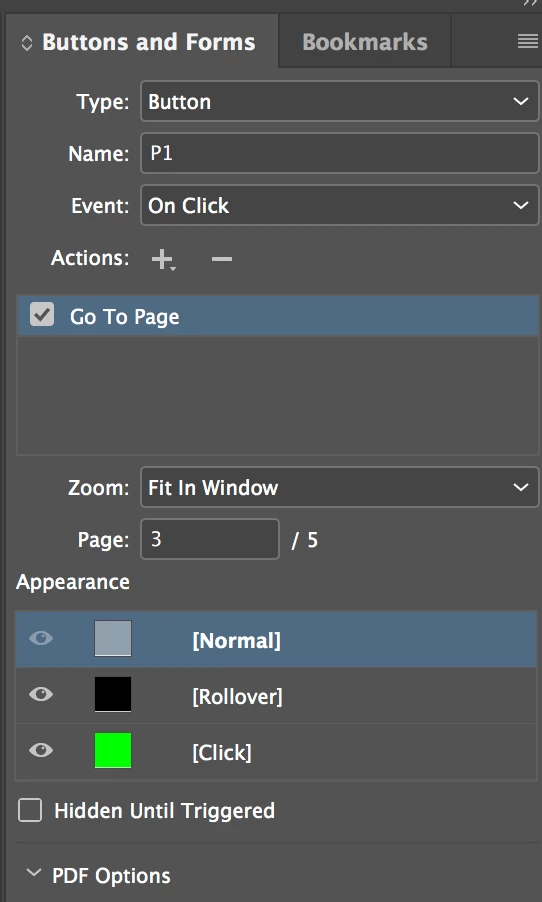
Current settings: (I have tried Event: On Click and On Release or Tap - neither work)
Page 3 of document (where I want the button to link to):
I can see the rollover in the Preview, but it doesn't take you to the page.

When I publish it, it goes straight to page 3 without the rollover action...

Any ideas?

This topic has been closed for replies.

2 replies

JonathanArias
Legend
July 16, 2018

does it have to be a .pdf? interactive .pdf don't work well. specially for the multiple things you want to do. a MSO would be a better fit but you would need to publish online.

Pixelysian
Inspiring
July 19, 2018

It's an ePub rather than an interactive PDF....

Steve Werner
Community Expert
Community Expert
July 19, 2018

Then we'll move this discussion to the right forum: InDesign EPUB.

macpawel
Participating Frequently
July 16, 2018

Be sure you check all pages preview option and then start preview

Pixelysian
Inspiring
July 16, 2018

Hi

I have tried that - also doesn't make any difference.

Thanks!