



SlobberyLemur
Participant
January 12, 2023
Answered

Interactive Buttons in PDF Not Working

  • January 12, 2023
  • 3 replies
  • 1132 views

Hey All,

I am trying to create a calendar in InDesign that include deadlines so when you click a deadline date a popup comes up and shows the deadline. I can get this to work fine when I preview it in EPUB, but of course when I try to export it as a pdf it does not translate at all. I see a lot of posts about exporting and checking off an "Interactive" button but all I see in Interactive Elements is Include Appearance which shows all button elements but does not react to any clicking. The button options I am using in Buttons and Forms is Event: On Release or Tap and that is it, I haven't seen anything in my research where this element should not translate over to a pdf when exporting. What am I doing wrong? I am using Adobe InDesign 2023 and Adobe Acrobat to view my pdf. Thank you!
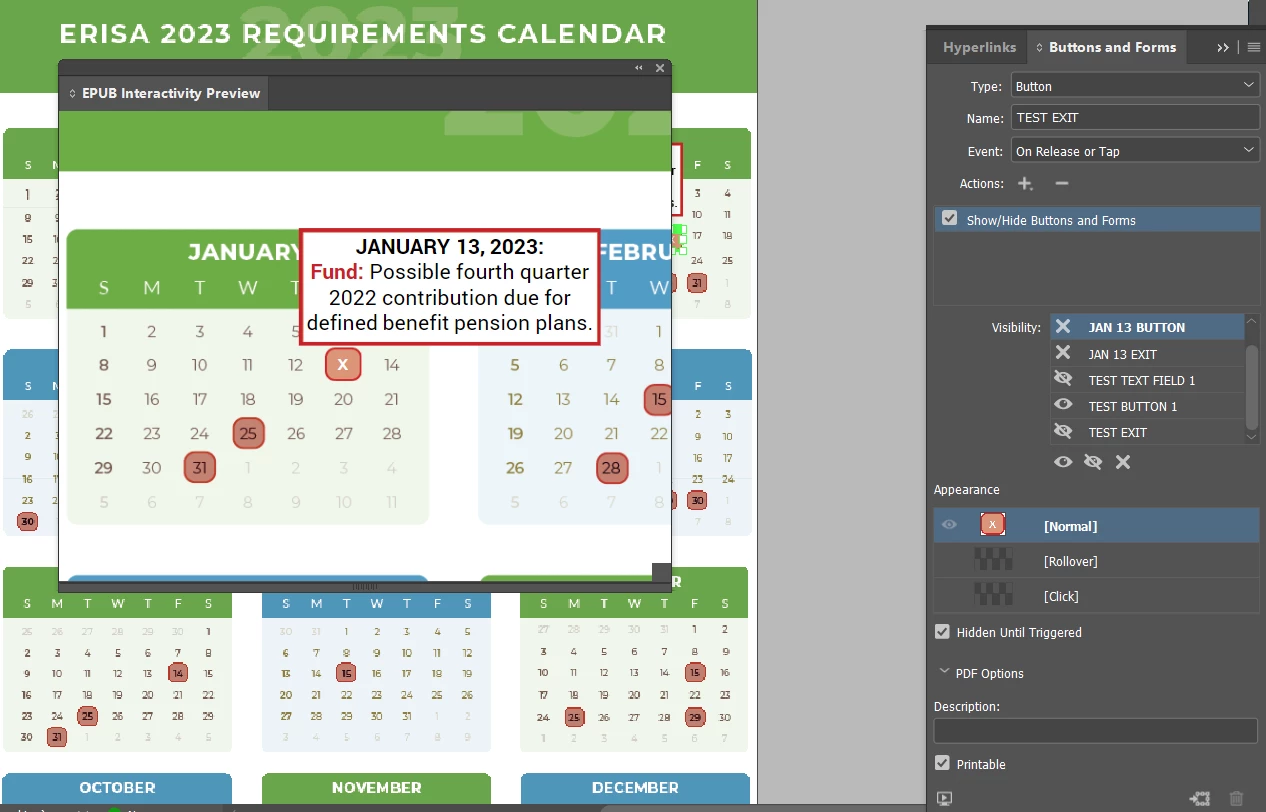
^^EPUB Preview everything is reacting as intended
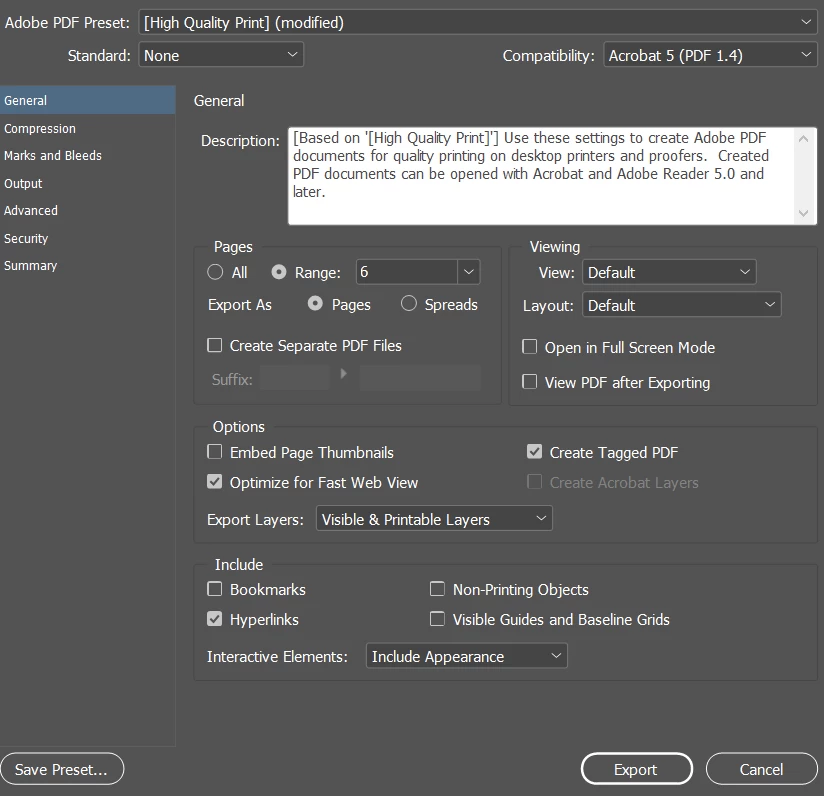
^^Only Interactive Elements: Include Appearance
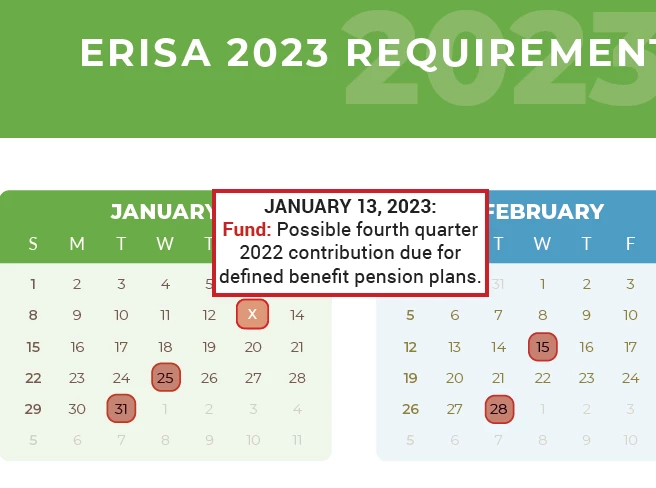
^^After exporting with include appearance in pdf it shows the button elements but nothing is clickable or acting as it should. If I don't include that none of my button elements are there at all.

This topic has been closed for replies.
Correct answer BobLevine

For starters, you'll never get interactivity if you're exporting a print PDF. You need to export to Adobe PDF (interactive) to even have a small possibility of it working.


That out of the way, in addition to the other comments, this appears to be a case of reinventing the wheel. Why would you even do this kind of work when there are scores of better ways to do it? I'm afraid this type of project is not at all a good use of interactive PDF.

3 replies

BobLevine
Community Expert
BobLevineCommunity ExpertCorrect answer
Community Expert
January 13, 2023

For starters, you'll never get interactivity if you're exporting a print PDF. You need to export to Adobe PDF (interactive) to even have a small possibility of it working.


That out of the way, in addition to the other comments, this appears to be a case of reinventing the wheel. Why would you even do this kind of work when there are scores of better ways to do it? I'm afraid this type of project is not at all a good use of interactive PDF.

SlobberyLemur
Participant
January 13, 2023

This worked, thank you! And yes, I know that I am jumping through hoops to get this done, it's for my job and they like to send out electronic pdf newsletters. I will probably end up making a web calendar using the same information which will be much easier to create and share down the line.

BobLevine
Community Expert
Community Expert
January 13, 2023

You should test it in various PDF readers before you declare success. Beyond Acrobat and Reader (which could still be wonky) you're in total crapshoot territory. These things are not responsive so it's going to look awful on a phone.

Steve Werner
Community Expert
Community Expert
January 12, 2023

EPUB and Publish Online are usng HTML.  PDF cannot do the kind of interactivity you're looking for. Furthermore, even if you find some kind of interactivity which might work in Adobe Acrobat or Reader on Mac or Windows, it will not work in many PDF readers (e.g. Pages on Mac or browser display of PDF).


Viewing in EPUB Preview is not accurate for preview of interactive PDF.

Derek Cross
Community Expert
Community Expert
January 12, 2023

This kind of thing is not recommended in the PDF format, you'll have loads of issues particularly with tablets and smart phones. Use FXL ePub, InDesign's Publish Online or in5, an InDesign plugin (at extra cost).