
Interactive buttons question - How do I make this look better?
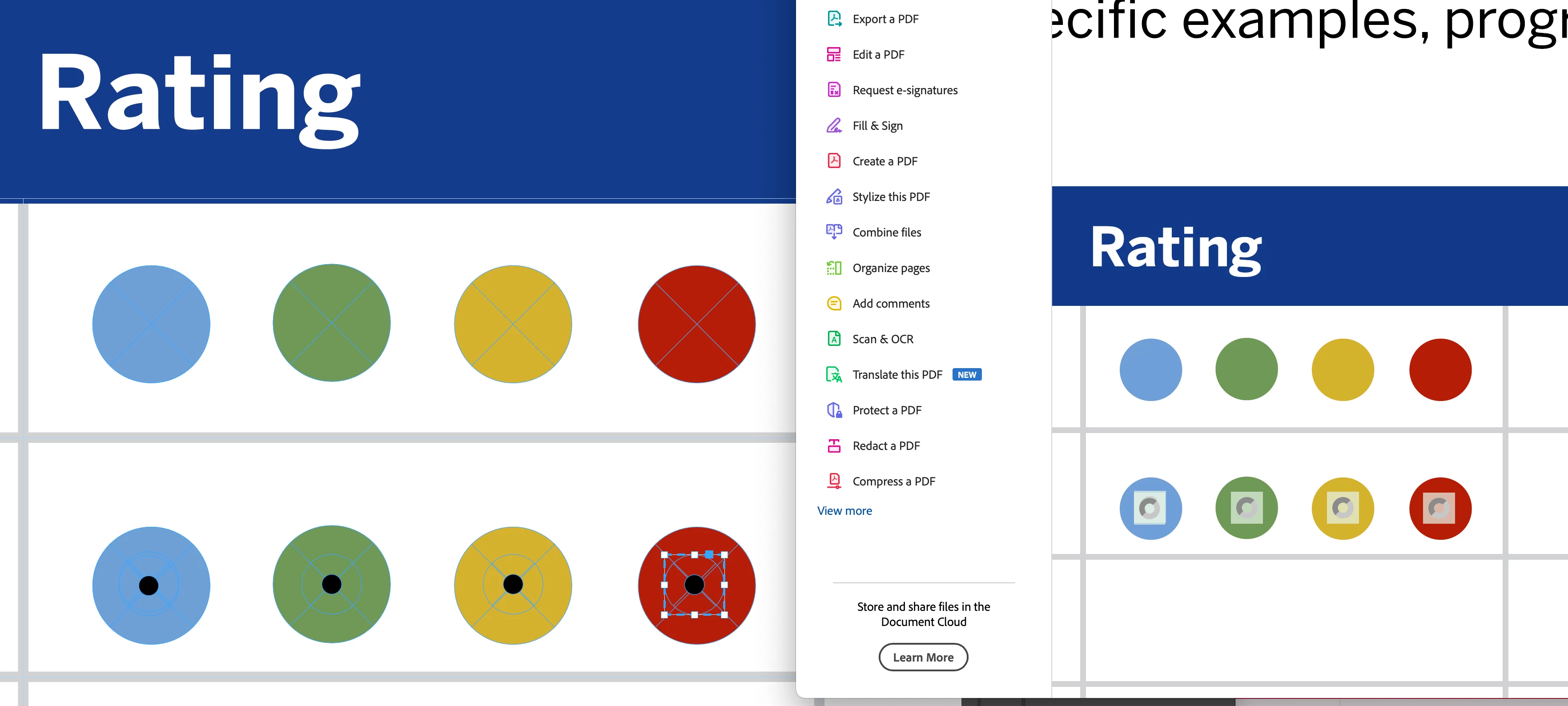
Hi -- I'm working on a form for a client that has a rating system using these color-coded circles. There are four colored circles in a row, and the user of the interactive PDF is to choose one. Naturally, radio buttons make the most sense. However, as you see in the PDF (right-hand side of screen shot), it displays this awful square inset. I don't see any way in InDesign to adjust this so that the circles stay solid and only display an asthetically-pleasing indicator of some sort (checkbox, radio circle, outline, etc. ) when clicked.
I've tried leaving them solid circles in InDesign and then adding radio buttons in Acrobat, but it still doesn't look the best.
Is there something simple or creative I'm missing that would make this PDF form look better?


 AdChoices