
Participant
November 13, 2017
Question

Interactive element works only in Adobe Acrobat

  • November 13, 2017
  • 3 replies
  • 463 views

Hello everyone ... so, here's the subject: I'm making a pdf catalog with some interactive elements in Adobe InDesign. No big deal, just a few pop-up boxes that pop up when the mouse rolls over the icons.

The problem is that this element only works when I open the file in Acrobat (photo 1).
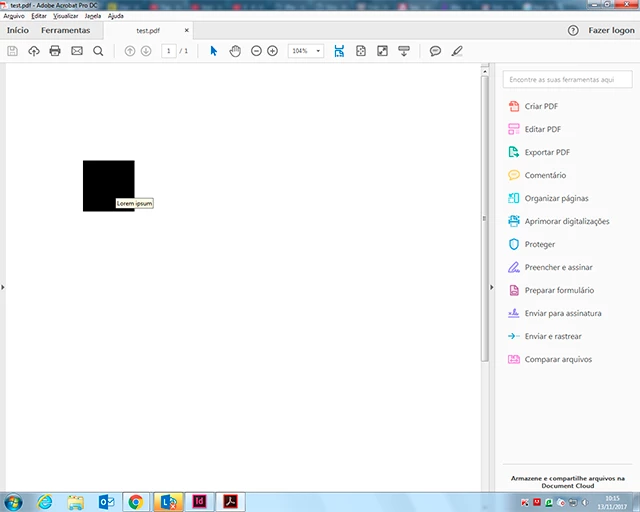
When I run the same procedure in Google Chrome, for example, the caption does not appear. (photo 2).

The idea is that the feature works on any pdf reader. Would anyone know how to solve it?

I would not even know how to look, so I'm sorry if the topic was already covered in another post.

Thank you in advance.

    This topic has been closed for replies.

    3 replies

    BobLevine
    Community Expert
    Community Expert
    November 13, 2017

    In addition to what's already been said, you will note that when exporting the format is Adobe PDF. Anything other than Acrobat or Reader is just a crapshoot.

    Steve Werner
    Community Expert
    Community Expert
    November 13, 2017

    >The idea is that the feature works on any pdf reader.

    I agree with Derek. Many PDF readers do NOT support all forms of interactivity. Either simplify, or suggest your readers use the free Adobe Reader. Or choose a different format.

    Derek Cross
    Community Expert
    Community Expert
    November 13, 2017

    That is the problem with interactive PDFs features are limited depending on the PDF viewer that the user may use and is therefore out of the control of the publisher. Keep your interactivity simple or use another format such as FXL ePub or in5.

    gusnienovAuthor
    Participant
    November 20, 2017

    Thanks Derek! That's what I was afraid of...