
Participant
December 19, 2022
Question

Interactive pdf Checkboxes adding automatic fields in Acrobat

  • December 19, 2022
  • 5 replies
  • 5248 views

I am trying to create a survey as an interactive pdf in InDesign. I have set this up using the Button tool in InDesign, and using the Checkbox option. This automatically adds a checkmark on the active position, but I have deleted this and edited the active state instead to change the color of the object. 
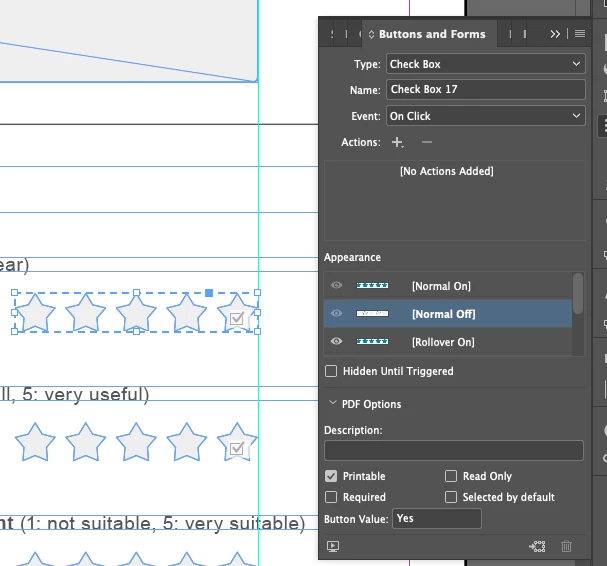


When I export this as an interactive pdf, it works exactly as planned on my computer in Acrobat.
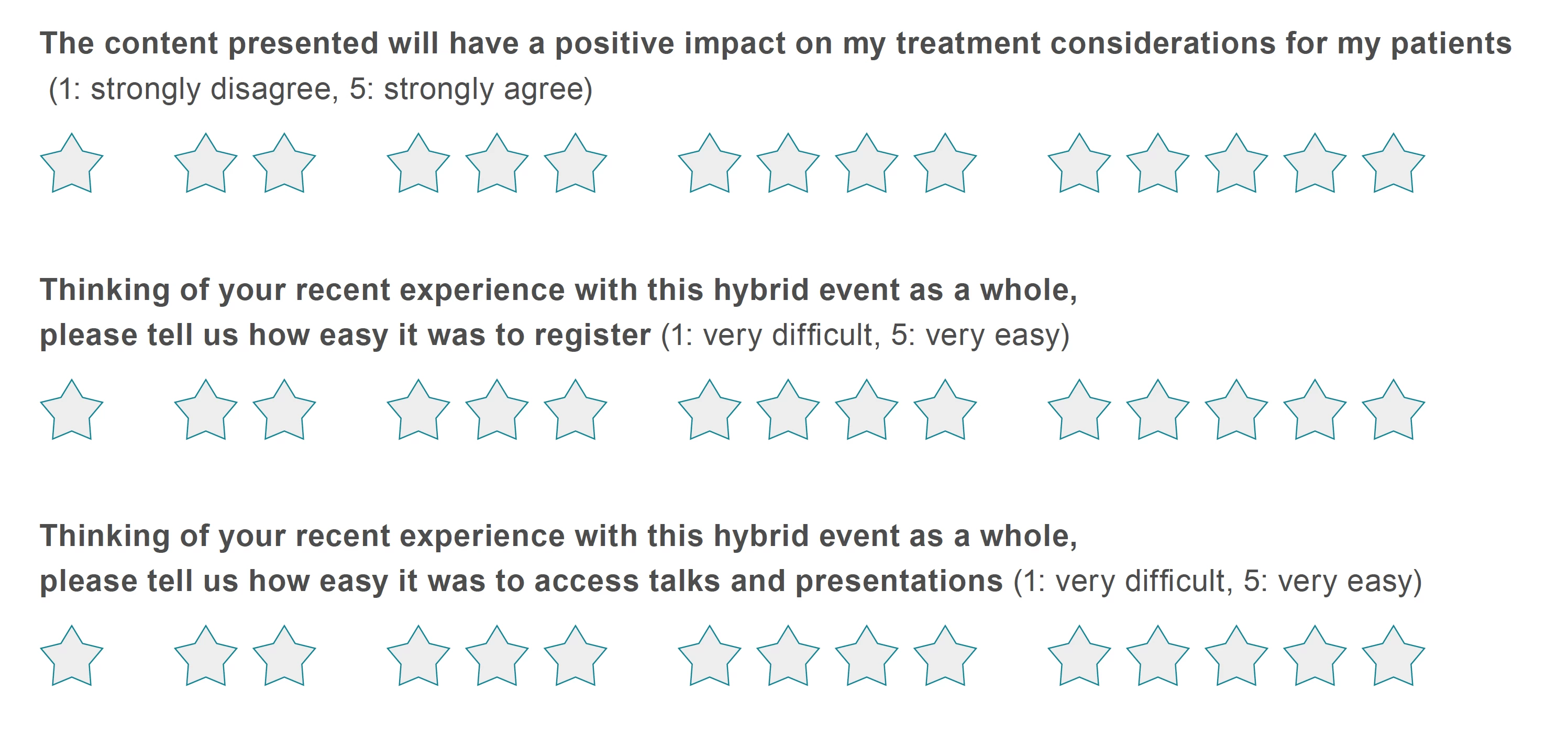
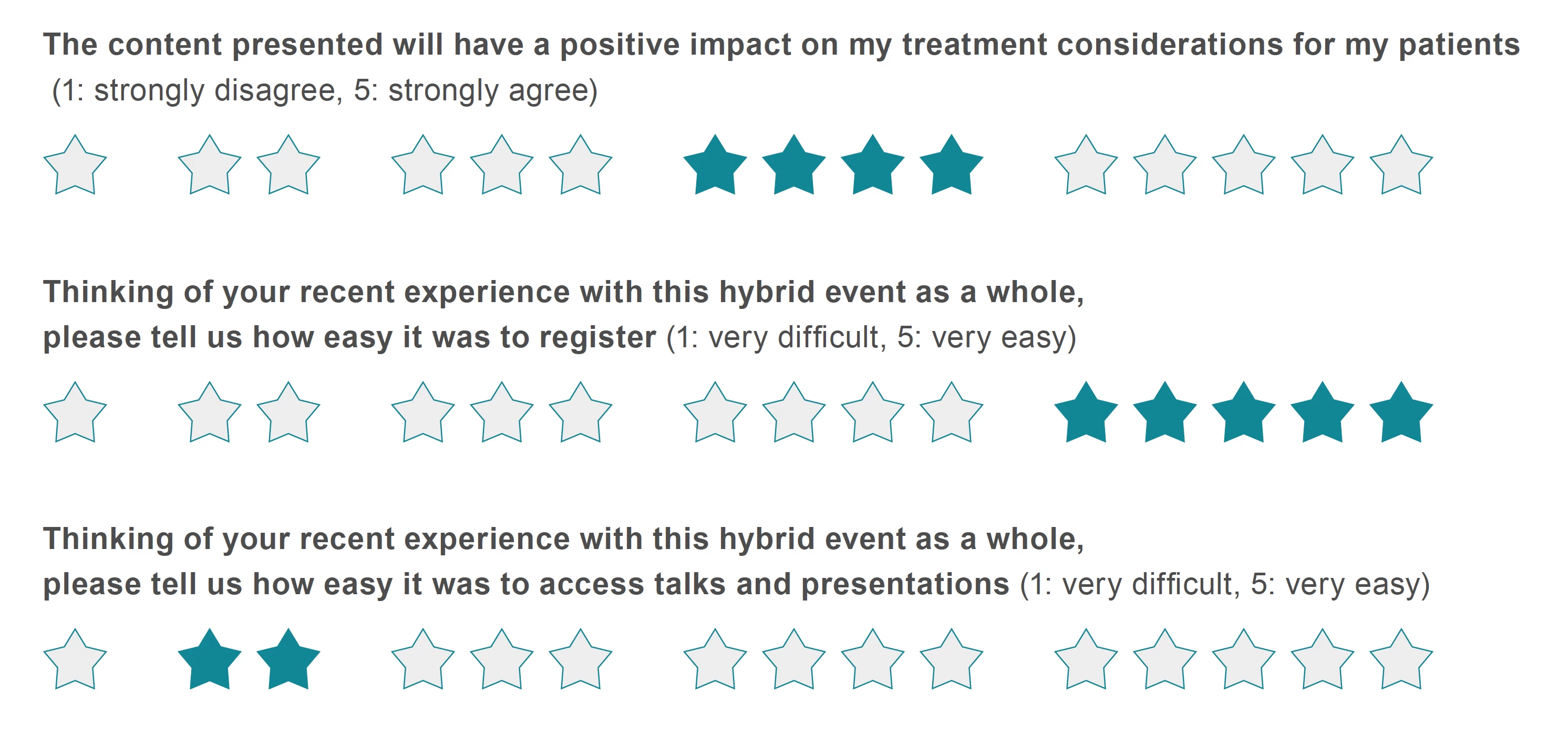
I am able to click on ('check off') the different star ratings, save it as a pdf with the star ratings applied. The design appears exactly as intended.
 

However, when sending this out to colleagues to test, Acrobat is automatically inserting default interactive fields on top of my design, and ignoring the different design states created in InDesign.
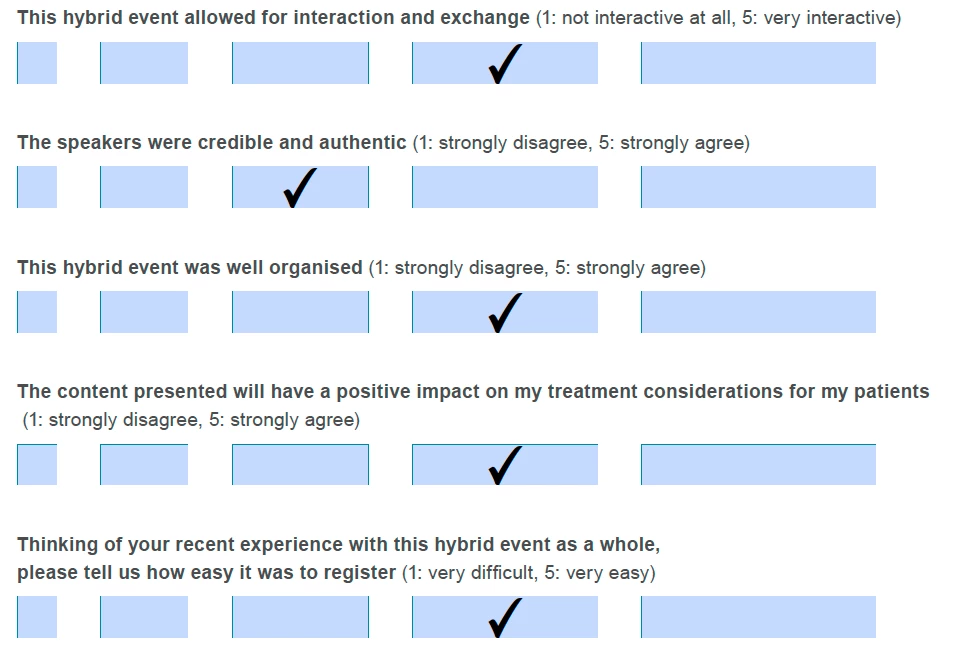
The design does not appear either before or after the buttons have been checked off. I cannot understand why the design is appearing as intended on my computer, but is appearing like this for several users, testing both in Adobe Acrobat and Adobe Reader.


I wonder if the difference has to do with local Adobe Acrobat settings in how interactive pdfs are viewed. Is there any way to solve this issue so the pdf can be downloaded by different users and be filled out?

This topic has been closed for replies.

5 replies

Barb Binder
Community Expert
Community Expert
December 19, 2022

Yes, @Jeffrey_Smith, I tried to say that in my first answer. I guess I wasn't very clear.


@Frans v.d. Geest's script sounds promising, @SigridOliveira-Dalland, assuming everyone will be using Acrobat or Reader. 


~Barb

~Barb at Rocky Mountain Training
Community Expert
December 20, 2022

No, you were clear.

I thought the preference you mentioned only affected the highlight color of a form. It wasn't until I changed the preference and examined an Indesign created checkbox that I saw that not only is the highlight removed, but the ID appearance will show.

Frans v.d. Geest
Community Expert
Community Expert
December 19, 2022

You can add a little scipt that sets the preference in Acrobat when it is opened to make sure this will be set for everyone that opens your document. But that is in Acrobat only, not other readers.

this is from my blog, it is in Dutch but let Google translate it for you 😉

https://fvdgeest-dtp.blogspot.com/2018/05/indesign-formulieren-blauwe-markering.html

jane-e
Community Expert
Community Expert
December 20, 2022

@Frans v.d. Geest wrote:

You can add a little scipt that sets the preference in Acrobat when it is opened


JavaScripts can be disabled in Acrobat Preferences, as they are a security risk. (I don't mean yours, Frans!)

https://helpx.adobe.com/acrobat/using/javascripts-pdfs-security-risk.html


Jane


Frans v.d. Geest
Community Expert
Community Expert
December 20, 2022
quote


JavaScripts can be disabled in Acrobat Preferences, as they are a security risk.


Jane


By @jane-e

 True, as is the case on my own computer! 

Barb Binder
Community Expert
Community Expert
December 19, 2022

Hi @SigridOliveira-Dalland:


As a default, Acrobat and Reader highlight fields with that purplish/blue. Does disabling it restore the expected layout?


If so, that's the end of the good news AFAIK, because this preference is set on each user's system. You could ask on the Acrobat forum (https://community.adobe.com/t5/acrobat/ct-p/ct-acrobat?page=1&sort=latest_replies&lang=all&tabid=all) if there is some way to disable this for the file, but I don't think there is. I do know InDesign can't do anything about it. 


~Barb


~Barb at Rocky Mountain Training
Community Expert
December 19, 2022

Changing this preference will not have any effect of the style of the checkbox. The style will still override any appearance applied in Indesign.

Barb Binder
Community Expert
Community Expert
December 19, 2022

Hi @Jeffrey_Smith:


I created this checkbox in InDesign, exported to Adobe Acrobat as per @SigridOliveira-Dalland's description of her workflow. 


~Barb

~Barb at Rocky Mountain Training
Community Expert
December 19, 2022

What you are viewing is the Acrobat style of a checkbox which will always trump the appearance of the checkbox that you applied in Indesign. One thing you can do in Acrobat is change the style to a star.

Derek Cross
Community Expert
Community Expert
December 19, 2022

These things are problematical with Interactive PDF due to the various PDF readers available and multi-state buttons not working on smartphones and tablets. You might be better off trying InDesign's Publish Online feature.