
Participant
July 26, 2023
Question

Interactive PDF - Clicking on shapes to colour them in?

  • July 26, 2023
  • 4 replies
  • 479 views

Hey all, 


I'm looking for a way to create the ability for a user to click on a shape  and have that shape fill in with a colour. For instance:
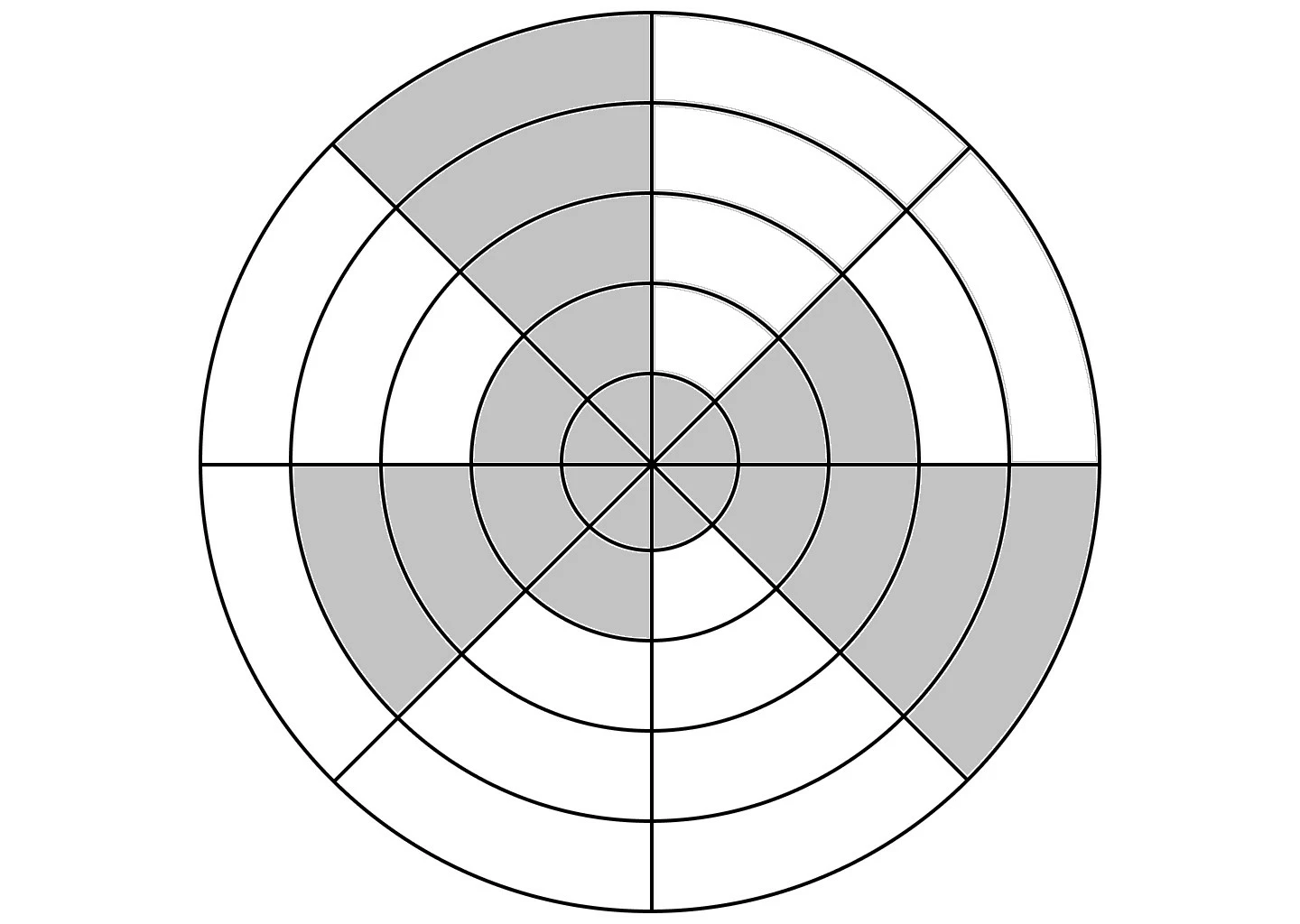


I've made each cell an individual shape, but I'm not sure where to go from here. Basically what I want is an if: on-mouseclick, then: [specify which cells to colour] . But it isn't quite a button and isn't an animation either.


Thoughts/help?

4 replies

Participant
February 25, 2025

I am trying to solve this exact problem. Did you come to any conclusion about the best way to do it? Thanks

Community Expert
February 25, 2025

The OP's issue is the rectangular click zone overlap of certain interactive wedges that will prevent user from selecting neighboring wedges.

If your design of interactive elements allows the user to freely click buttons, then you could consider an interactive PDF. Otherwise you would need a method where the buttons do not interfere with one another. 

Robert at ID-Tasker
Legend
July 26, 2023

You can inject JavaScript to the PDF and make it more interactive - but you need to do it outside of InDesign - after you export PDF.


Willi Adelberger
Community Expert
Community Expert
July 26, 2023

It is not directly possible. But you can create the full graphic in all forms and put each in a frame which you can define as button or button state. Then you have to export it as interactive PDF.

BobLevine
Community Expert
Community Expert
July 26, 2023

Buttons and fields in PDFs are always rectangular. You'll never get this work so I suggest rethinking this project.