
Participant
February 27, 2024
Answered

Interactive PDF Export is shown in Adobe Acrobat in CMYK, in MAC Preview in RGB. Why?

  • February 27, 2024
  • 2 replies
  • 9272 views

Dear Community, 


I created a document, all color swatches are set in RGB. I export it as an Interactive PDF. When I open it it MAC Preview, the purple looks good. But when I open it in Adobe Acrobat, it looks like it has choosen CMYK. 


Does someone know where this is comming from? 


This topic has been closed for replies.
Correct answer rob day

If you open an Interactive PDF in AcrobatPro your Page Display Use Overprint Preview Preference would affect the intial view:
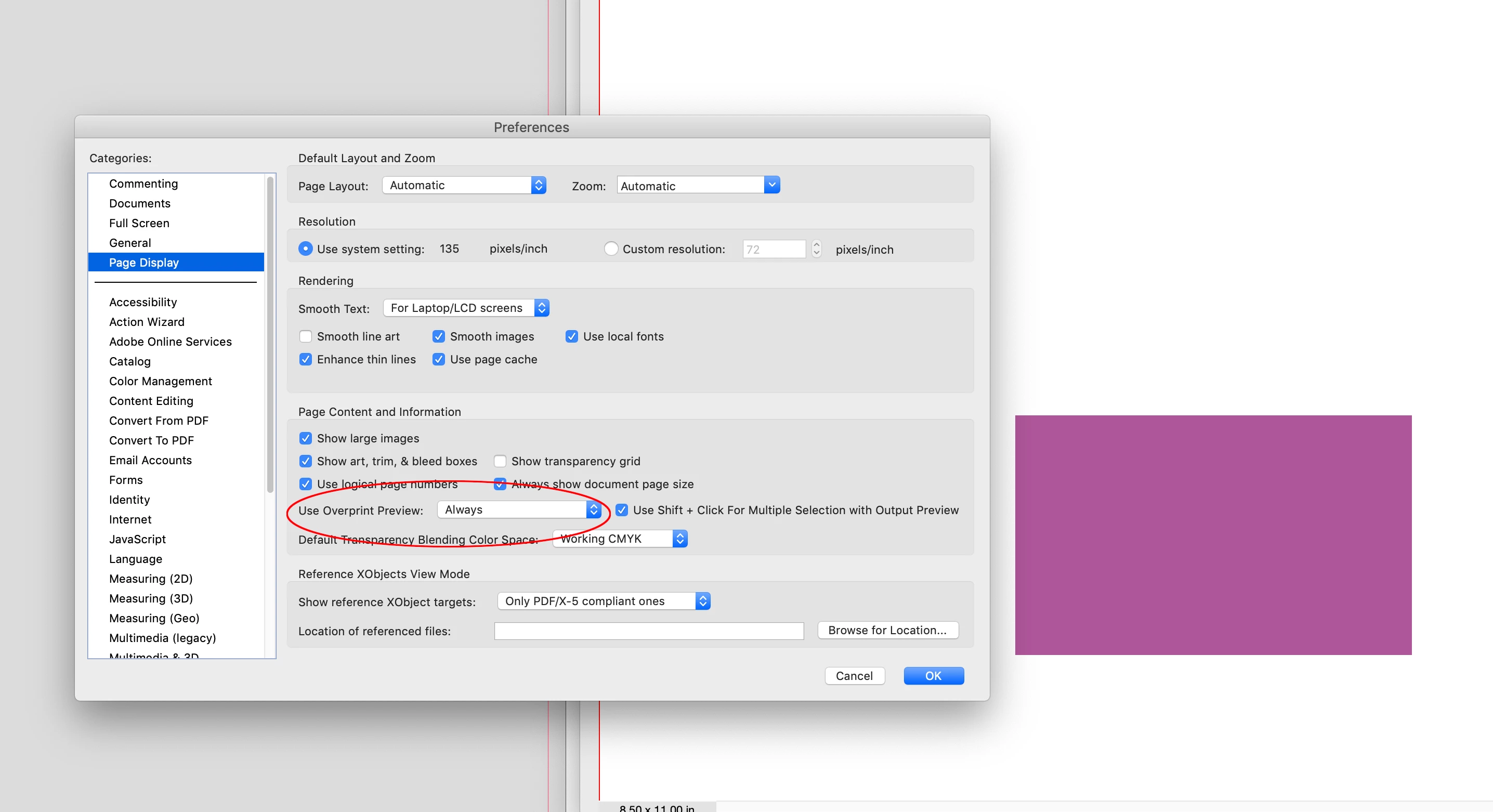
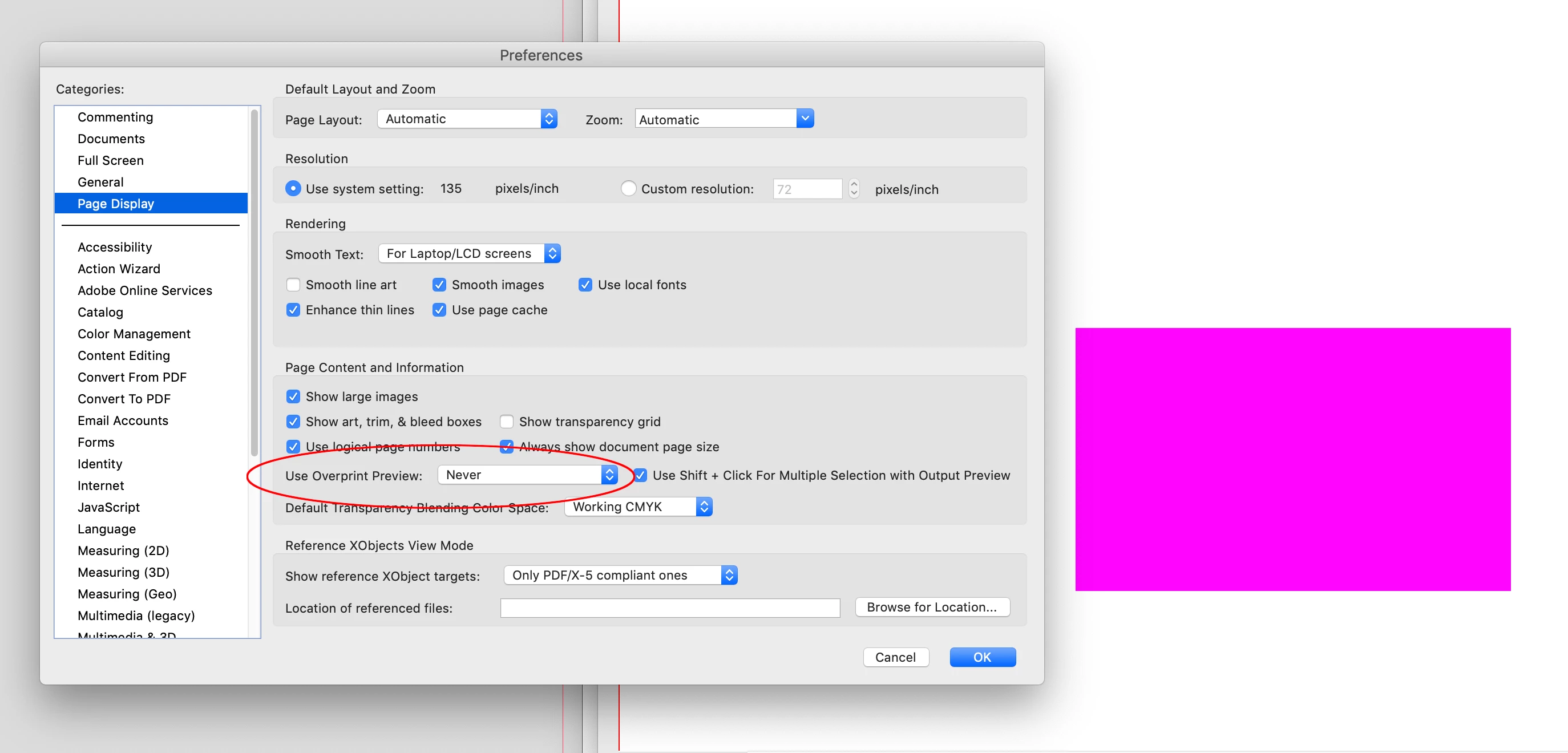


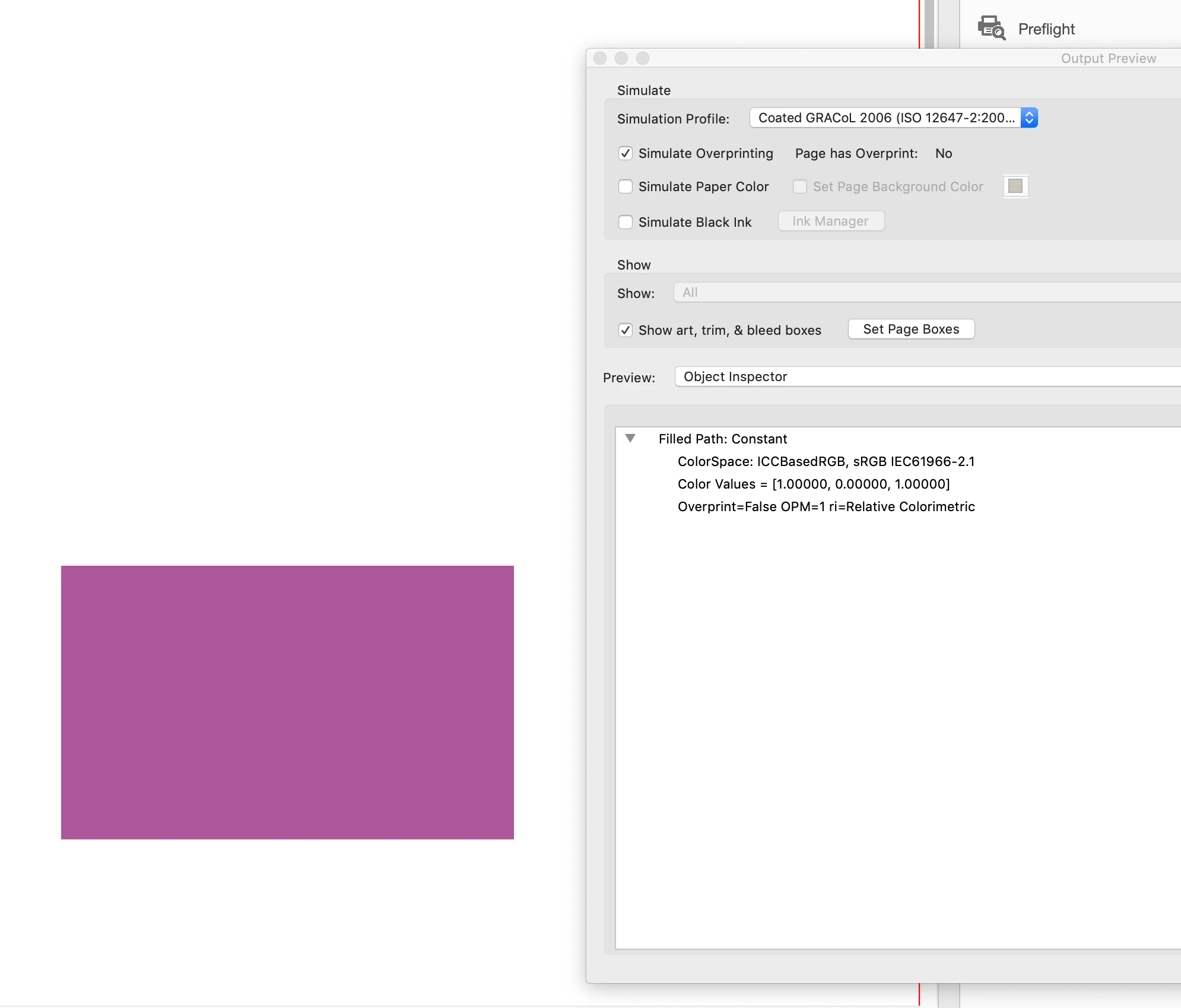
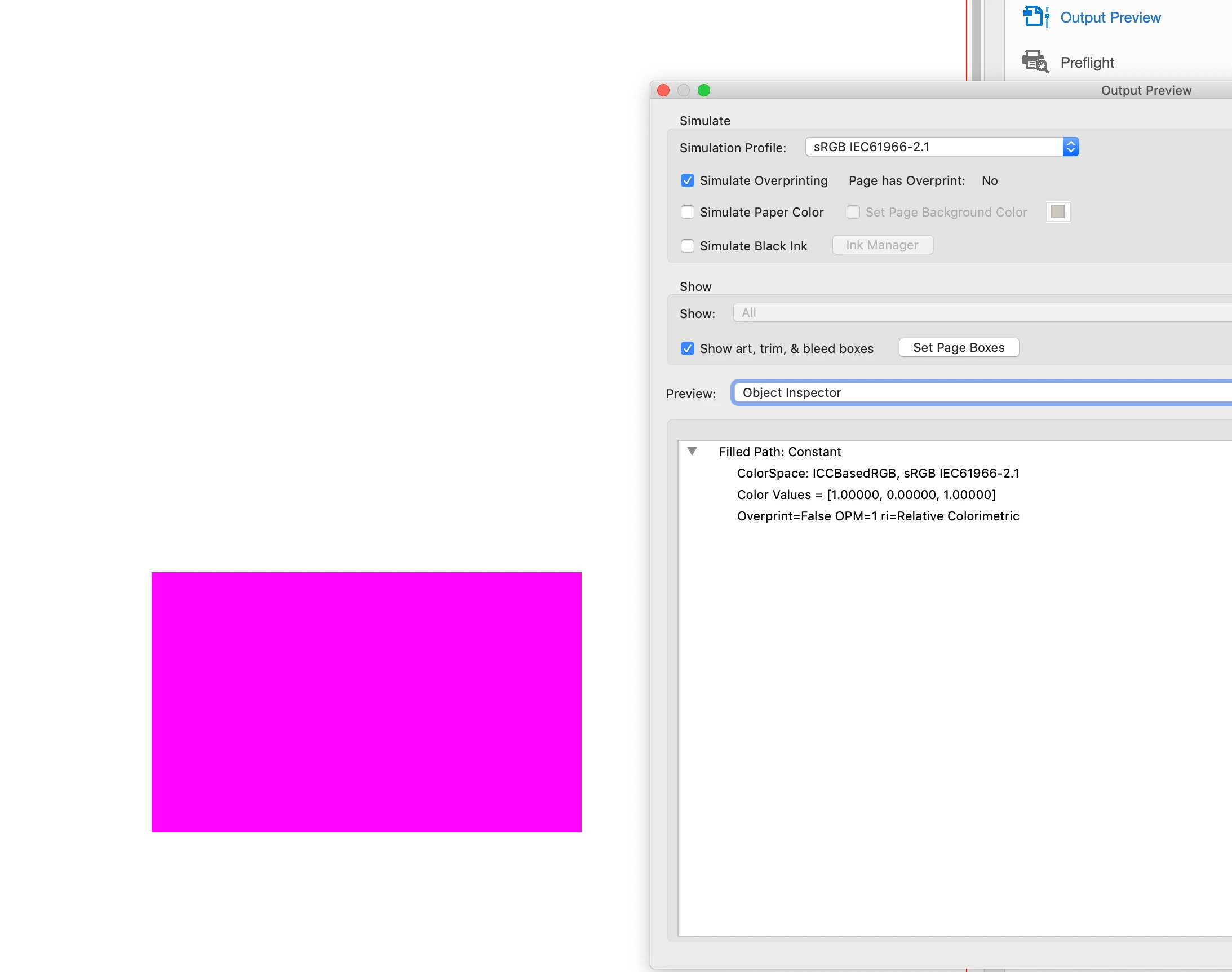
With Output Preview open Preview>Separations doesn’t tell you what the object’s color space is, it simply uses the selected Simulation Profile to simulate an output. You can switch to Object Inspector, click on an object, and get the object’s actual color space. With Interactive Exports all color exports as profiled sRGB, so to simulate typical web browser output I have to set the Simulation profile to the matching sRGB color space:


2 replies

rob day
Community Expert
Community Expert
February 27, 2024

Hi @Jan_Asks_The_World , Make sure your Transparency Blend Space is set to Document RGB.

Participant
February 27, 2024

Hi Rob, Transparancey Blend Space is Set to Document RGB. 

Luke Jennings3
Community Expert
Community Expert
February 27, 2024

The Acrobat simulation profile on the Output preview tool will show the existing colors converted to the selected profile, In addition to Rob's good information above, another way to determine if the colors are actually rgb, cmyk or a spot color, click on the "Show" button. I believe a pdf exported from InDesign as Adobe PDF (Interactive) will convert all colors to rgb only, (although an interactive pdf can contain other colors).

Rob, I cannot duplicate the Acrobat overprint preview preference issue you are seeing, I am using Acrobat version 2023.008.20533.

If you are still having issues, can you upload a sample pdf here? You might need to update or re-install Acrobat, when you see the question about replacing your preferences, say yes (although this will remove any custom preflight profiles or Actions, so export them first, then re-import).

I suggest keeping the Acrobat and Reader overprint preview preference set to "Always".

Eric Dumas
Community Expert
Community Expert
February 27, 2024

Hi, We need a bit more information to help you:

  • Can you confirm the exact version of your operating system and software
  • What software did you use to create the document before exporting it to PDF (InDesign?)
  • What export settings did you use?
  • In Acrobat, with your document opened, open the 'output preview' panel, move your corsor to hover the design. What inks are listed?
  • Finally, in PhotoShop (for example) what display setting have you selected for Edit > Colour Settings. Your display might not be told the 'correct way' to show colours.
Participant
February 27, 2024

Hi there,


  • I work with Mac Sonoma 14.1.1 and InDesign 19.1
  • I exported it as Export > Adobe PDF (Interactive) > Standard Settings (see attached)
  • When i open Output Preview, it's indeed wild that there is written CMYK (see attached). I can put the Simulation profile to for example Apple RGB, then the document looks right. 
  • When I open my exported PDF in Photoshop, it looks the right way. (As in other PDF readers)


Does this help you? 

Is it maybe only my preview in Adobe Acrobat? 

BobLevine
Community Expert
Community Expert
February 27, 2024

Sonoma is now at 14.3 and InDesign at 19.2.