
Participant
January 24, 2023
Question

Interactive PDF - RDB Values Shifting!

  • January 24, 2023
  • 2 replies
  • 449 views

Hi All, 

  I have created a document in latest ID for general digital use. 

Document Setup -> Intent: Web

Transparency Blend Space -> RGB

Exporting to interactive pdf, settings are:
Now when it exports and I open up Acrobat, goto Edit Pdf, and select some colored text, the RGB values have been shifted and not exactly the same. Why is this happening? I have tried exporting with various settings, but only when I set it to export for print do the RGB values stay intact. Otherwise it is somehow shifting the values ever so slightly when checked in Acrobat.


Any help much appreciated!!! 


This topic has been closed for replies.

2 replies

rob day
Community Expert
Community Expert
January 24, 2023

Hi @Surajone , How are you getting the RGB values from the PDF? Are you using AcrobatPro’s Object Inspector, or some kind of color utility app?


InDesign and Acrobat use different RGB notation—InDesign RGB colors are either Hex or 0-255 per channel, while Acrobat’s Object inspector lists the RGB channels as 0-1 values. Here my InDesign value is 36|160|160 and the PDF text inspects as 0.14100, 0.62700, 0.62700. To get the translation I have to divide the InDesign channel values by 256, so here 36/256 = .141:


SurajoneAuthor
Participant
January 24, 2023
Edit PDF, Select Text, and check the color. it is often off only by one RGB
value point.
rob day
Community Expert
Community Expert
January 24, 2023

I see the same, I would say that Output Preview’s Object Inspector is the more accurate value.

Mike Witherell
Community Expert
Community Expert
January 24, 2023

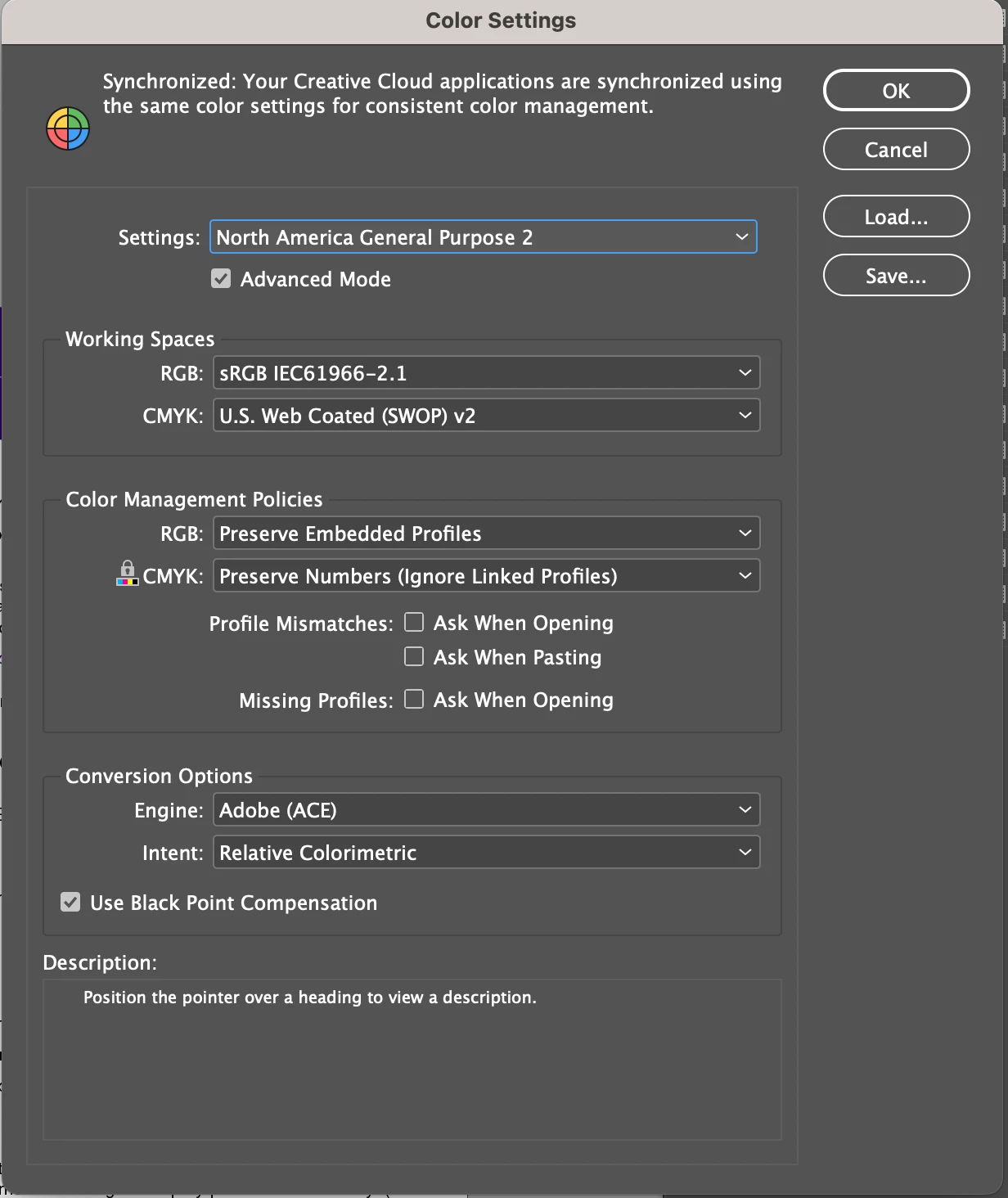
What were the colorspace profiles of the images you placed into the InDesign document? What changes if you change the policy from Preserve to Convert?

Mike Witherell
SurajoneAuthor
Participant
January 24, 2023
To clarify, this is occurring to simple text.

Only thing placed into InDesign were some logos cut/pasted from powerpoint.