
Is it possible document should be Shuffle?
Hi All,
We have request to merge Indesign multiple files into one.
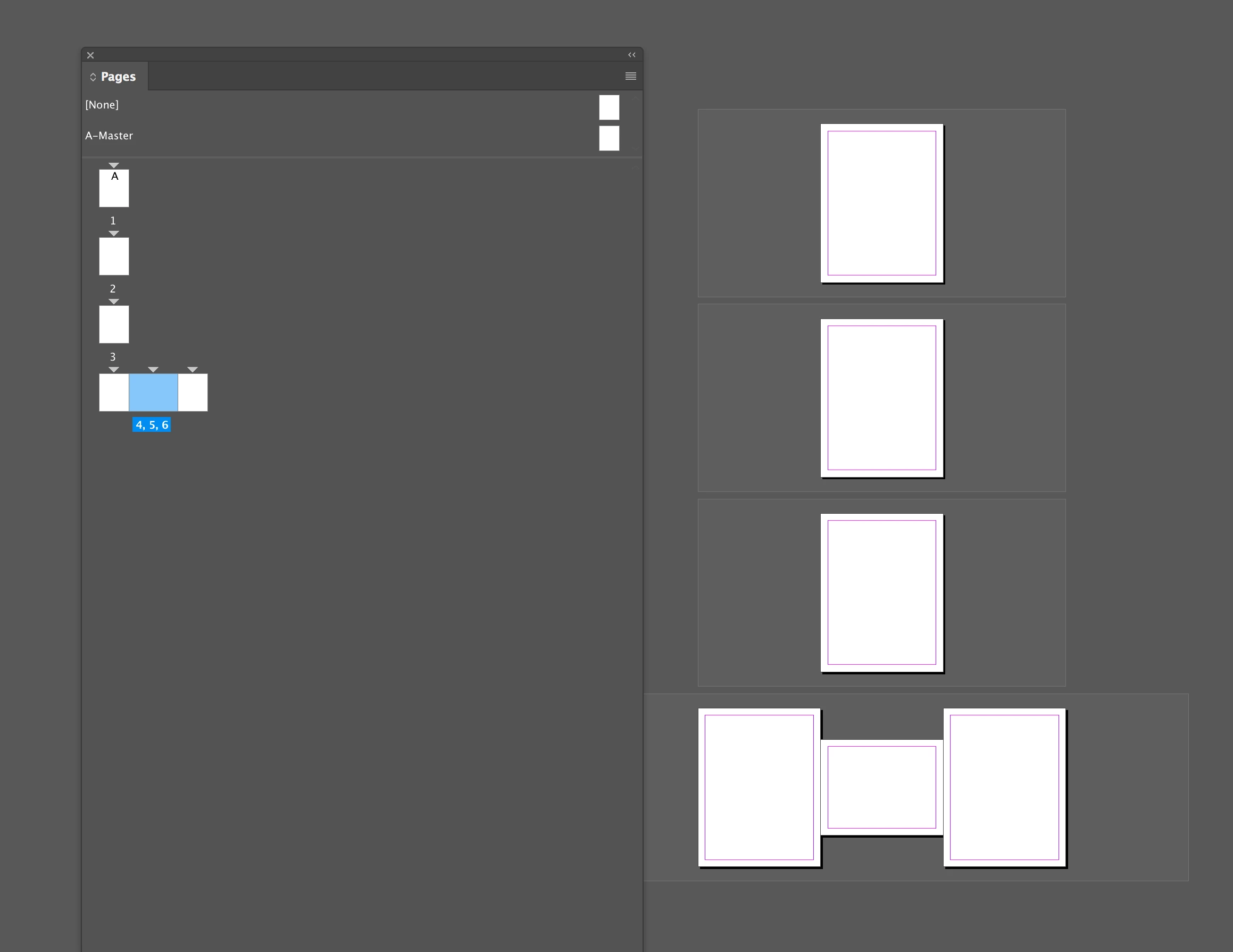
We have done this, but due to difference page height, the pages should not come one by one.
Please look at the below screenshot which having problem:
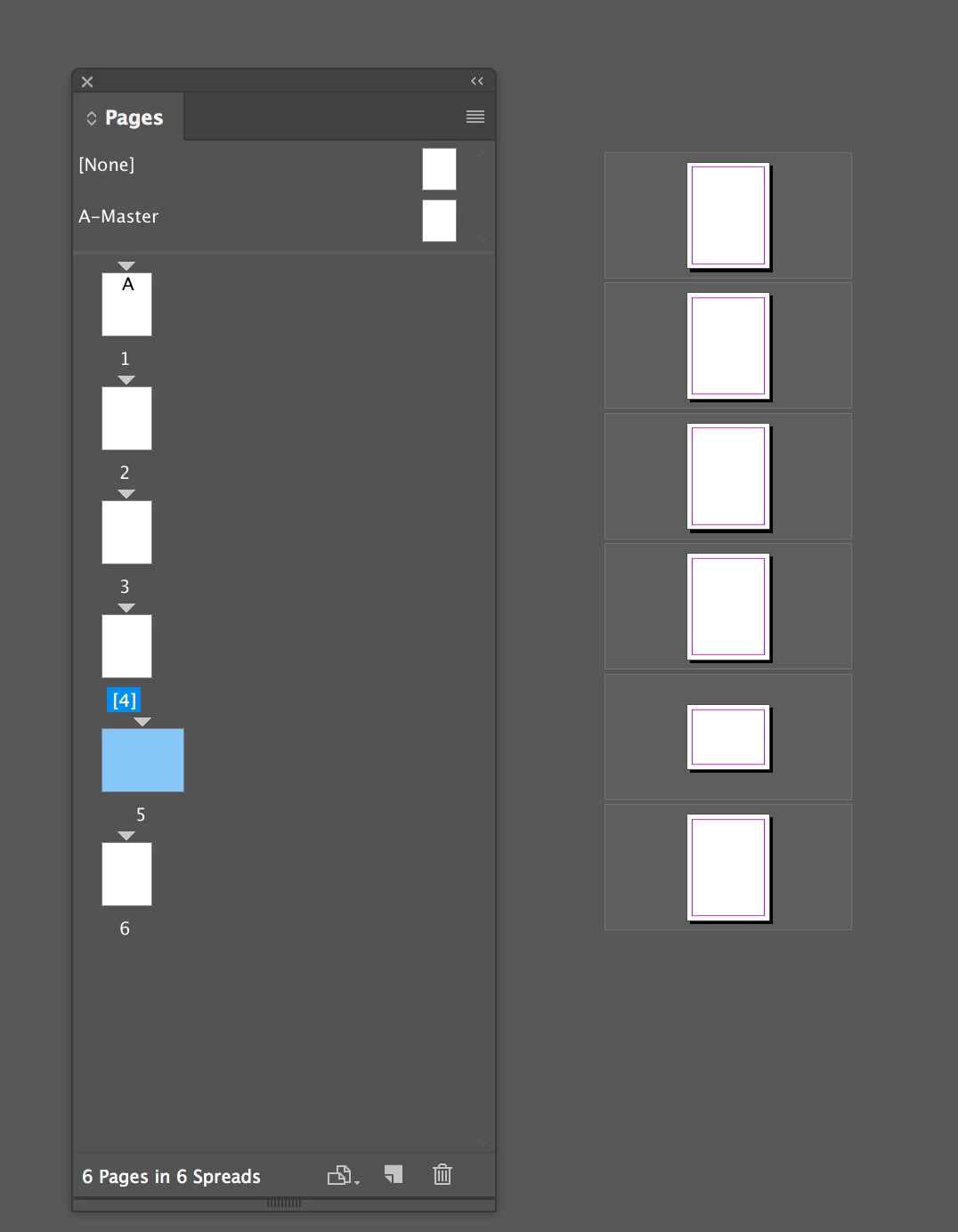
Need output to be like as below:
Below is the code Merge multiple Indesign file into one:
var destination_doc = app.activeDocument;
app.activeDocument.documentPreferences.allowPageShuffle = true;
var spread = destination_doc.spreads.everyItem()
destination_doc.documentPreferences.allowPageShuffle = true;
spread.allowPageShuffle = true;
// select the source folder
var sourceFolder = Folder.selectDialog("Select a folder with source InDesign files.");
var fileList = sourceFolder.getFiles();
fileList.sort();
// run through each file
for ( var i = 0; i < fileList.length; i++ ) {
var source_file = fileList;
if ( source_file instanceof File && source_file.name.match(/\.indd$/i)) {
app.open(source_file);
var source_doc = app.documents.item(source_file.name);
for ( var count = 0; count < source_doc.pages.length; count++ ) {
var sourcePages = source_doc.pages.item(count);
sourcePages.duplicate(LocationOptions.AFTER, source_doc.pages.item(0));
sourcePages.move(LocationOptions.AFTER, destination_doc.pages.item(-1));
var spread = destination_doc.spreads.everyItem()
destination_doc.documentPreferences.allowPageShuffle = true;
spread.allowPageShuffle = true;
}
app.activeDocument.close(SaveOptions.NO);
}
}
Thanks in Advance
 AdChoices