Participant
November 8, 2018
Question

Is it possible for this kind of layout to be directly converted to EPUB (Reflowable)?

  • November 8, 2018
  • 1 reply
  • 166 views

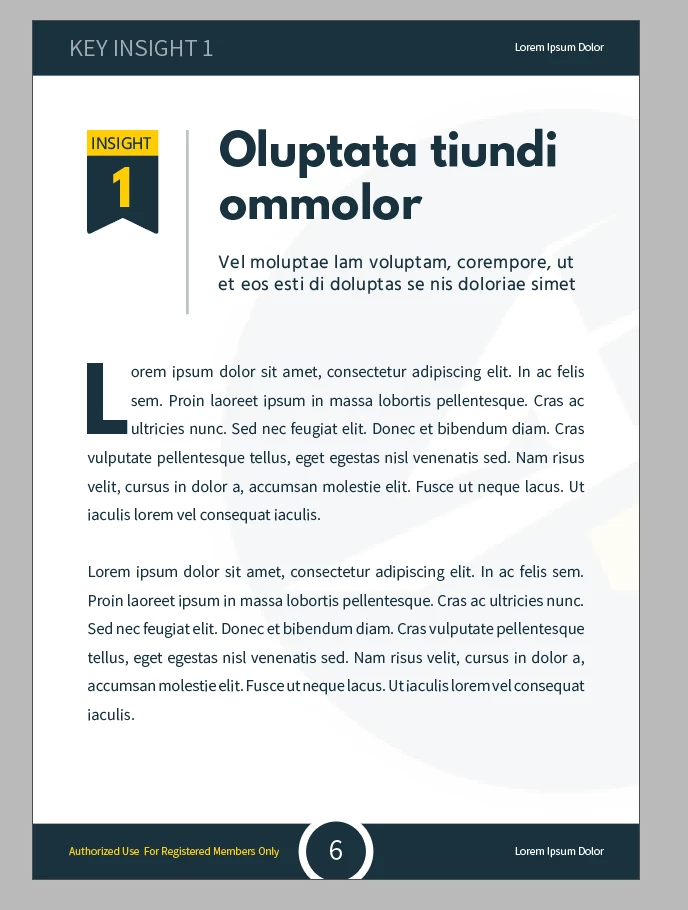
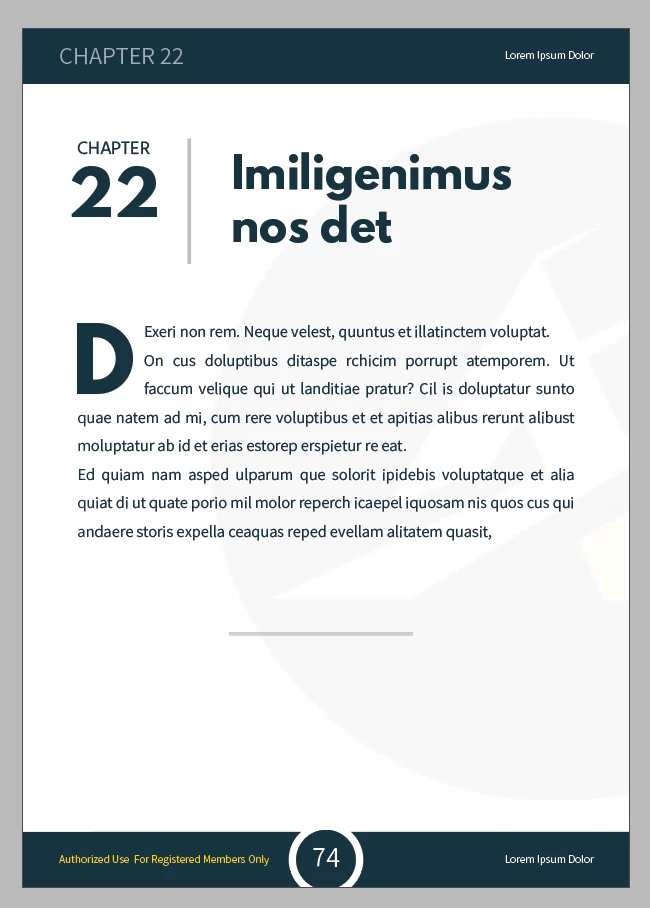
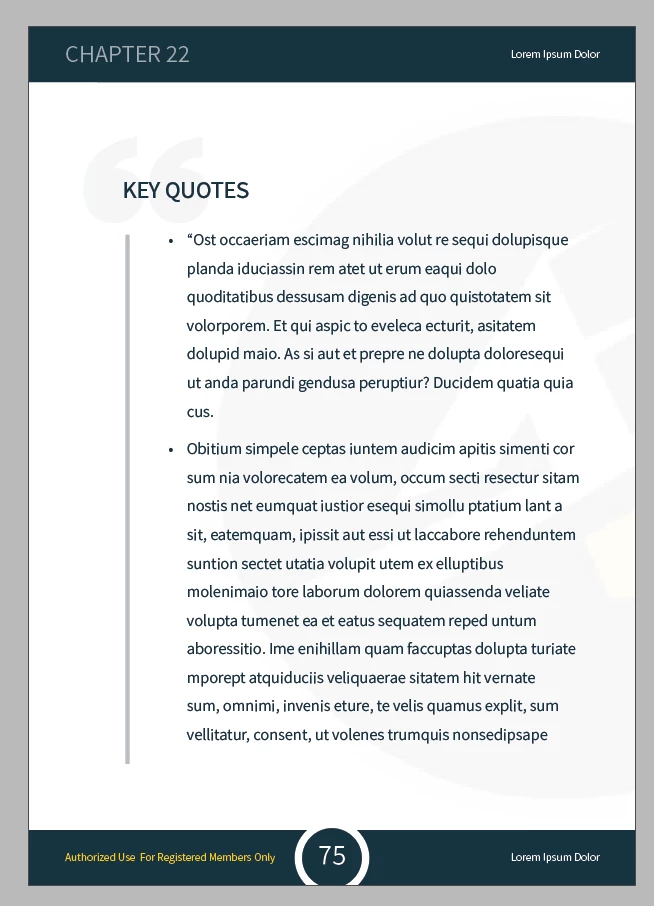
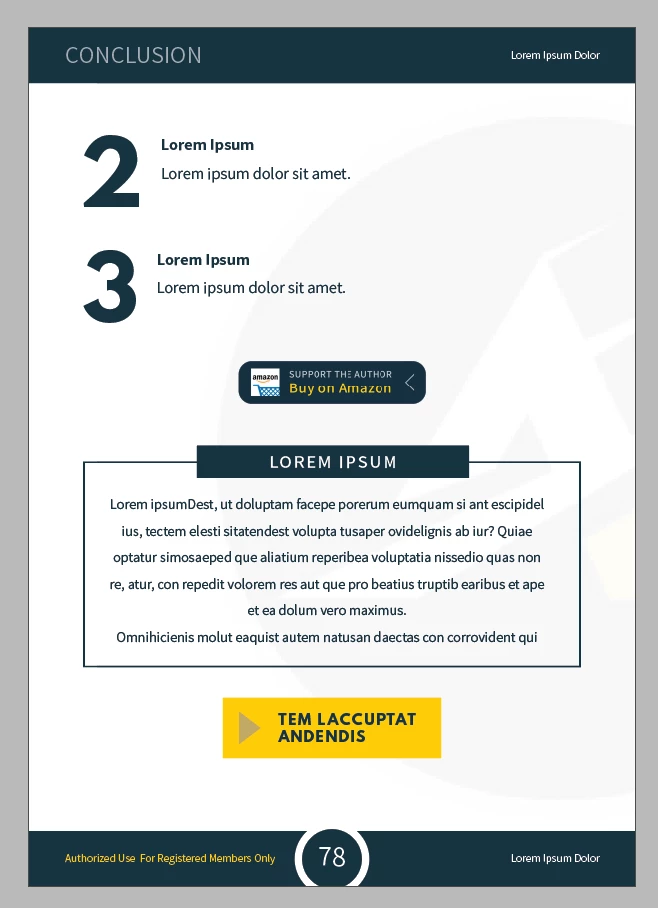
Hi! I'm kind of confused.. I was told that we have to convert this type of PDF to eBooks for Amazon Kindle:

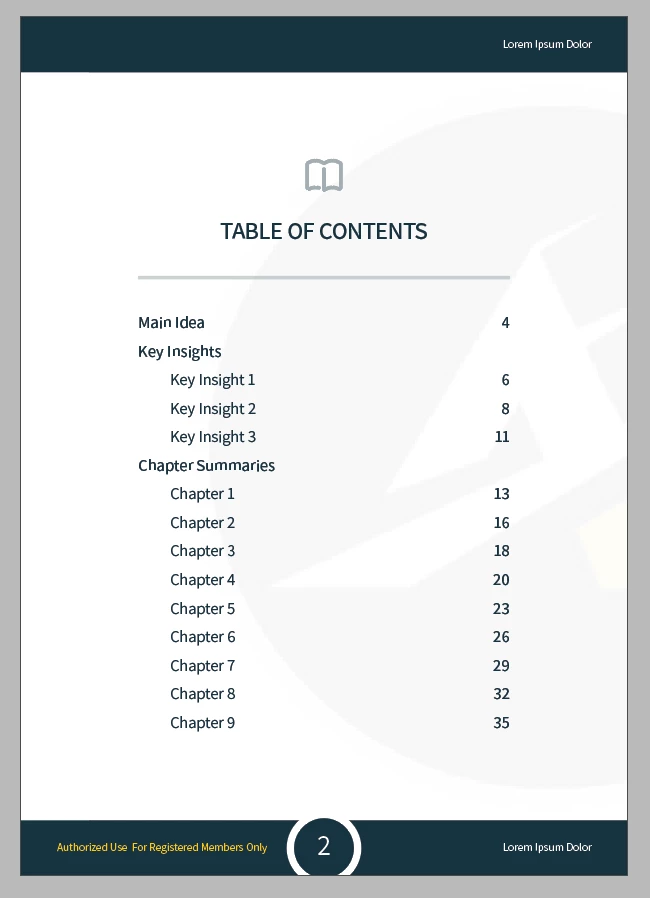
I did a bit of research and found out that EPUB is the most common format used. However, I've watched different tutorials on Youtube on how to convert this directly to EPUB (Reflowable) but I can't seem to find the answer..

My questions are the following:

1. Is it even possible to directly convert this type of layout to EPUB? Or should I start from scratch again and redo the layout as simple as possible?

2. If it can be directly converted using the Export to EPUB function, what specifications do I need to input here? Do I need to rasterize the images? (I'm really confused. So sorry!)
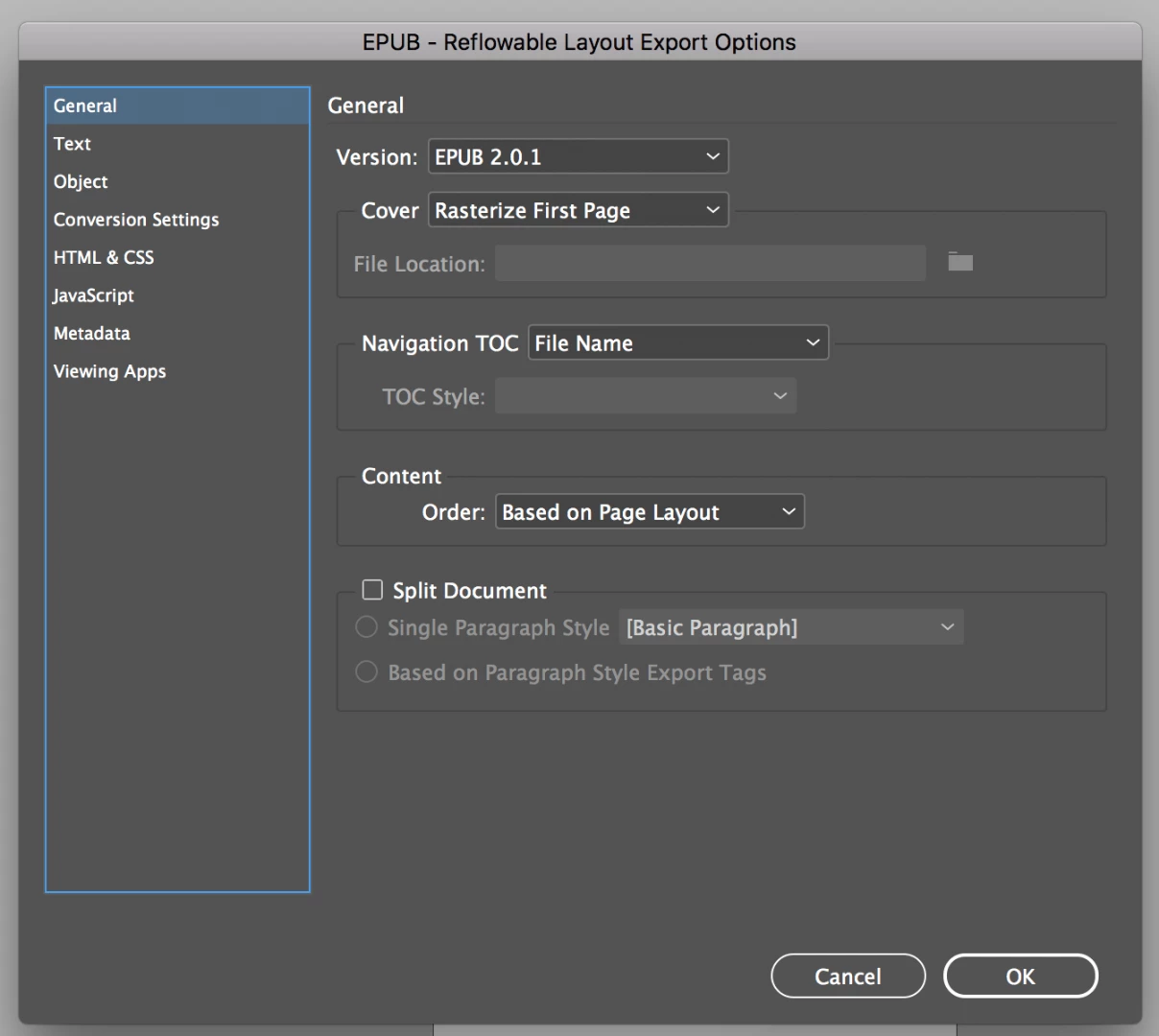
Thanks so much. Any advise would be greatly appreciated!

This topic has been closed for replies.

1 reply

Derek Cross
Community Expert
Community Expert
November 8, 2018

The term eBook is the generic name for digital publications. There are various formats, each has advantages (features) and disadvantages. There's no perfect format, they include PDF, FXL ePub, Reflowable ePubs, mobi. iBooks Author and InDesign's Publish Online.

You can't convert a PDF to ePub, you need to export your InDesign document to ePub (reflowable or FXL). For use on the Amazon's Kindle you can convert your ePub to the mobi format using the free Kindle Previewer.

Creating Reflowable ePubs is not intuitive, for example, no page numbers, all text to have Paragraph and Character styles, all images to be anchored, no InDesign Master pages. I suggest you take one of the excellent online video tutorials that are on Lynda.com (you can get 30-days free).