
Answered
Is there a script for adding reference lines to columns?
When there are many columns, dragging them can be a bit troublesome.
I want to automatically generate column lines.
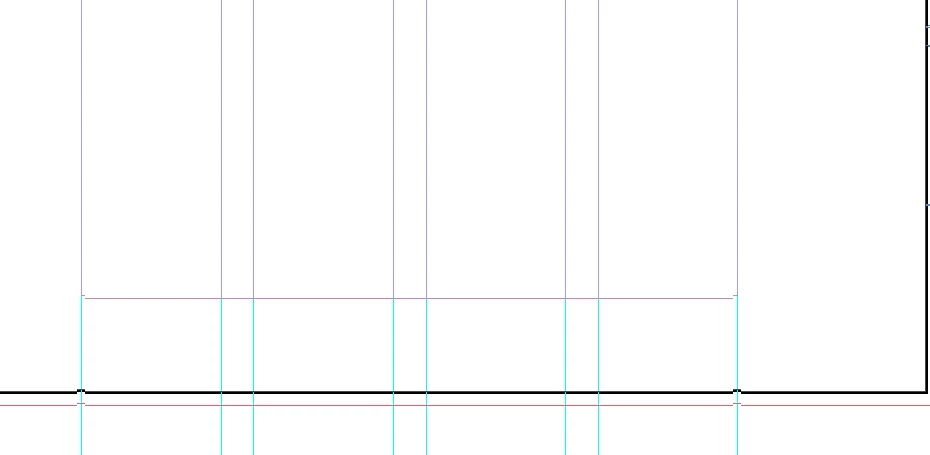

When there are many columns, dragging them can be a bit troublesome.
I want to automatically generate column lines.
I Got it.
Need to set:
app.activeDocument.viewPreferences.rulerOrigin = RulerOrigin.PAGE_ORIGIN;
But,I don't know how to add reference lines that extend beyond the page.
But,I don't know how to add reference lines that extend beyond the page.
See my first reply. You would have to get an existing guide or set a new guide—this makes a new guide that extends onto the pasteboard
//active page
var pg = app.activeWindow.activePage
var l = app.activeDocument.layers
//add a horizonal guide at 2 inches to the top layer of the active page
pg.guides.add(l[0], {orientation:HorizontalOrVertical.horizontal, fitToPage:false, location:"2in"});Already have an account? Login
Enter your E-mail address. We'll send you an e-mail with instructions to reset your password.


 AdChoices