ashimg23377171
Inspiring
January 19, 2018
Answered

Is there a way to auto-fit columns in the revised width

  • January 19, 2018
  • 1 reply
  • 510 views

Hello

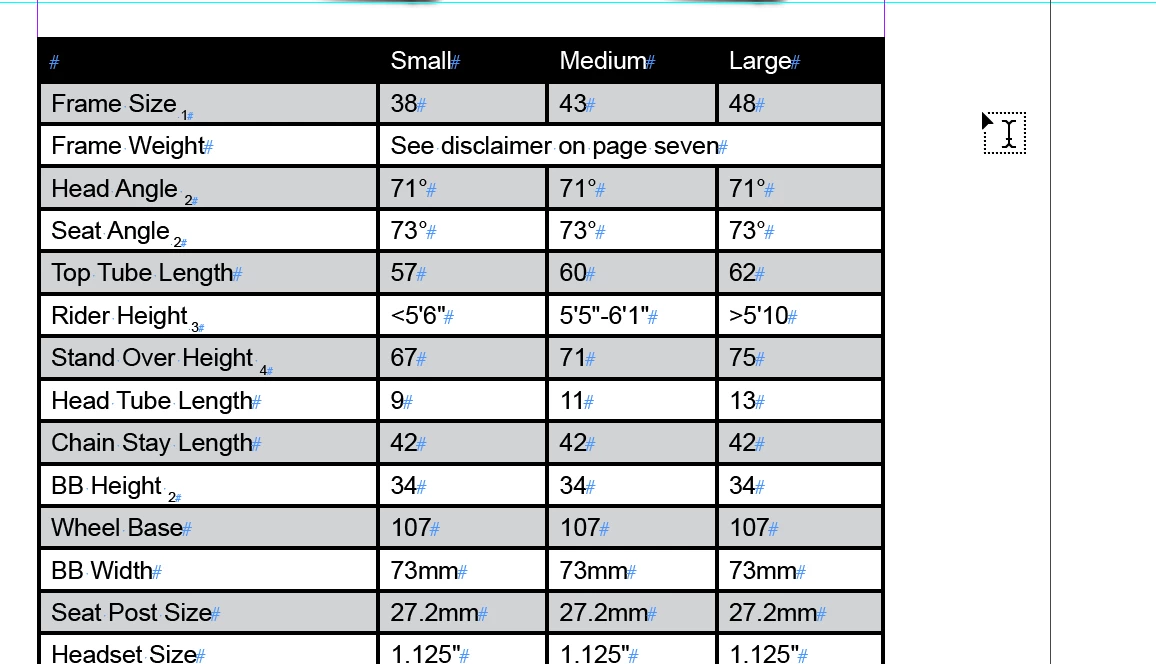
I created a table with three columns following which I reduced the width of my table.
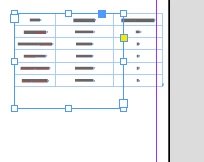
Is there a way to auto-fit the three columns in the revised width.

Any lead would be appreciated.

Thanks
    This topic has been closed for replies.
    Correct answer Steve Werner

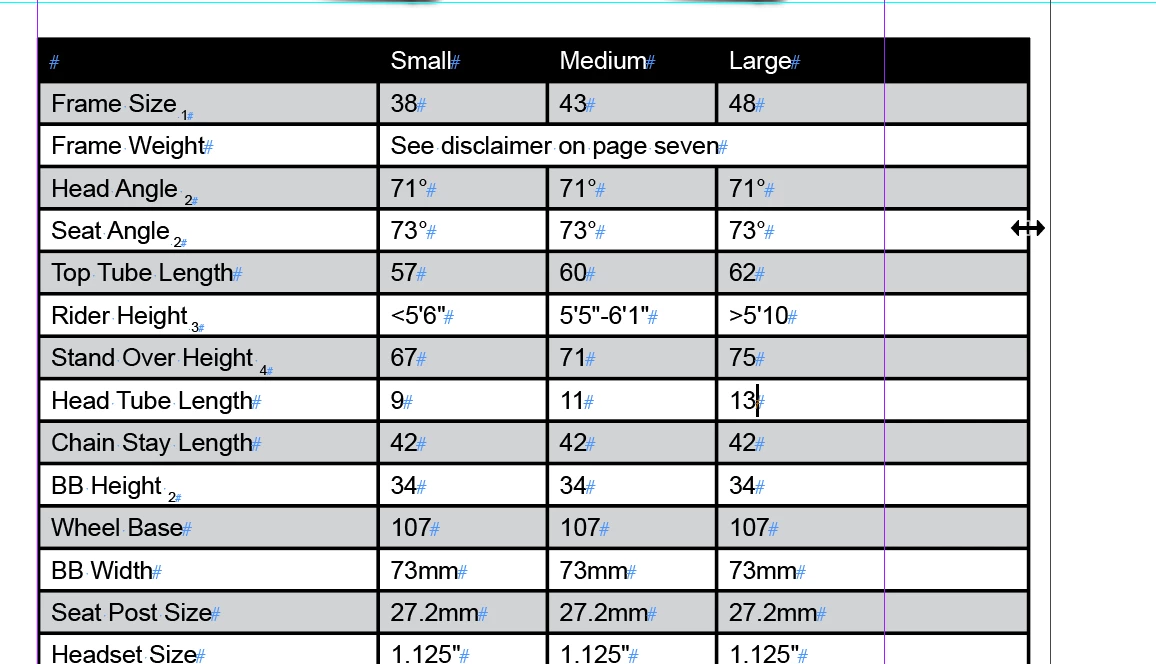
    With the Type tool, move over the right margin {on the right side of the right-most column). You'll see a double-headed arrow.

    Drag to the left to reduce the overall width of the table.

    You can then adjust individual columns by moving over their boundaries. Holding down Shift when dragging the boundary doesn't change the width of the entire table. You can also select your three columns and choose Table > Distribute Columns Evenly.

    1 reply

    Steve Werner
    Community Expert
    Steve WernerCommunity ExpertCorrect answer
    Community Expert
    January 19, 2018

    With the Type tool, move over the right margin {on the right side of the right-most column). You'll see a double-headed arrow.

    Drag to the left to reduce the overall width of the table.

    You can then adjust individual columns by moving over their boundaries. Holding down Shift when dragging the boundary doesn't change the width of the entire table. You can also select your three columns and choose Table > Distribute Columns Evenly.

    ashimg23377171
    Inspiring
    January 19, 2018

    yup... ive been following a workflow similar to that.

    But im glad that you could co-sign the approach.

    Steve, thanks v much for your time.