

Is there a way to create master pages with different outside and inside margins?
I am creating a book on InDesign, but I would like to have a two page master page with different outside and inside margins. I want that my odd pages have some margins and even page anothers. I will print this book double-sided.
I am doing this because of the binder spiral. In the front page, it is necessary to have more space on the inside margin of the left side because of the binder spiral.
The problem is that I've created master pages but every time I set margins they are the same in both pages.
The provisory solution I did was to create two separate master pages, one different of another. It has been the solution so far and it works well.
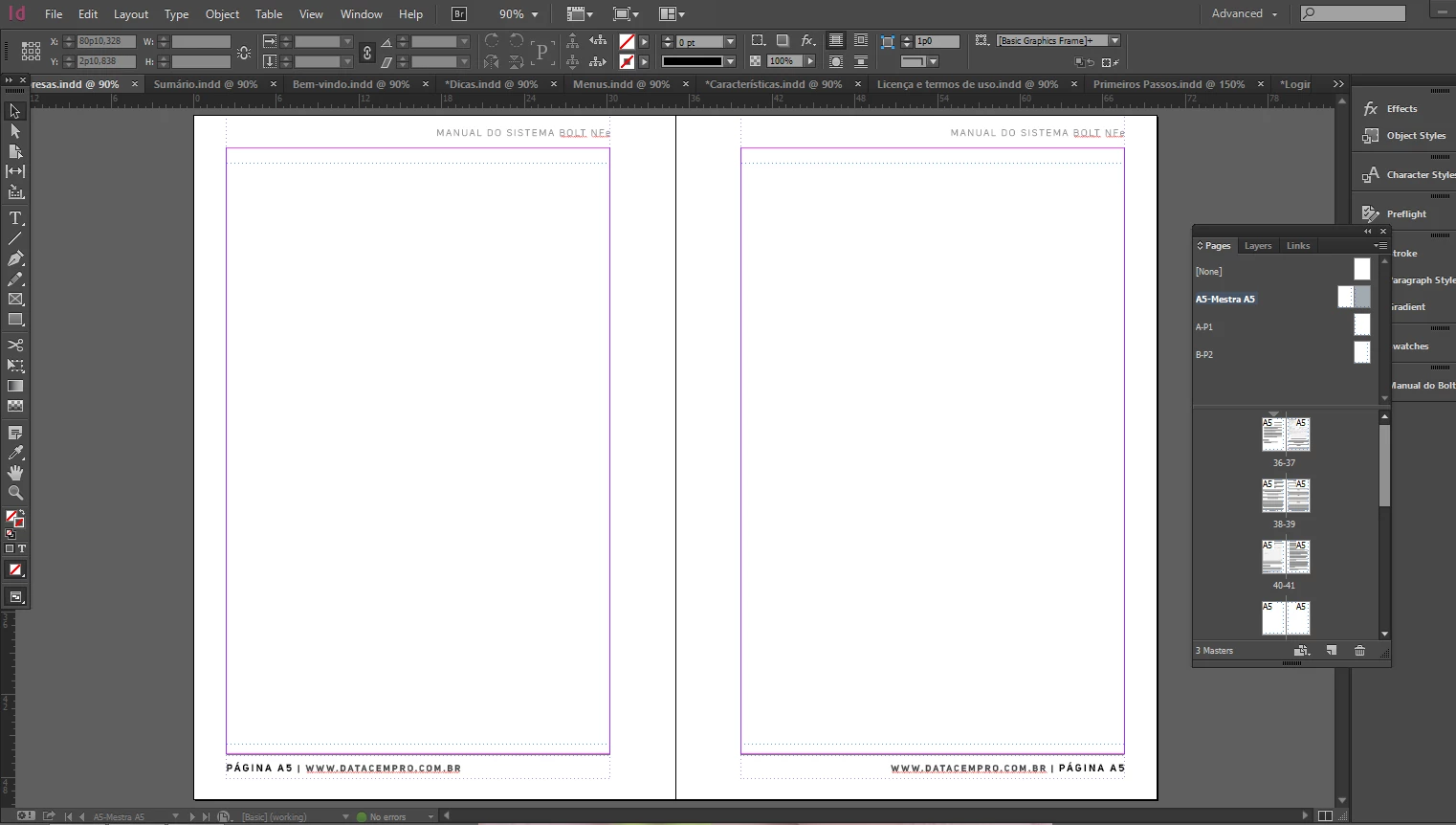
I will explain with images... This is my document with two master pages together (what didn't work):
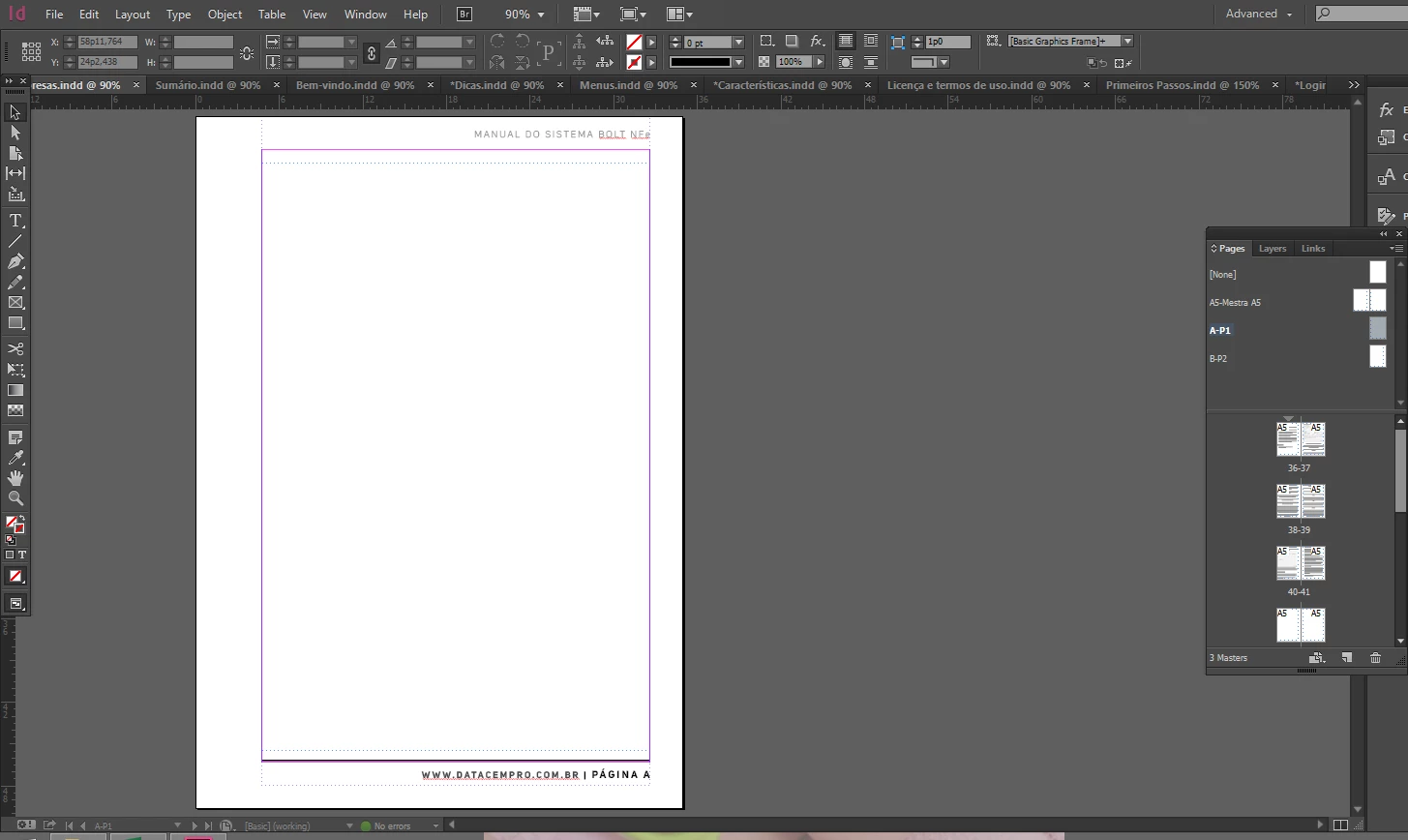
This was my provisory solution. I created an "A - P1" master page (for front pages, because of the binder):
And I also created a "B - P2" master page:
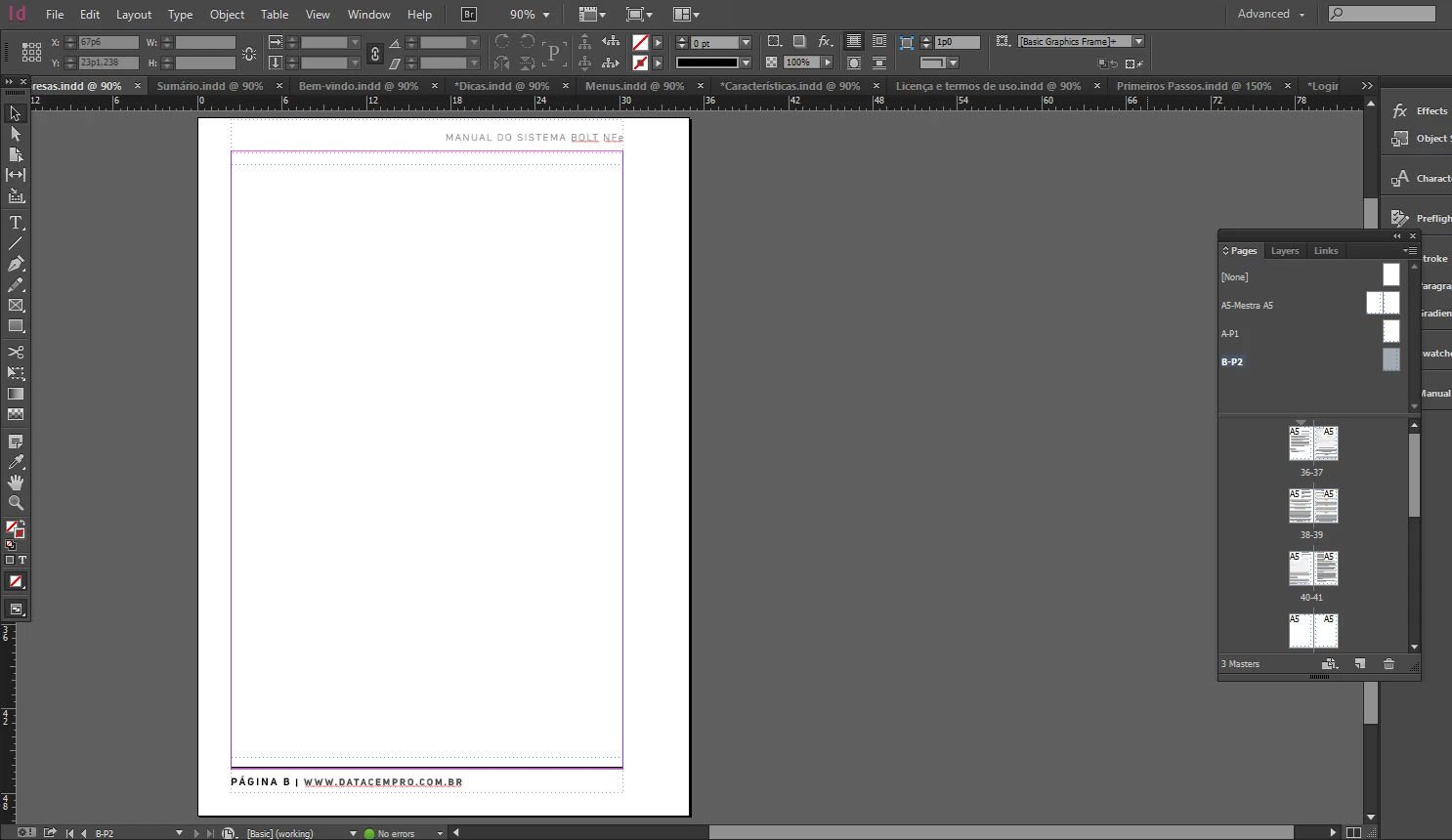
I would like to put those two separate pages together, just the way they are as separate ones, with different inside and outside margins. Just that!!
Is that possible?
PS: Sorry If I commited any mistake because I am not a native speaker of English. But I hope you have understood me.


 AdChoices