Question
Is there a way to extract master page preview image from template file?
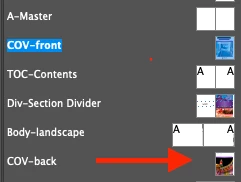
I'm working on the task where i should get list of master pages of indd file and display them in some UI. The only problem which i faced with is that besides name i need to have image of master page (example on the screenshot below), so user can easily navigate thought them. I haven't find where it can be extracted. I found that each master page have collection allGraphics, which consists of individual images of this page and they can be easily exported in a file, but it's not a final view of master page. Is there any way to get it besides applying master spread to some newly created page and exporting it? Maybe indesign stores somewhere this icon which we can see on pages tab? I would appreciate any advice)
 AdChoices