

michaelr38258693
Participant
October 23, 2022
Question

Is there a way to lock a pages location in the window?

  • October 23, 2022
  • 2 replies
  • 180 views


Is there a way to lock a pages location in the window? If not it would be a really great enhancement!

Such as this example where I have located the page in the center of the workspace:
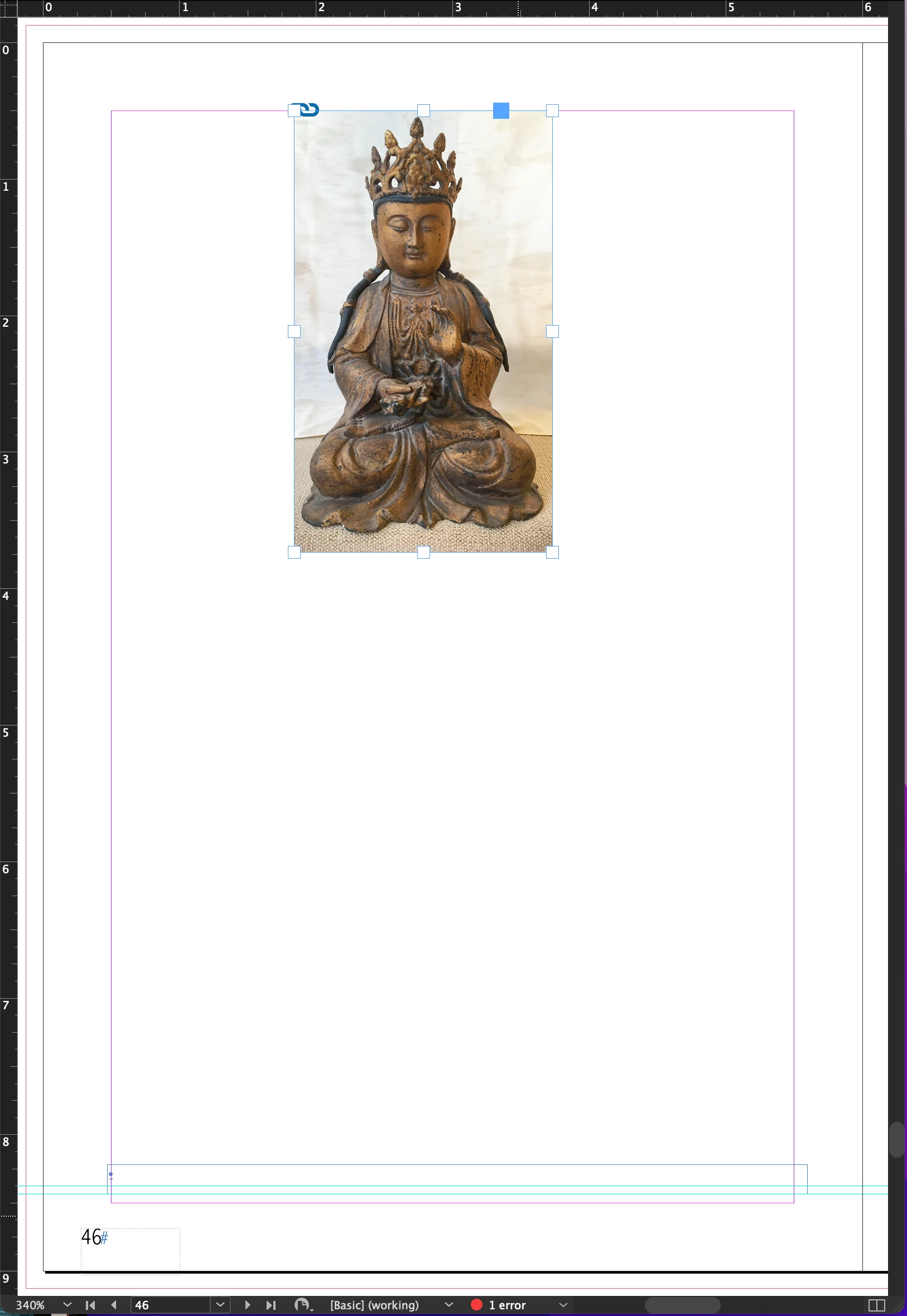
And then unintentionally I move it with in the frame:
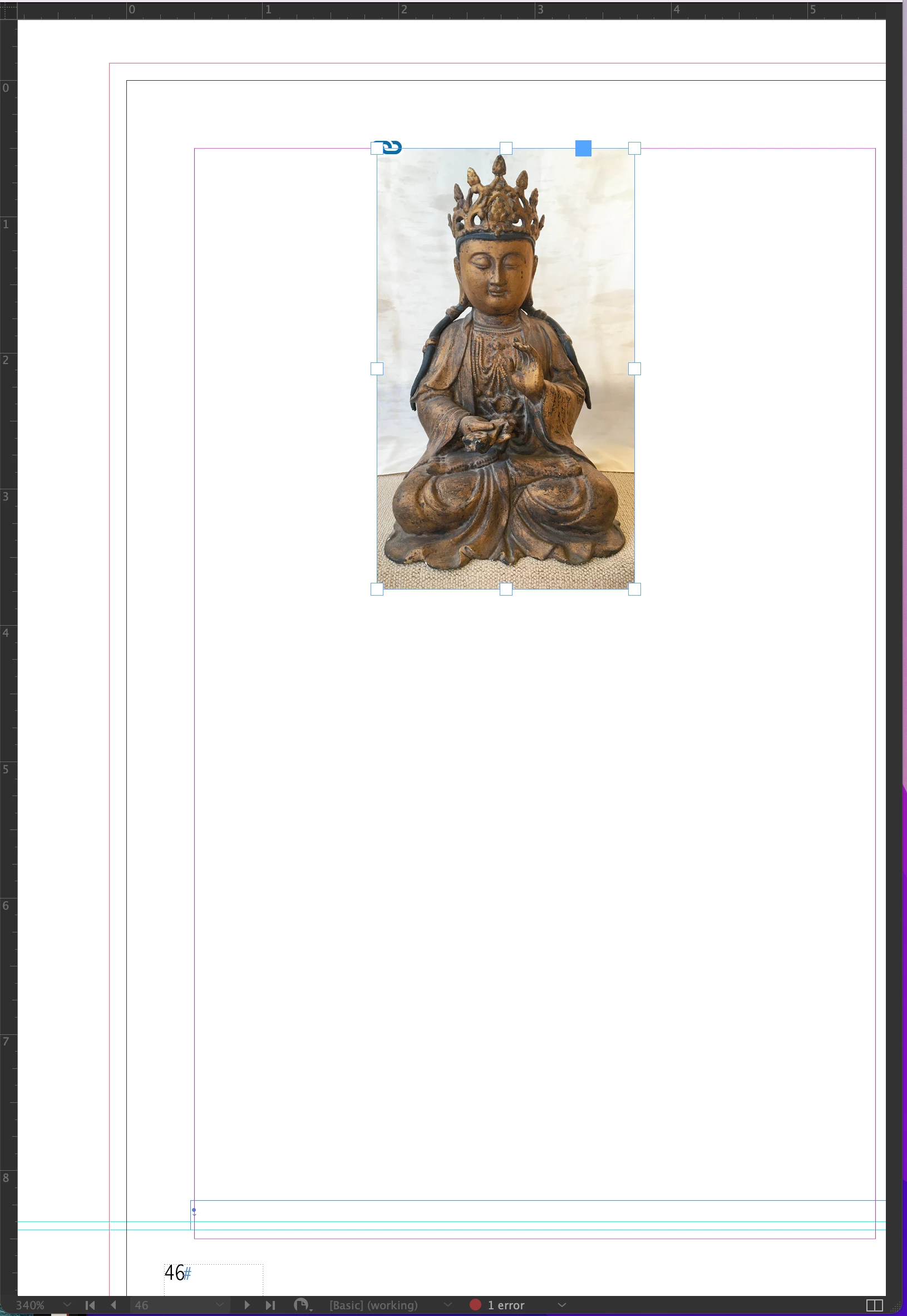
This could be single page or a spread. 


Having the ability to, with a shortcut, set this position for this page or any page in the document to remain in the same position relative to the window.

Thanks for taking a moment to consider this!

This topic has been closed for replies.

2 replies

Barb Binder
Community Expert
Community Expert
October 23, 2022

Hi @michaelr38258693:


For some reason most of us don't understand, there is a feature request tag here. I agree, it's confusing.


However, if you would like to file a feature request, you can do so here: https://indesign.uservoice.com/. Requested features can recieve votes. If a feature gets a lot of votes on that site, it will garner the InDesign engineering team's attention. 


~Barb

~Barb at Rocky Mountain Training
Barb Binder
Community Expert
Community Expert
October 23, 2022

You can't lock a page location. This is a user-to-user forum where we offer help using InDesign. If you would like to file a feature request, you can do so here: https://indesign.uservoice.com/.


You can quickly recenter a page or spread using one of the following options:

  • View > Fit Page in Window
  • View > Fit Spread in Window
  • Double click on the Hand tool in the Toolbox
  • Ctrl/Cmd+0 (Fit Page in Window)
  • Ctrl+Alt/Cmd+Opt+0 (Fit Spread in Window)
  • Double click the page icon in the Pages panel (Fit Page in Window)
  • Double click the – between a page range in the Pages panel (Fit Spread in Window)

Pick one (or two) and you will be recentered in no time. 


FWIW, I tend to use Ctrl+Alt/Cmd+Opt (Fit Spread in Window) but most of my students prefer to double click the Hand tool.


~Barb

~Barb at Rocky Mountain Training
michaelr38258693
Participant
October 23, 2022

Barb

I am aware of this but thanks for making this clear to all that what I am asking for is not currently possible.

I tagged this as a Suggested Enhancement so if I am not posting this in the correct forum please direct me to the most appropriate one.

I have been an Indesign user for 20+ years and this lack of a solution has bugged me for at least that long. I do not think it is a big ask.
Michael