
Is there a way to update linked story without losing edits in Adobe InDesign 2020?
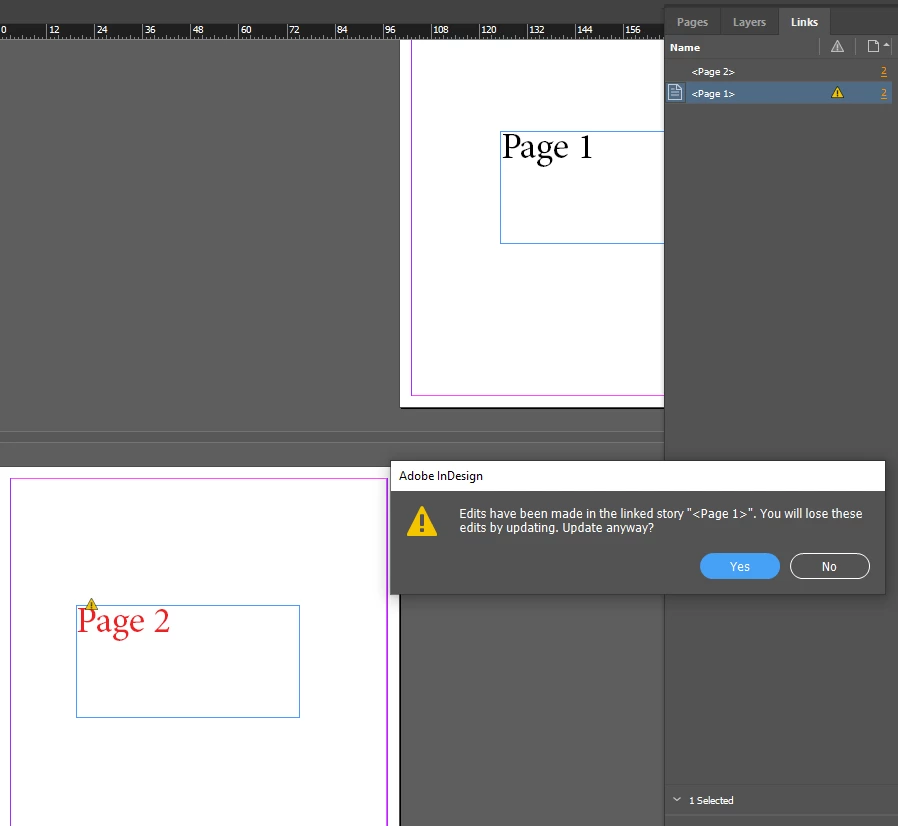
Hi all! My goal is to have text update across pages and maintain the paragraph style on the page.
As you can see in the above example, when I change the text (story) on page one (black text color) then try to update the link to page two (red text color) I get the message 'Edits have been made in linked story "<Page 1>". You will lose these edits by updating. Update anyway?' Which is telling me that my edits (paragraph style/red color) on page two will be lost when I update the link. That's what I don't want! I want to maintain the edits when updating the link so that the text on page 2 stays red (or sized differently etc) even when the text (story) changes.
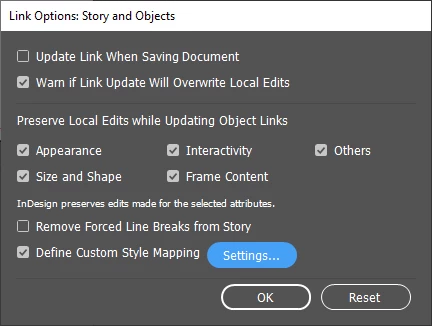
I tried using the 'Link Options: Story and Objects' (pictured below) panel by selecting both links in the links panel, right clicking and selecting 'link options' which gives me the checkboxes for Appear under 'Preserve Local Edits while Updating Object Links' This seems like it is exactly what I'm looking for... however, even after checking these options and clicking OK, there is no change and, just as before, when text (story) is updated for page 1 and the linked object on page two text (story) is updated, I get the same message: 'Edits have been made in linked story "<Page 1>". You will lose these edits by updating. Update anyway?' and ultimately, the red color (or size edits) are not preserved.
I also tried playing checking off 'Define Custom Style Mapping' clicking settings and going to the 'Custom Style Mapping' panel and playing around with options but nothing seems to make any difference. 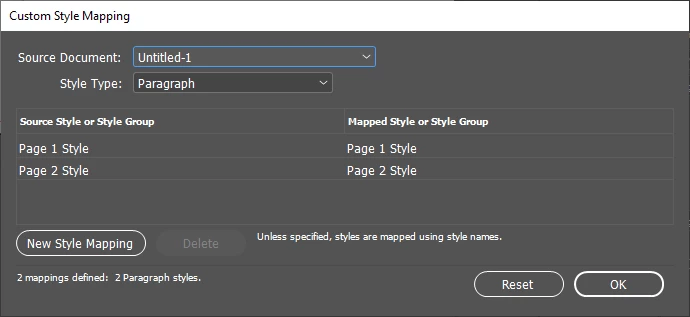
Please help thanks! I need to make tons of pages that have the same text on each but is frequently updated on it but with different styles and going back to each page and updating the paragraph style would be a reasonable amount of extra work that I'm trying to save myself. Any solution would be appreciated thanks!


 AdChoices