Hi @dublove ,
as Mark already mentioned, you could write your own alert dialog with e.g. ScriptUI; make it even scrollable when a lot of text should be readable. Search for scrollable alert for InDesign on the web*.
However, you'll not be able to center paragraphs, it's just left aligned text in one particular text size and no formatting like Bold, Italic or Bold-Italic or a different text color ( once, about 13 years back, formatting of text in ScriptUI was possible; with the upcomming of InDesign CC (after CS6) ScriptUI broke in a lot of ways and was never fixed. ) .
* Found sample code within a few seconds:
Scrollable alert
Marijan Tompa (tomaxxi)
July 28, 2010
https://indisnip.wordpress.com/2010/07/28/scrollable-alert/
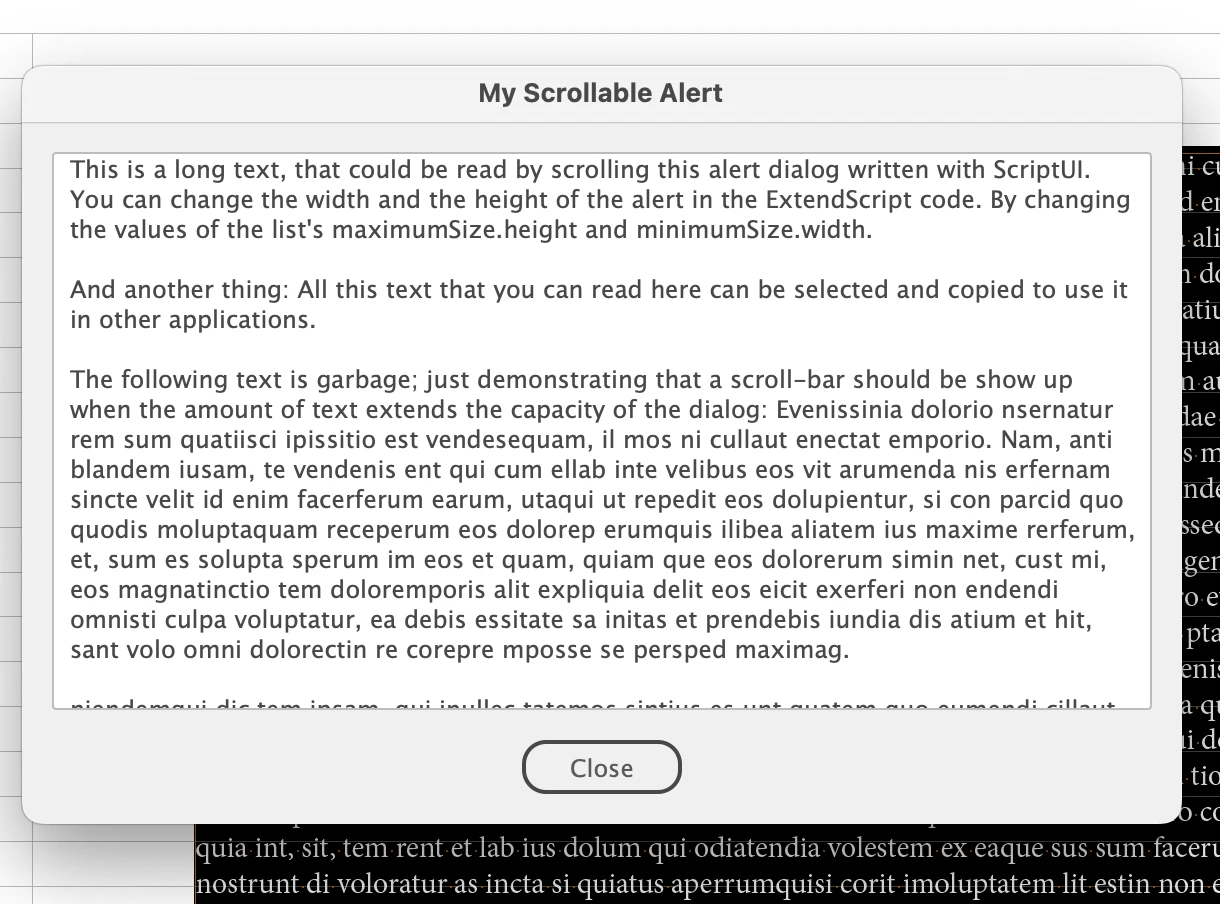
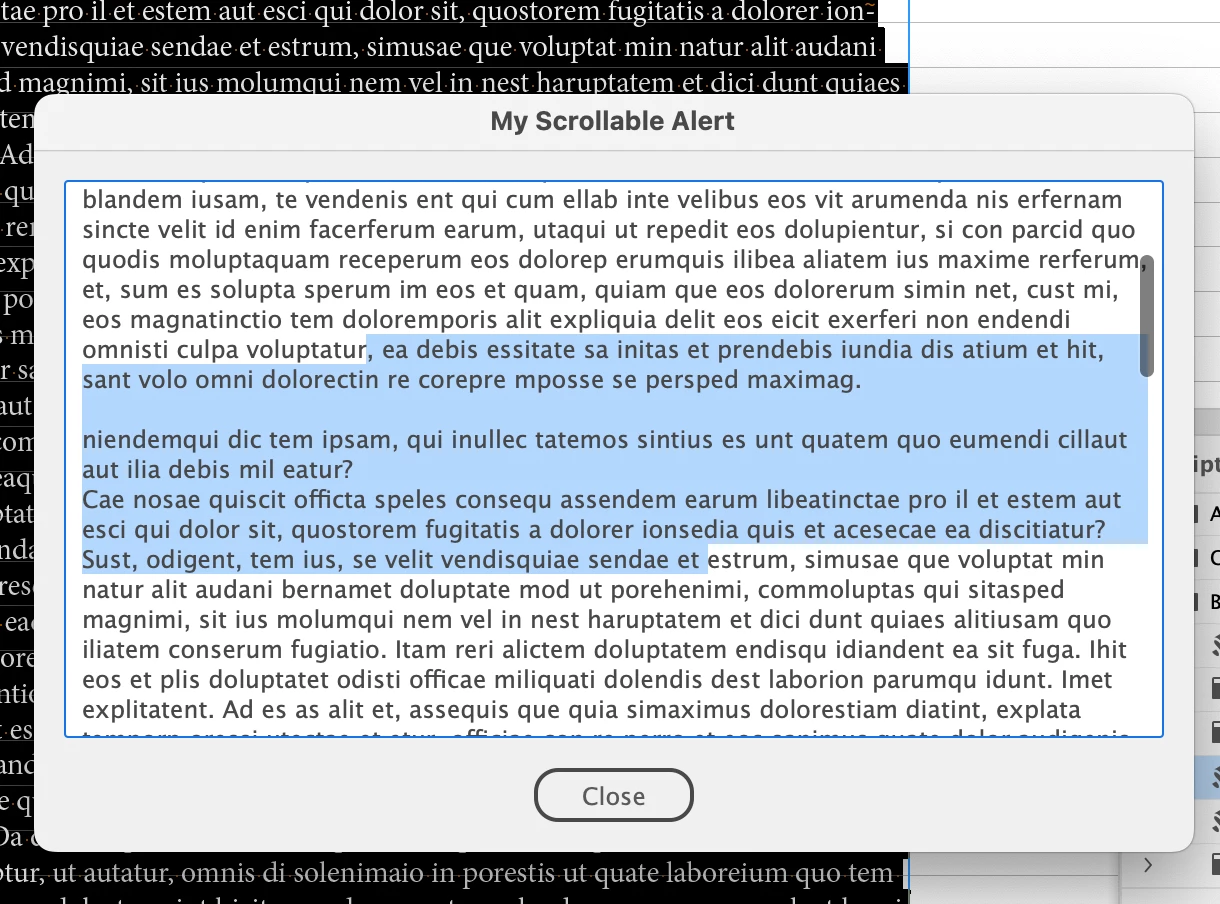
To give you two sample screenshots:
Some text selected in the dialog that could be copied/pasted through the clipboard:
For ScriptUI see also Peter Kahrel's documentation:
ScriptUI for dummies
Peter Kahrel
https://creativepro.com/files/kahrel/indesign/scriptui.html
Regards,
Uwe Laubender
( Adobe Community Expert )




 AdChoices