



dublove
Legend
October 15, 2026
Answered

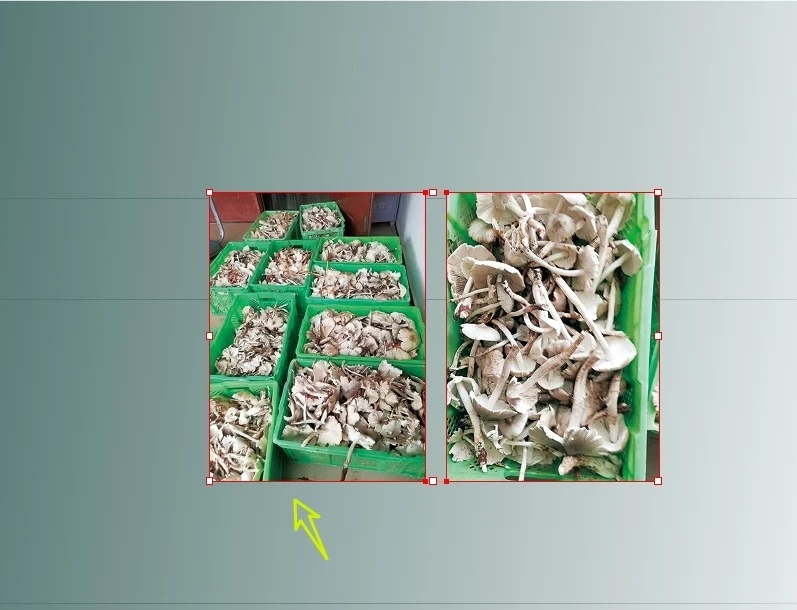
Is this considered a bug? When you try to select the first image as the key object, the background is always selected instead.

This background incorporates a "gradual feathering" effect.
Now, after pressing Shift and clicking separately, you have selected two images, and then you try to select the image on the left as the key object.
You will find that you always choose the background.
But if you want to select the image on the right as the key object, there is no problem.
 

    Eugene TysonCorrect answer
    Community Expert
    October 15, 2026

    I have no issue selecting your images and aligning them as you describe. I can select both images, the select the left image as the key object no problem.

    6 replies

    Abhishek Rao
    Community Manager
    Community Manager
    October 15, 2026

    Hi ​@dublove,


    Thanks for the clarification and for sharing the additional details.

    I tested the workflow with Content Grabber hidden and was still able to select the left image as the Key Object without the background being selected.

    To help isolate the issue, could you please try temporarily locking the background object using Object > Lock, then select both images and try setting the left image as the Key Object again?

    Please also confirm your InDesign version and operating system. If the issue persists, could you share a short screen recording showing the behavior with Content Grabber hidden?


    Looking forward to your update!
    Abhishek

    Translate
    Eugene TysonCommunity ExpertCorrect answer
    Community Expert
    October 15, 2026

    I have no issue selecting your images and aligning them as you describe. I can select both images, the select the left image as the key object no problem.

    Translate
    dublove
    dubloveAuthor
    Legend
    October 15, 2026

    Hi ​@Eugene Tyson 

    Strange, I have already been charged back.
    The forum is eating my posts again.
    Try hiding the 'Content Grip Tool' and see if you can select the left image as the key object.


    Translate
    rob day
    Community Expert
    Community Expert
    October 18, 2026

    Hi ​@dublove , I also don’t have a problem. You will get different results depending on whether you are selecting the images or their containers.


    Here I’ve scaled the images to make their differences more obvious. With the images selected using the  Direct Selected Tool and distributed to the top edges:


    With the containers selected using the black Selection Tool, the alignment is to the container rectangles, which I assume is what you are looking for?:


    Translate