megank54231203
Participant
October 3, 2018
Answered

Issue copying text boxes from Illustrator

  • October 3, 2018
  • 1 reply
  • 263 views

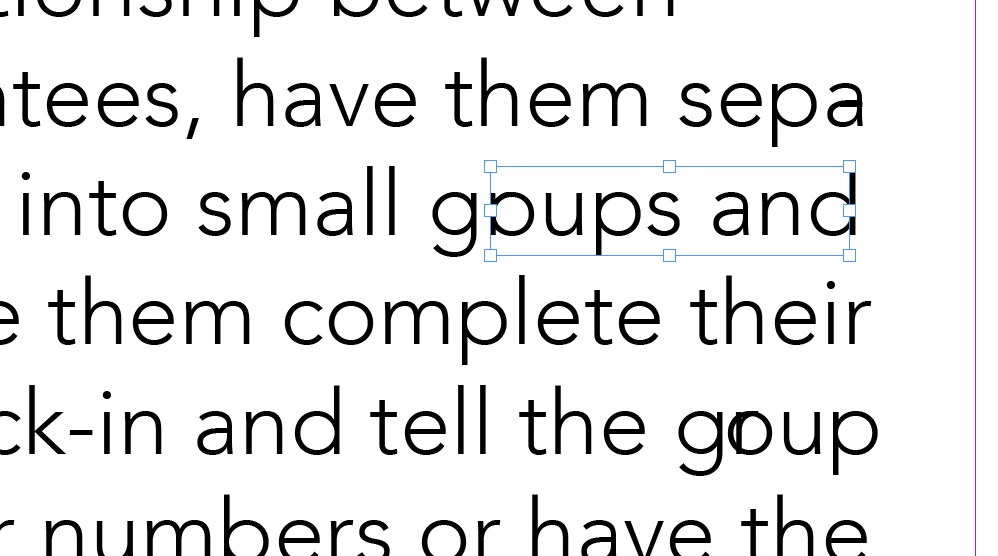
I have these infographics that I made in Illustrator, and when I copy them into InDesign, it separates the text box into a bunch of blocks and smushes them together in places. Is there anything I can do besides rasterizing the information before bringing it in? I have a lot of these, and it would just take forever... So would remaking the text in InDesign. I know that the two programs handle text differently, I just wonder if anyone knows a trick to get around this.

This topic has been closed for replies.
Correct answer Bill Silbert

Are you saying that you’re copying and pasting them from Illustrator to InDesign? To maintain the fidelity of the Illustrator art you should save the Illustrator file as an.ai and import it into InDesign via the Place command (File>Place). Any further editing of thie Illustrator imports should be done back in the original Illustrator file and then after saving updated in InDesign through the Links Panel.

1 reply

Bill Silbert
Community Expert
Bill SilbertCommunity ExpertCorrect answer
Community Expert
October 3, 2018

Are you saying that you’re copying and pasting them from Illustrator to InDesign? To maintain the fidelity of the Illustrator art you should save the Illustrator file as an.ai and import it into InDesign via the Place command (File>Place). Any further editing of thie Illustrator imports should be done back in the original Illustrator file and then after saving updated in InDesign through the Links Panel.

megank54231203
Participant
October 3, 2018

That makes sense. Using the place command seems to have fixed the problem. Thank you!

Bill Silbert
Community Expert
Community Expert
October 4, 2018

Happy to help.