January 8, 2026
Question

Issue placing photos in document

  • January 8, 2026
  • 2 replies
  • 134 views

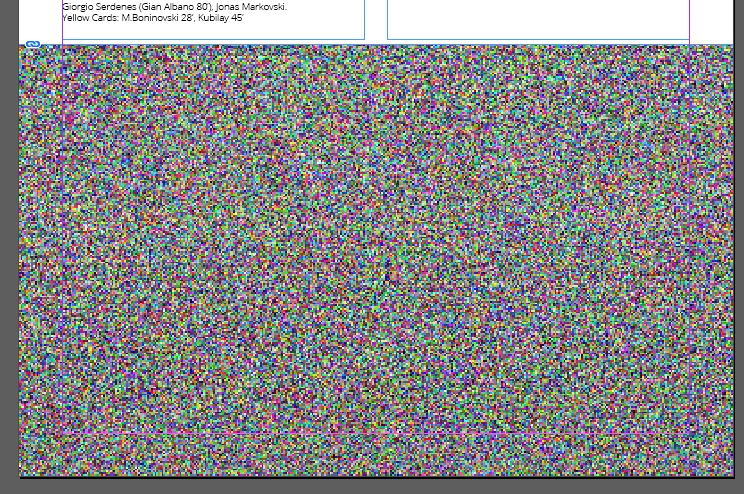
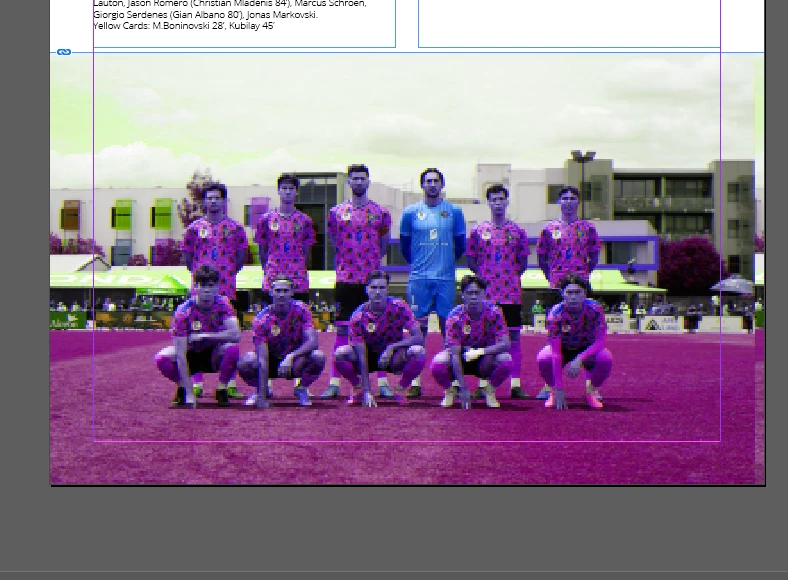
When i place an image into a document, the image appears like these two below.


I have never had an issue previously placing images into documents.


Screenshot 2026-01-08 171852.png


Screenshot 2026-01-08 172138.png

2 replies

Bill Silbert
Community Expert
Community Expert
January 8, 2026

Is the color in the top image supposed to be full natural color? What format are the images (PSD, jpeg, png, tif)? Could you post the images as they should appear?

Abhishek Rao
Community Manager
Community Manager
January 8, 2026

Hi @Dimitri34032917qpls,


Thanks for reporting this. To help narrow it down, could you please confirm the exact InDesign version and OS details where you're seeing the issue, and let me know if this happens only in older InDesign files or also in newly created documents. If you haven't tested that yet, please try and update me. Also, please check whether GPU Performance is enabled in InDesign Preferences and try toggling it off and on to see if there's any change. Let me know if this behavior is limited to these two images or if it occurs with all images you place, and if possible, try re-saving one of the affected images from Photoshop as a fresh PSD or TIFF and place it again.

Additionally, please refer to this Adobe help article and try the suggestions shared there: https://adobe.ly/4qKTg93. You may also want to review and try the workarounds discussed in similar community threads here: https://adobe.ly/4qKTgpz and https://adobe.ly/49rWmYC. If the issue persists, please also test once in safe mode to rule out any OS-level or third-party display driver issues using the steps here for Windows https://adobe.ly/4qGuwyB or macOS https://adobe.ly/3L8lStP.


I'll be looking out for your update.

Abhishek

January 8, 2026

Thank you


InDesign version - 21.1 x64


OS -  Edition Windows 11 Pro - Version 24H2

Issues occurs in occuring in both this old file i am using, and also just created a new file, and same issue is occuring. 


GPU Performance - I can not click on this button, it says Compatible CPU and Monitor not detectd. 

GPU details: AMD Radeon Graphics 512MB


This issue occurs with all images, i have tried adding other images from various other folders. The images are in JPEG format, which i havent had an issue previously. When i saved one image to TIFF, it appears correctly. So ts working correctly now, although i dont want to have to save all images to TIFF, i would like to use JPEG images if possible.


Screenshot 2026-01-08 203356.png


rob day
Community Expert
Community Expert
January 8, 2026

 i would like to use JPEG images if possible.


Hi @Dimitri34032917qpls , Are the problem JPEGs files you have saved out of Photoshop, or are they from another source like a website? If they are from another source does a Save As out of Photoshop fix the problem?


Also, when you Place images a preview proxy for the page display is created for all formats, so if your reason for placing JPEG is to reduce the InDesign file size a compressed format would not help. See this thread:


https://community.adobe.com/t5/indesign-discussions/indesign-not-updating-links-to-my-jpgs-after-i-ve-resized-them/td-p/13698957