
Participant
July 6, 2025
Answered

issue with masterpage images when exporting to PDF

  • July 6, 2025
  • 3 replies
  • 364 views

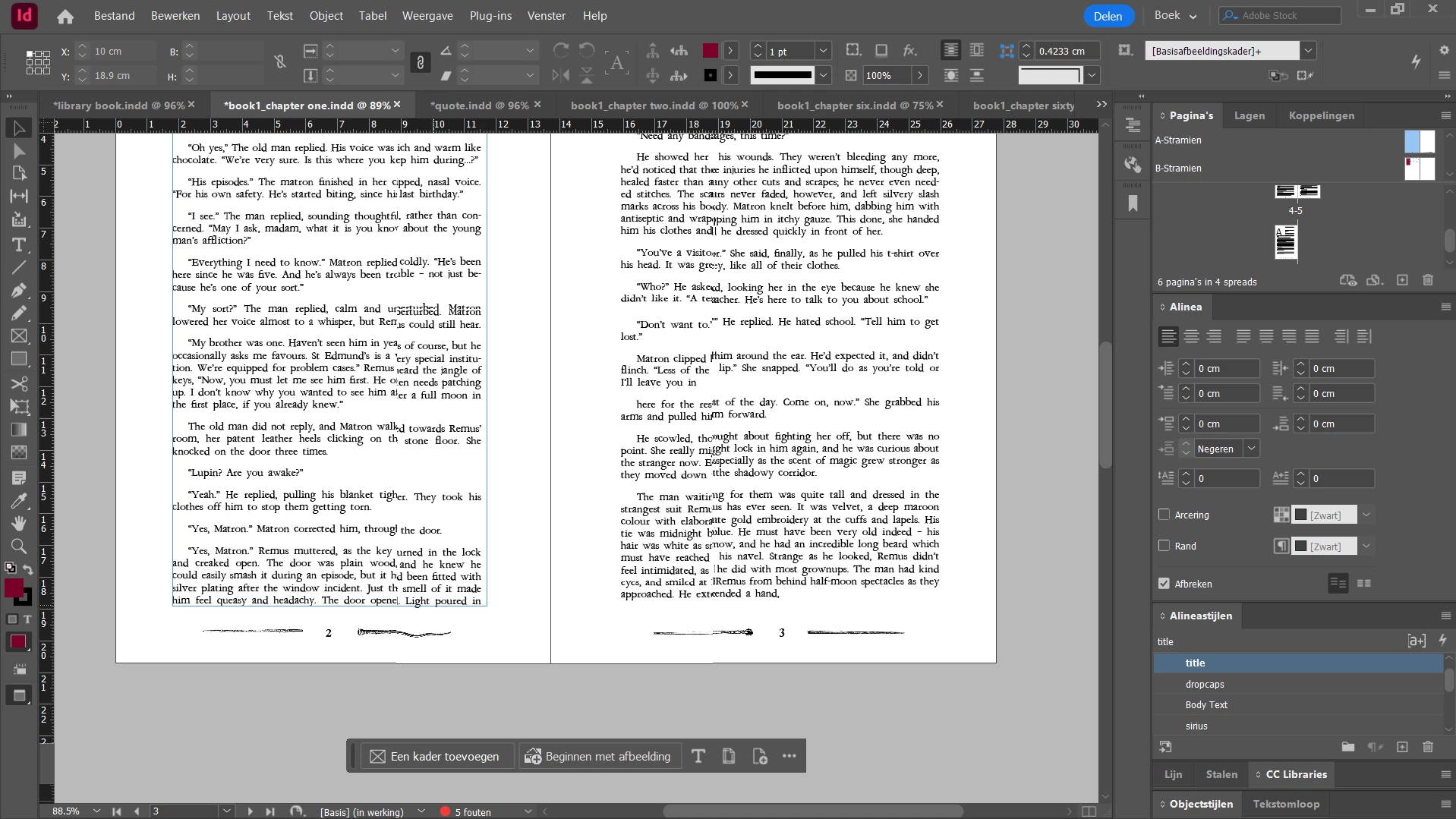
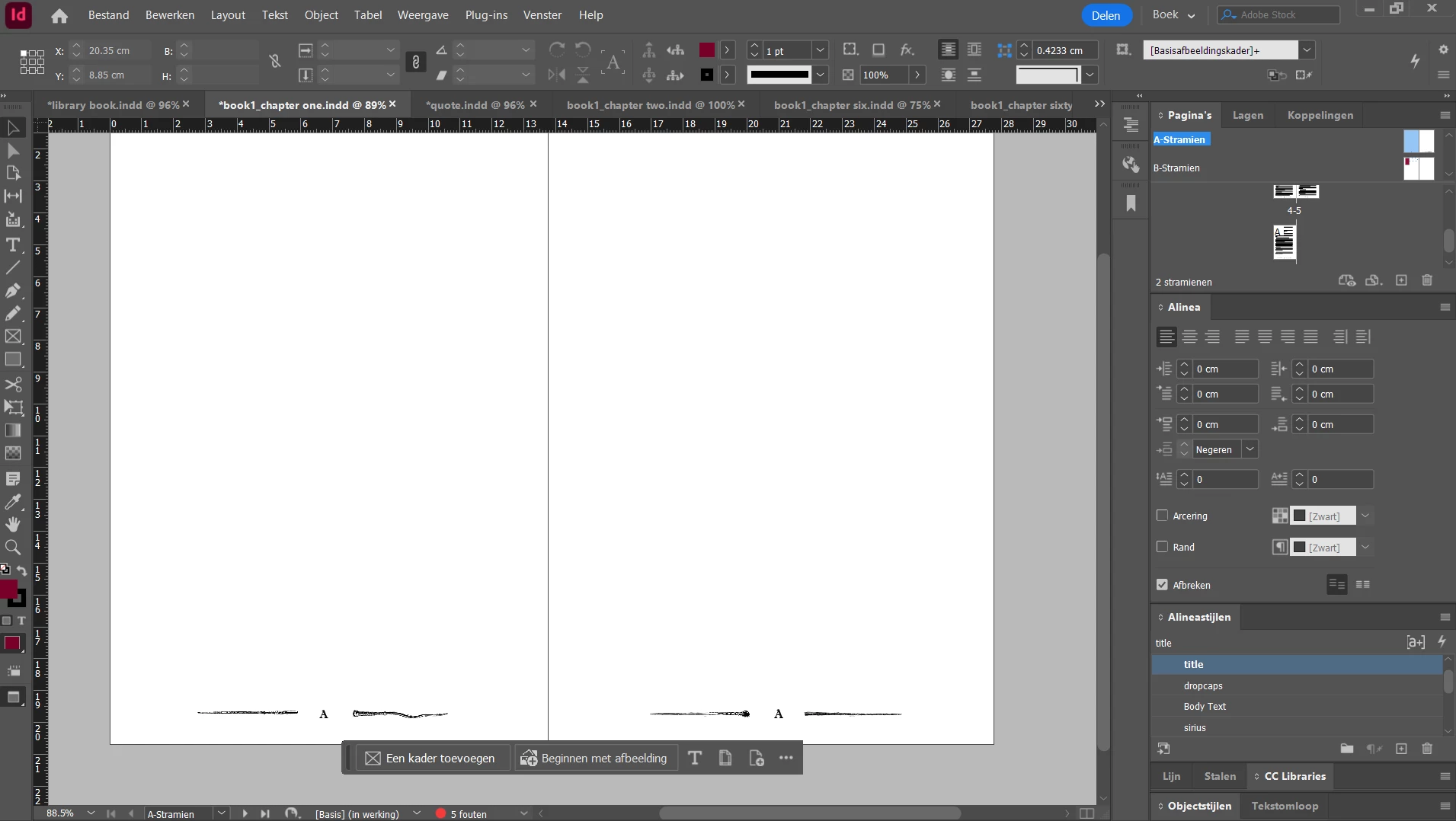
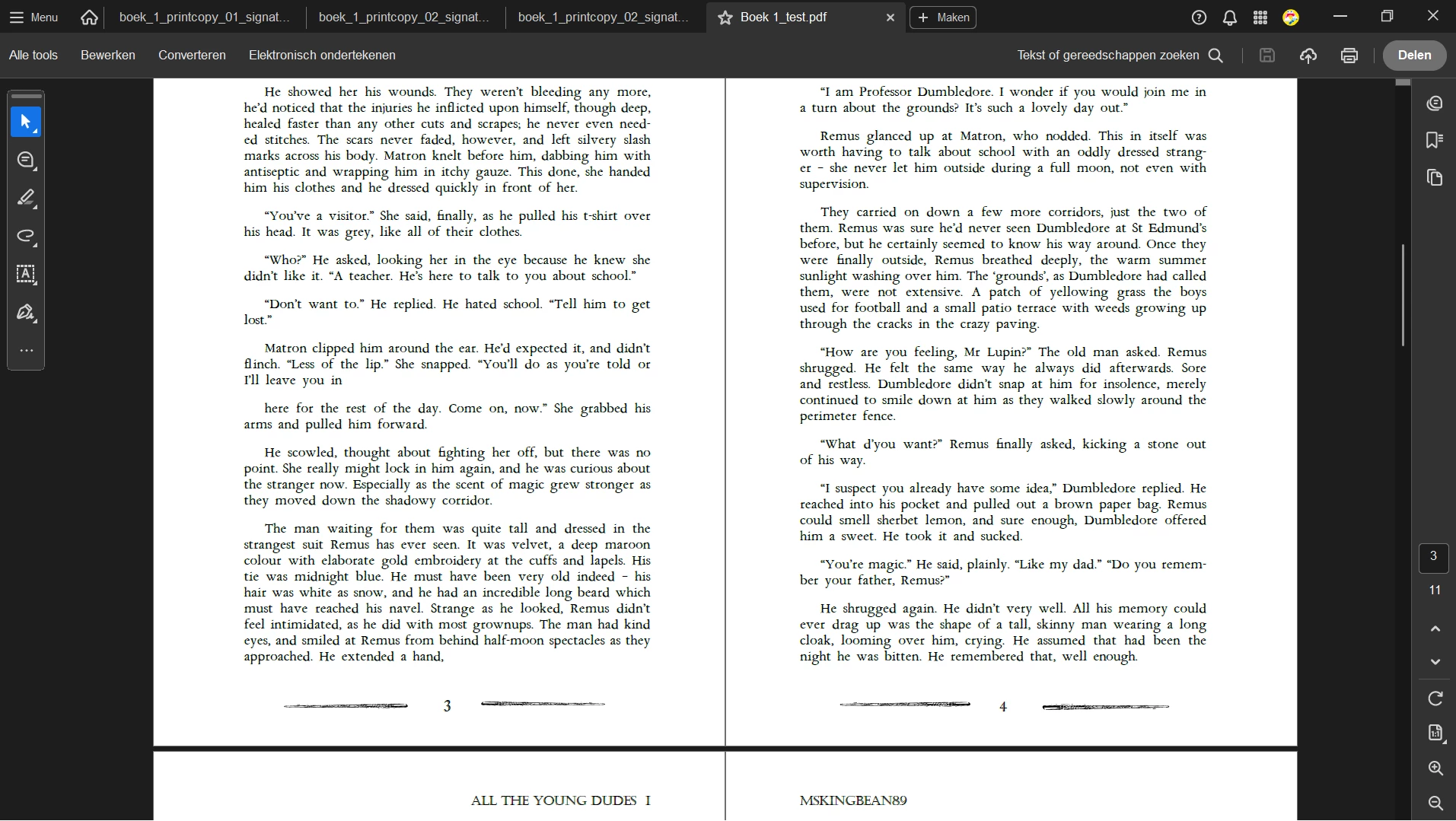
Hi, I'm trying to make a book typeset and want these four different pictures flanking my page numbers. I put them in my masterpages that i applied to every chapter, it all works well untill I export my document into a pdf, then it chooses one of the pictures to apply on both sides of the page number, I have no idea why and no idea how to fix it, does anyone know what the problem is?
Correct answer merel38720751yo3g

Hi guys, I figured it out with some help. I had to delete the pictures from my masterpages and put them in again in a new copy of the document. I don't know what the original problem was but it works how it should now, thank you for your time ❤️

3 replies

merel38720751yo3gAuthorCorrect answer
Participant
July 15, 2025

Hi guys, I figured it out with some help. I had to delete the pictures from my masterpages and put them in again in a new copy of the document. I don't know what the original problem was but it works how it should now, thank you for your time ❤️

rob day
Community Expert
Community Expert
July 6, 2025

Hi @merel38720751yo3g , Also, in your capture of the PDF the odd pages or displaying to the left of the spine. In Acrobat you can choose different page displays-- single page, facing pages, facing pages with page 1 to the right of the spine. What is your Acrobat page display setting?

BobLevine
Community Expert
Community Expert
July 6, 2025

Why is page 3 on the left in the PDF and on the right in the document? Something seems to be set up incorrectly.

Participant
July 6, 2025

yeah, my apologies I should have taken another screenshot it seems confusing now. I only noticed the problem after I put the PDF through a signature maker which rearanges the pages to be printed as a book. the issue shows up in the original PDF before I put it through that application though.

BobLevine
Community Expert
Community Expert
July 6, 2025

What were your PDF export settings? Is InDesign fully updated? Are all the links up to date?