
Participating Frequently
November 8, 2024
Answered

Issue with Multi-State Objects Not Printing in Published Online InDesign Document

  • November 8, 2024
  • 1 reply
  • 631 views

I am using multi-state objects in a published online InDesign document. Everything is working, except that the multi-state objects are not printing. I have the buttons used for navigation and to control the states set to not print, which works. However, the multi-state objects should just print as the first state. What am I missing? I am trying to convince stakeholders that this is a viable solution. But if I can't get the images to print, this project is dead in the water. I appreciate any help you can provide!
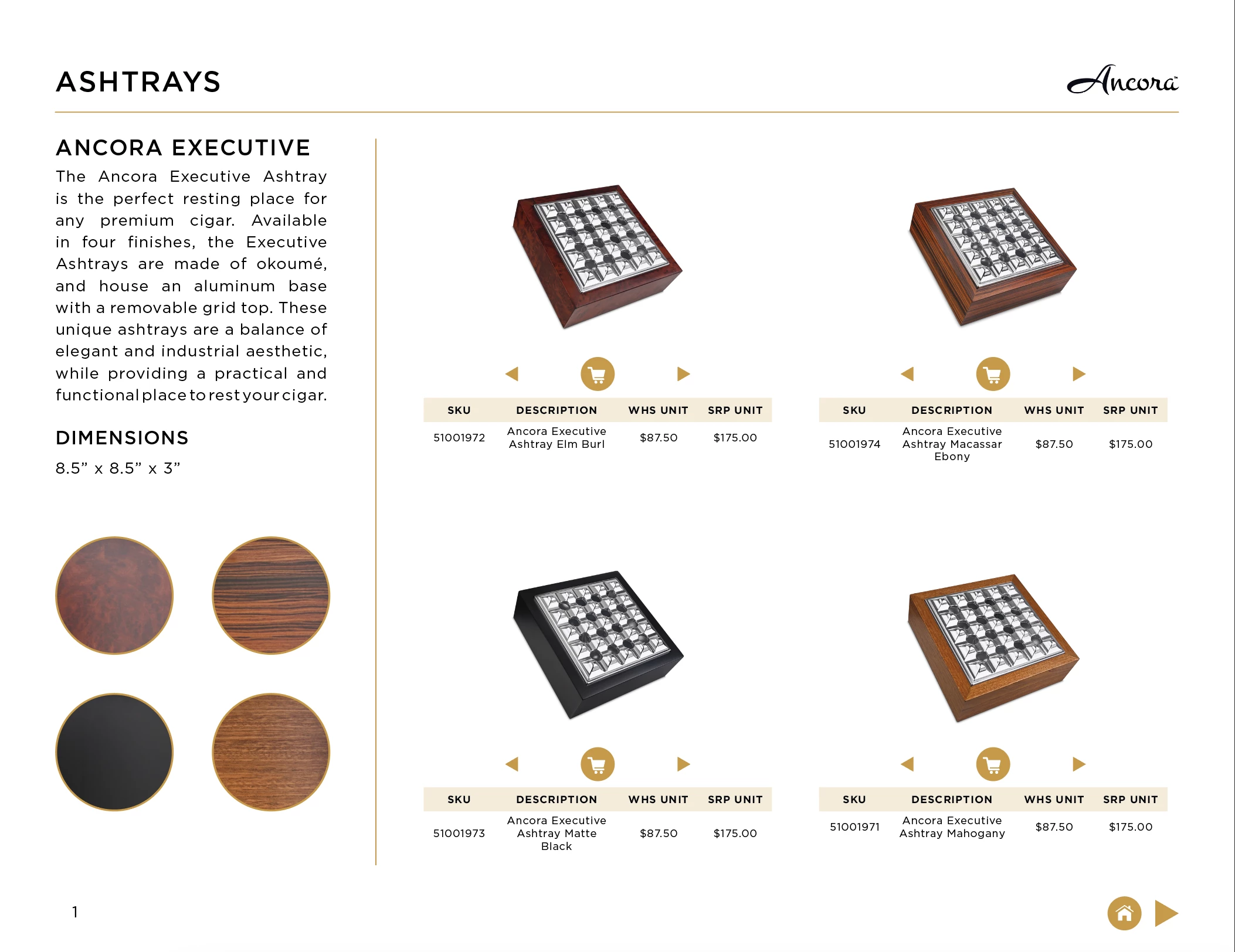
 

The document can be found here: 

https://indd.adobe.com/view/e3d2d249-4ada-46cc-859f-1410d4ad11f2


<Title renamed by MOD>

This topic has been closed for replies.
Correct answer Abhishek Rao

If you'd like to look under the hood, I have packaged the InDesign file here: https://davidoffusa.box.com/s/961vc4zsl8fqv1cjniiedg4ud0ge7z5p


Hello @David_Jamieson,


Thank you for your patience while we investigated the issue. After consulting with the product team, it appears that this might be related to the PDF export settings.

For the interactive elements (MSOs) to appear correctly in the exported PDF, you need to ensure that the "Include Appearance" option is selected for "Interactive Elements" in the PDF Export options. By default, this option is set to "Do not include."

Here’s how to enable this setting:

  1. When exporting the PDF, go to the Export Adobe PDF dialog.
  2. Under General > Options, ensure that "Include Appearance" is selected for Interactive Elements.

Reference:


Additionally, when exporting for Publish Online, make sure to select the correct PDF preset that has this setting enabled.

Please try these steps and let me know if it resolves the issue. If the problem persists, feel free to share any further details, and I’ll be happy to assist you further.


Thanks again for your patience!


Best,
Abhishek Rao

1 reply

Participating Frequently
November 8, 2024

Abhishek Rao
Community Manager
Community Manager
November 8, 2024

Hi @David_Jamieson,


Thanks for reaching out! It seems like you’re experiencing an issue where multi-state objects in your Published Online InDesign document aren't printing as expected.

By default, multi-state objects in a published online document will only show the current state in the interactive document, but when printed, they should revert to the first state. However, ensure that the below things are set up correctly:

1. Double-check that the multi-state objects are set to be visible in the first state for printing. Ensure that the first state has all the elements that should be printed (images, text, etc.), as only that state will be printed.

2. While you mentioned that the buttons used for navigation are set to not print, make sure that there are no conflicting settings in the buttons or multi-state objects that might prevent the first state from displaying correctly during printing.

3. Keep in mind that interactive elements (like buttons for state changes) are not visible in the print version. So the print version will show the multi-state objects in their default state (the first state). 

4. Try using the print preview in InDesign to check how the document will appear when printed. Sometimes there can be discrepancies between the online preview and print outputs.

If these steps don’t resolve the issue, it might be helpful to check if the multi-state objects are inside a frame that might be hidden or set to not print.


Let me know how it goes, and I’m happy to assist further if needed!


Best,  
Abhishek Rao

Participating Frequently
November 8, 2024

"1. Double-check that the multi-state objects are set to be visible in the first state for printing..."

Where are the settings for MSO printing? I see nothing in the MSO panel.


"2. While you mentioned that the buttons used for navigation are set to not print, make sure that there are no conflicting settings in the buttons or multi-state objects that might prevent the first state from displaying correctly during printing."

When I export to interactive PDF the MSOs are there. When I save to High Quality Print PDF, they disappear. I have tried making a new MSO without buttons to rule out any interference. No Change.


"3. Keep in mind that interactive elements (like buttons for state changes) are not visible in the print version. So the print version will show the multi-state objects in their default state (the first state). "

I understand. However, no state is showing when exported to print PDF or published online and then downloaded as PDF.


"4. Try using the print preview in InDesign..."

Print preview shows all MSOs in their first state.