
Participating Frequently
November 26, 2018
Answered

Issue with the colorimetry

  • November 26, 2018
  • 4 replies
  • 1015 views

Dear all,

I have an issue with the colors in InDesign. It is probably related to the settings, I never had this problem before and I am apparently not able to fix it by myself.

Here are some pictures to illustrate what's happening to me :
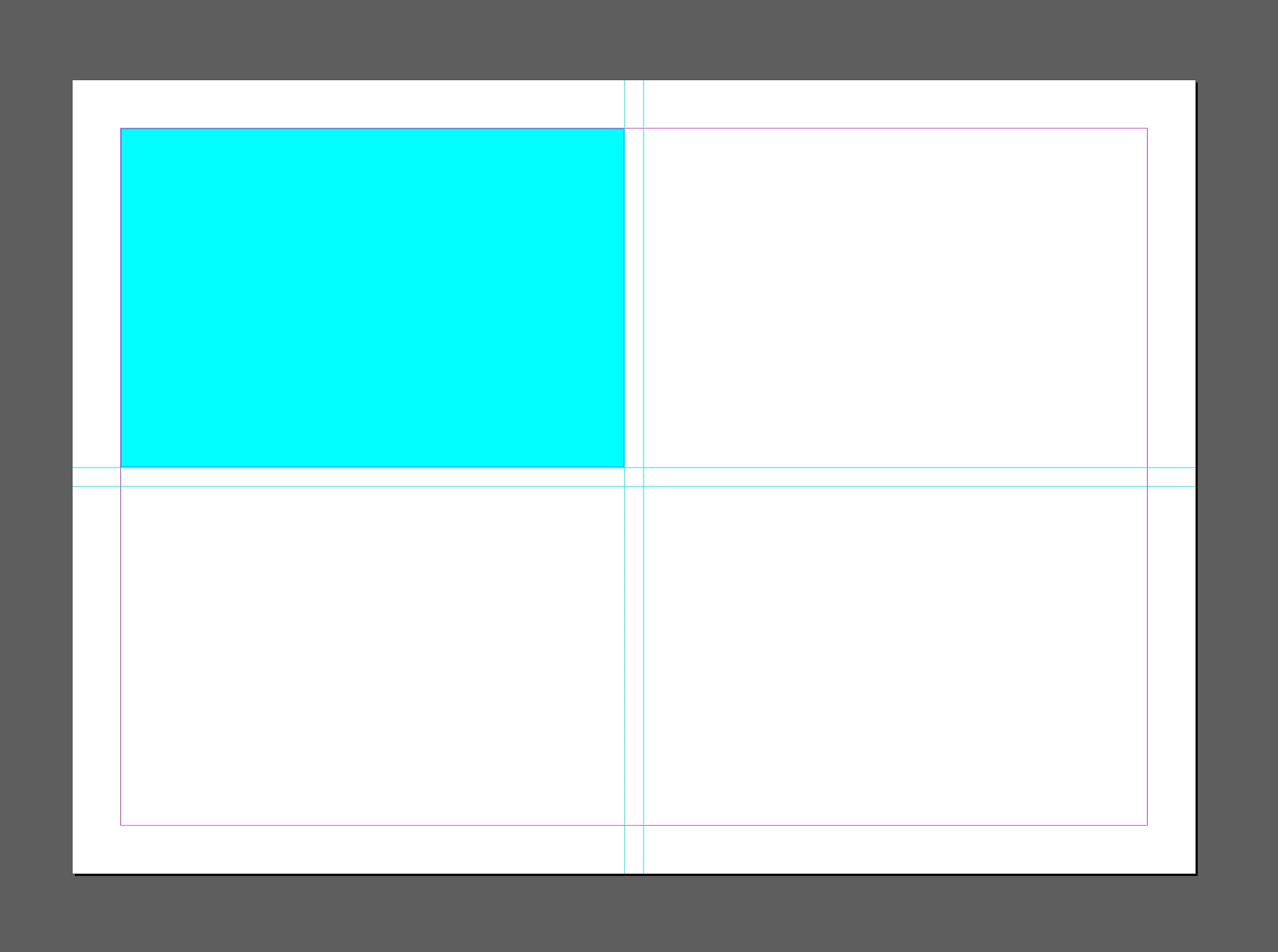
Here, I have simply filled a box with a turquoise color and everything looks normal.
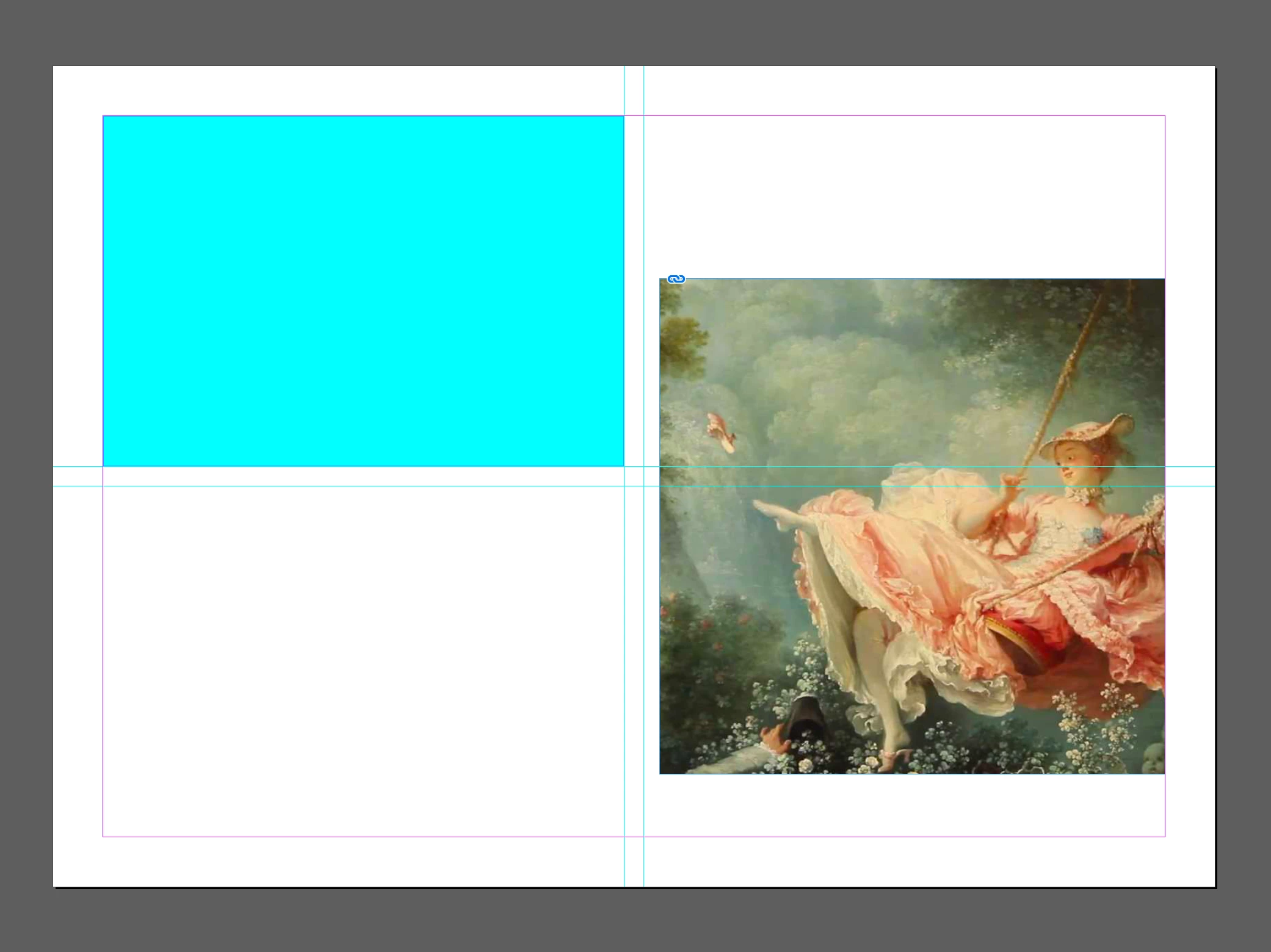
If I had a JPEG picture on the same page, it is fine but...

If I had a PNG as this one then the color changes and tarnishes completely.

This is very annoying as I need to create presentations on InDesign approximately on a daily basis and, as an interior designer, I really need to have the exact same colors as we have in our project.

It is probably something very simple and easy and I am looking forward to have some answers and fix this.

Thank you in advance,

Andrea.

This topic has been closed for replies.
Correct answer Eugene Tyson

It's an onscreen only change - as it's processing a transparent image, and you are in document RGB mode.

More here https://indesignsecrets.com/my-grayscale-images-and-colors-changed-suddenly.php

4 replies

Participating Frequently
November 27, 2018

Well, thank you all for your answers.

The thing is, when I print the colours seem to be okay. It is when I export the PDF that I don’t see the true colours. I am clearly not an expert in InDesign but I really don’t understand.

Community Expert
November 27, 2018

Hi Andrea,

Do not worry about not understanding, we were all beginners once!

Please do read rob day​ posts, he's a master of colour!

Participating Frequently
November 27, 2018

Thank you very much!!! After reading these posts I finally understood and found the solution

rob day
Community Expert
Community Expert
November 26, 2018

This is very annoying as I need to create presentations on InDesign approximately on a daily basis and, as an interior designer, I really need to have the exact same colors as we have in our project.

When you are selecting RGB colors for a print presentations, be aware of InDesign's and Photoshop's gamut warning, which shows the closest printable color from the document's assigned CMYK profile. InDesign's Color and Swatches panel has the warning, and Photoshp's Color Picker has one. In Photoshop the current Color Settings CMYK Working Space is used for the gamut definition:

Eugene TysonCommunity ExpertCorrect answer
Community Expert
November 26, 2018

It's an onscreen only change - as it's processing a transparent image, and you are in document RGB mode.

More here https://indesignsecrets.com/my-grayscale-images-and-colors-changed-suddenly.php

Participating Frequently
November 26, 2018

Thank you very much! I have changed the transparency blend space to RGB and now it seems to be okay!

Community Expert
November 26, 2018

It's because the PNG has been saved with transparency.

If you don't need transparency in the image the remove it by resaving the PNG and remove the transparency option.

Participating Frequently
November 26, 2018

Thank you for your time but... it does the same with every PNG I upload. I can not resave every PNG I need to use? I thought it was more something going on with the settings...

vinny38
Legend
November 27, 2018

Hi Vinny,

it's no bug. It's also no preview issue. You started with a print intent document so CMYK is simulated when transparency is added.

Just change the transparency blend space from CMYK to RGB ( and live with the consequences ).

FWIW: The appearance of the RGB color will also change if you turn on Overprint Preview, because overprinting is a feature for print intent inks. You'll get a warning message if you do so after changing the transparency blend space to RGB.

Regards,
Uwe


Hi Uwe

Yes, you are absolutely right. I probably misused the words I have chosen.

Definitely not a "bug" (even if put in quotation marks) and maybe not an "issue" either...

Would a "behavior" be OK for you?