
Participant
October 28, 2024
Question

Issues Opening InDesign 2024 Files by Double-Clicking

  • October 28, 2024
  • 4 replies
  • 518 views

Why is it when I double click on an ID file that I created and saved in the 2024 version (19.5) I get this message:
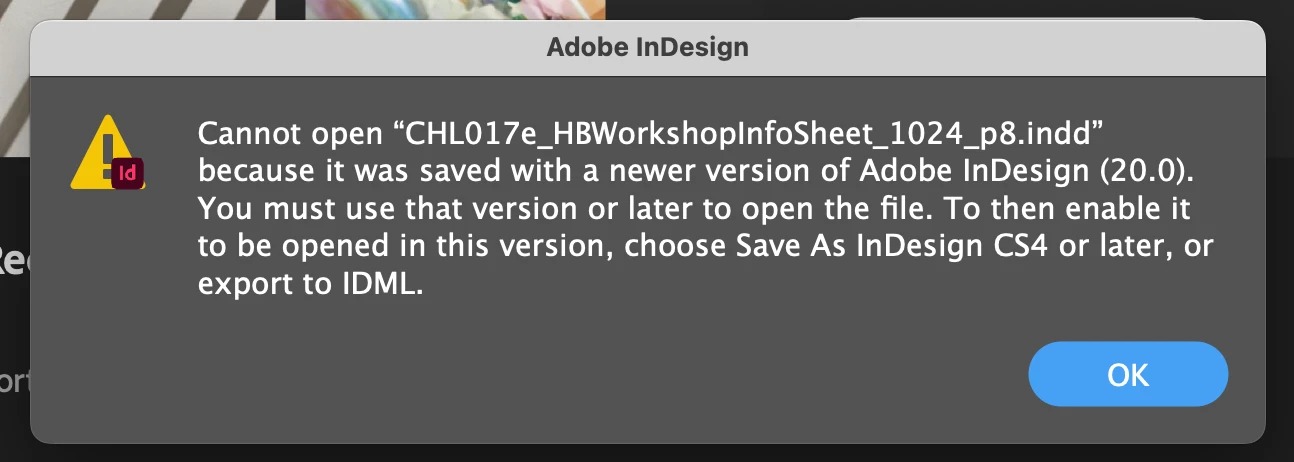
 

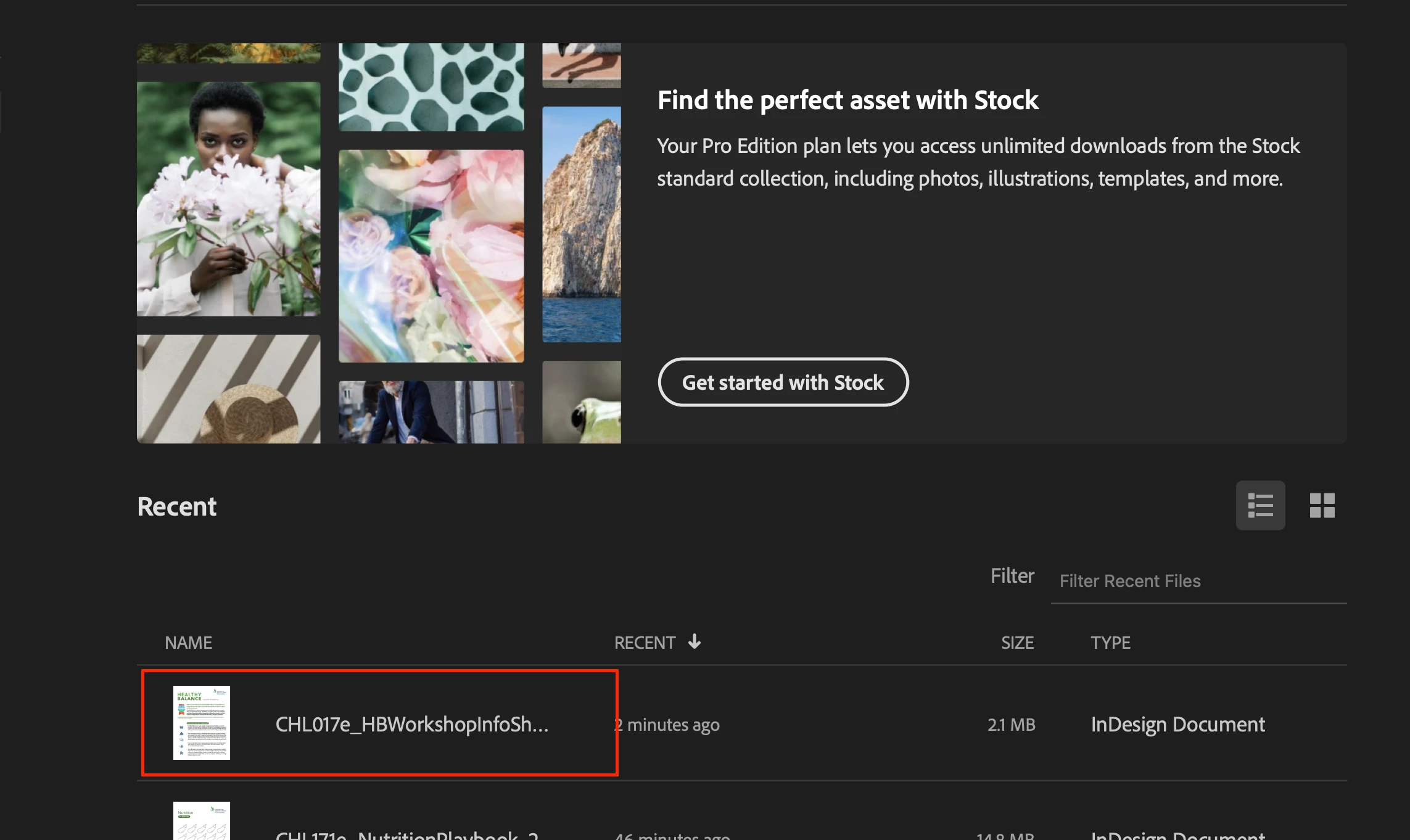
But when I click on the file in the “Welcome to InDesign” window, it opens without any problems or alerts?


<Title renamed by MOD>

4 replies

Participant
May 5, 2025

I'm having the same issue I cannot open any ID files via double click. I have to open by browing to is from the open file dialog inside ID.  Started just prior to latest update and continued after the update.

Abhishek Rao
Community Manager
Community Manager
May 12, 2025

Hi @dfinlinson,


Thanks for sharing that you're running into the same issue. I know how inconvenient that can be.

Since you mentioned this started just before the latest update and continued after, could you please confirm which version of InDesign you're currently using, along with your operating system details? Also, do you have multiple versions of InDesign installed on your machine?

It would also help to know where your files are stored. Are they saved locally on your system drive, an external drive, a remote location, or on the cloud? And when you try to open a file by double-clicking, do you get any specific error message? If yes, please share a screenshot, so I can take a closer look.


Looking forward to your update.

Abhishek Rao

Participant
October 28, 2024

Thank you @Abhishek Rao and @leo.r for responding so quickly!


The trouble I'm having is opening 19.5 files that I worked on and saved in 19.5 last week. The 19.5 files I touched prior to last week seem to open in 19.5 without any problems. I don't have 20.0 installed, and the version listed as “Open with” is Adobe InDesign 2024.app. 


But here's another weird thing ... the files I'm having problems with are files saved in OneDrive, as opposed to being saved on my MacBook. Thankfully, I have everything also saved in Sharepoint (my anxiety about losing files serves me well) so I was able to download the 19.5 files directly to my Macbook and can open them withouth any issues.


I have no idea what happened between Adobe, Microsoft, and the stars last week , but I'm sticking to 19.5 until I stop seeing posts about issues with ID 2025.

Abhishek Rao
Community Manager
Community Manager
October 29, 2024

Hi @defaultchn2t8fqv0uo,


Thank you for the detailed follow-up!

It’s helpful to know that the files saved directly to your MacBook open without issue, while the files stored on OneDrive are causing trouble. Sometimes, cloud storage services like OneDrive can interfere with file access due to syncing conflicts, temporary files, or other factors. It’s possible that recent changes in OneDrive or macOS might be influencing this behavior.

As a workaround, saving and opening files directly from your MacBook, as you mentioned, seems to be the most stable solution for now. Additionally, I’d recommend checking for any pending updates for OneDrive, macOS, and Creative Cloud that might address these sync-related quirks.

If the issue persists, feel free to reach out, and I’ll be here to help!


Best,  
Abhishek Rao

leo.r
Community Expert
Community Expert
October 28, 2024

Do you have InDesign 2025 installed? Also, what InDesign version is listed as "Open with" in the Get Info window in the Finder?


Regardless, if you've never saved that file from InDesign 2025, then the "Cannot open..." dialog looks like a bug.

Abhishek Rao
Community Manager
Community Manager
October 28, 2024

Hi @defaultchn2t8fqv0uo,


Thank you for reaching out! To better assist you, could you please confirm if this issue occurs with a particular file or if it's happening with all files? Additionally, are you experiencing difficulties opening files created and saved in InDesign 2024 (19.5) in the 2025 version (20.0), or is it the other way around?

It would also be helpful if you could share a screen recording of the issue. This will allow us to better understand what you're encountering.

Thank you, and I look forward to your response!


Best,  
Abhishek Rao