Issues with my Indesign 2023
Hello everyone,
A few days ago I installed In Design Beta version + I made an update to Indesign 2023. Shortly after I realised I wasn't able to open any document from InDesign throughout separated documents, so I uninstalled the Beta version however, now, all my Indesign documents change Icons ( they don't have now indesign icons) now it seems that these documents are not existing. If I want to open some Indesign document now, I have to do that by opening the whole Indesign itself, but now I am distraught that I won't be able to return to my old documents. Can someone please help me? this is very frustrating, and I am still trying to figure out what to do.
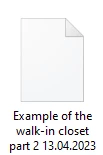
This is my new icon. When I am clicking on it I have this:
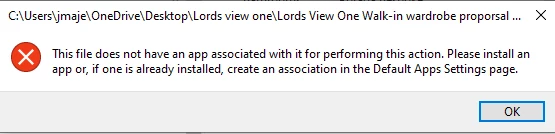
Another example is here:

seems that I have Indesign document in this folder, but after I am opening it I am not seeing any indesign icons.
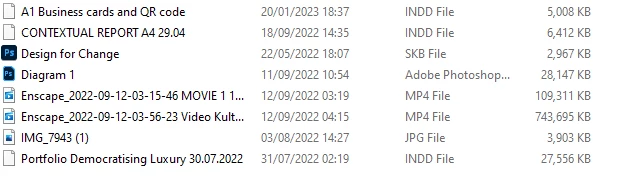
If anyone can help me with that, that would be amazing, as this making me very frustrated.
Best wishes
Justyna
 AdChoices