
Issues with placing images in Master page frames
I'm having a strange issue with placing images in master page frames that is driving me batty, so any help would be much appreciated. I have a two page Master Page spread that has a background image, sidebar images on both left and right edges, and a frame arranged on each page (both set for graphic content and proportionally fit content), see image below: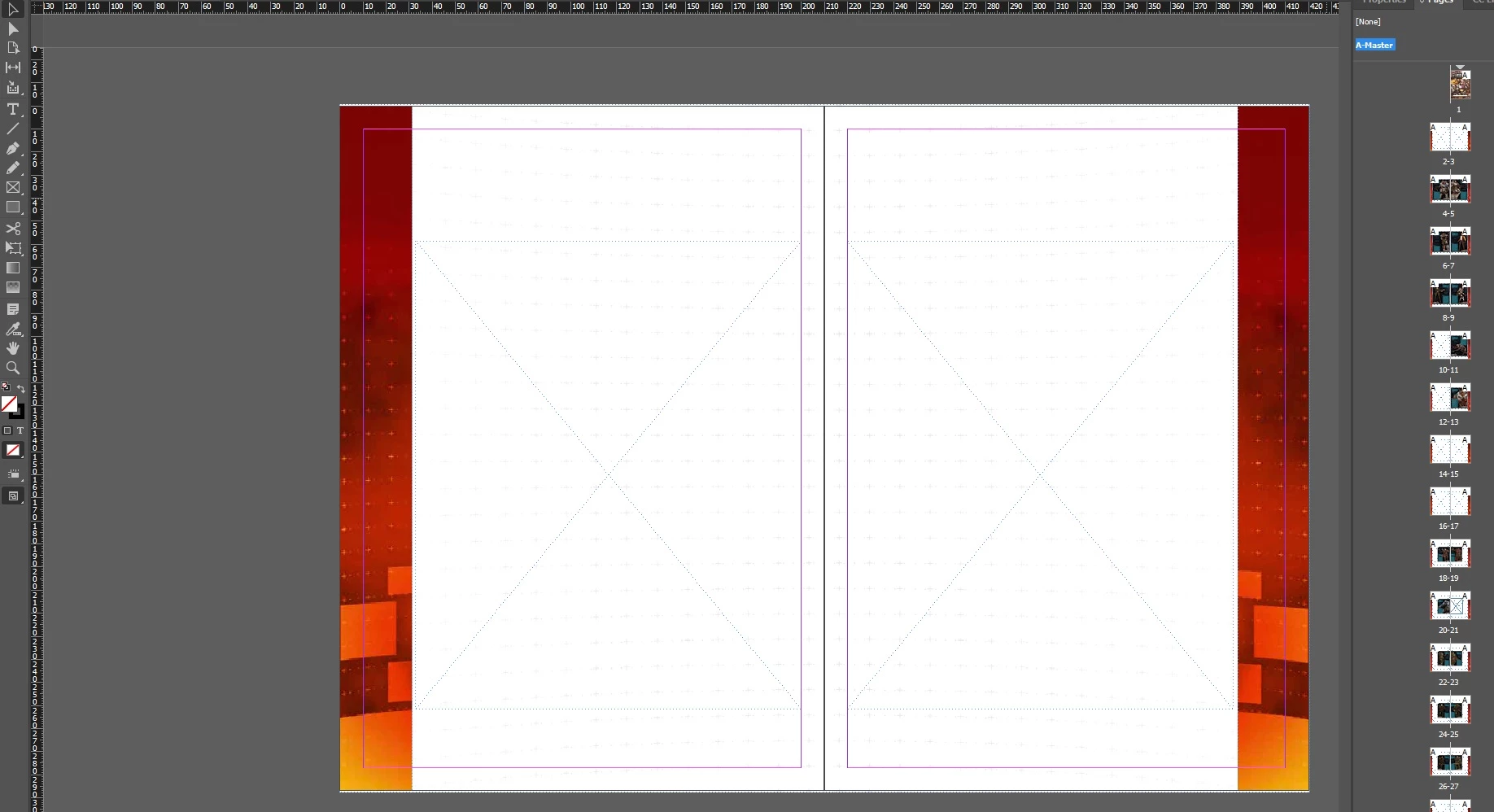 For some reason, when attempting to place an image in the frames on the pages (not master), it correctly places inside the frame and resizes properly on the left side, but does not register the frame on the right side and instead places normally (as if there was no frame present). I have looked at settings and tried copy and pasting the frame from the left to the right, but nothing seems to work. I just don't understand why it works on one side but not the other! While I can get around this by placing a new frame on each right page, it would be nice to save some time by avoiding this.
 AdChoices