



dublove
Legend
September 28, 2024
Question

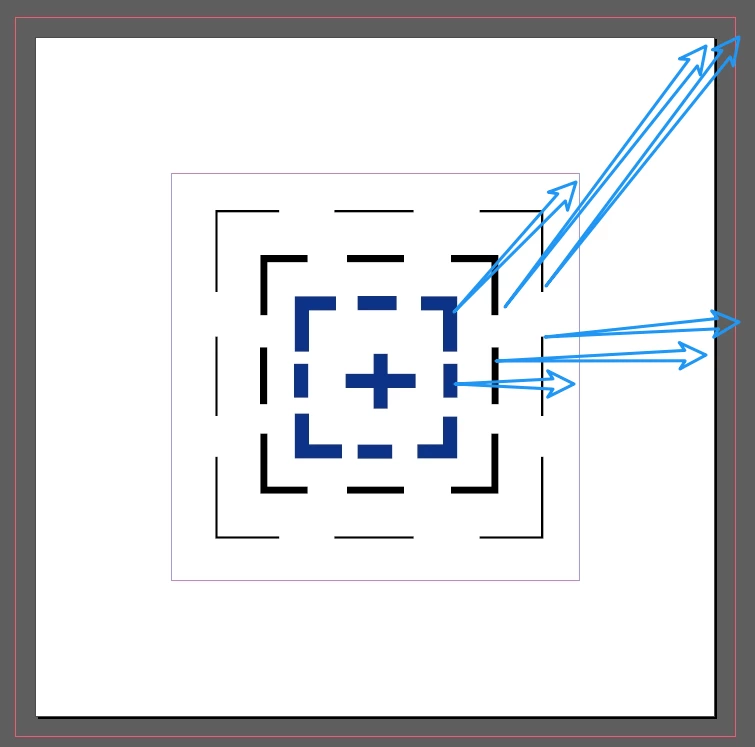
It would be nice to have a tool like this on the control bar.

  • September 28, 2024
  • 1 reply
  • 793 views

Sometimes I find it a bit slow to switch to the aligned faceplate.
This is because alignment faceplates are generally aligned to selections by default. It's a pain in the arse to change it.


Quickly align margins, plate centre, bleed tool.
Also wish adobe would add an align to reference line feature.
 

This topic has been closed for replies.

1 reply

Robert at ID-Tasker
Legend
September 28, 2024

But you can Snap to Guides and use Smart Guides. 


In order to perform action(s) you describe - you would have to have extra pallet open - and then select object and click icon. 


For me, personally, selecting an object and moving it is fast and convenient enough.


And I don't have to waste screen's real estate. 


But if you have to do it so often - it can be easily scripted - but then you'll need multiple scripts anyway - and multiple keyboard shortcuts if you prefer to use keyboard. 


Or UXP Script can create a pallet with icons. 


dublove
dubloveAuthor
Legend
September 28, 2024

It's not practical for an individual to write a script and it doesn't always work well. Just wish Adobe would see it and add it to the control bar.
As a basic feature, like a form control pane.