
Answered
Javascript to duplicate pages into other document without creating one large spread
Hi all,
In need of guidance, again!
This script duplicates all pages from one doc to another:
var source = app.documents[0]; //first active document
var target = app.documents[1]; //second open document
source.pages.everyItem().duplicate(LocationOptions.AFTER, target.pages.item(-1));
However, it puts all the pages into a long spread after the last page:
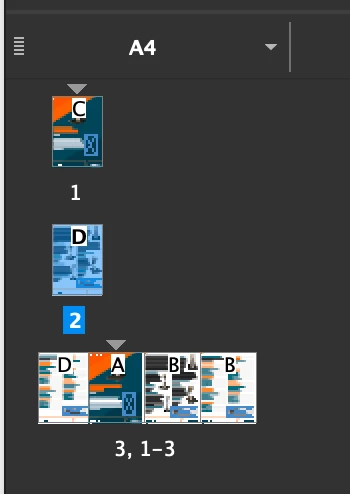
If I do it manually from within InDesign using Move Pages –
With the following options:
All Pages
At End of Document
Delete Pages After Moving - OFF
This is what the pages look like afterwards (this is what I'm after):
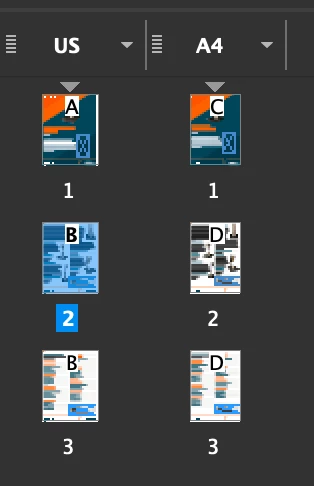
Any ideas how I can overcome this?
 AdChoices