Answered
Justify vertically Script
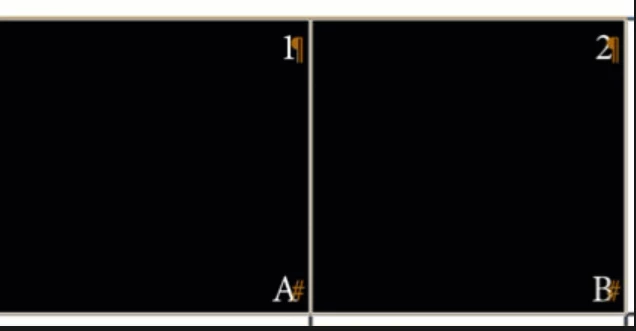
 I want to apply this option to tables that contain many cells via script. Can you give me an idea for the script?"

I want to apply this option to tables that contain many cells via script. Can you give me an idea for the script?"
Hi @aghanjar16430960 , This would set all of the cells in your document to justify vertically:
app.documents[0].stories.everyItem().tables.everyItem().cells.everyItem().verticalJustification = VerticalJustification.JUSTIFY_ALIGN
Already have an account? Login
No account yet? Create an account
Enter your E-mail address. We'll send you an e-mail with instructions to reset your password.


 AdChoices