
Participating Frequently
October 27, 2025
Answered

KDP: This text is outside the margins

  • October 27, 2025
  • 3 replies
  • 615 views

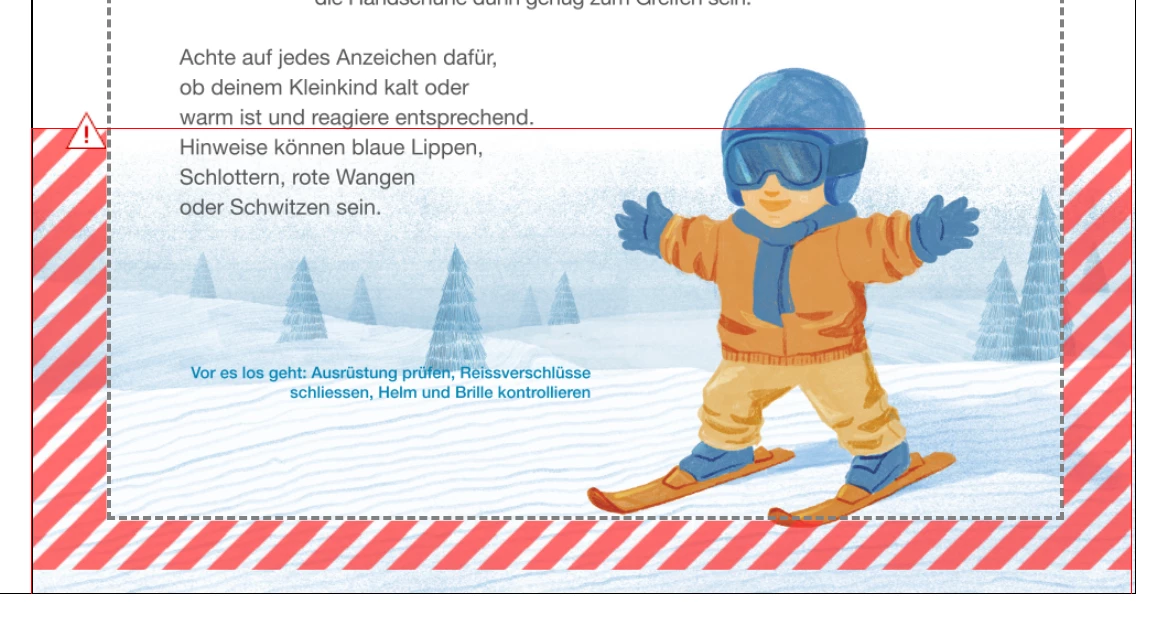
Hi, i'm struggling to publish my book on KDP. Somehow it tells me that there is text outside the margin. but there is only an image. I have a book with Bleed, the KDP support already confirmed that the pagesize trim, bleed everthing is correct. I even created a copy of the page and deleted just the image, that is accepted by the kdp previewer. Did anyone have something similar or has an idea how to solve this?
Correct answer Peter Spier

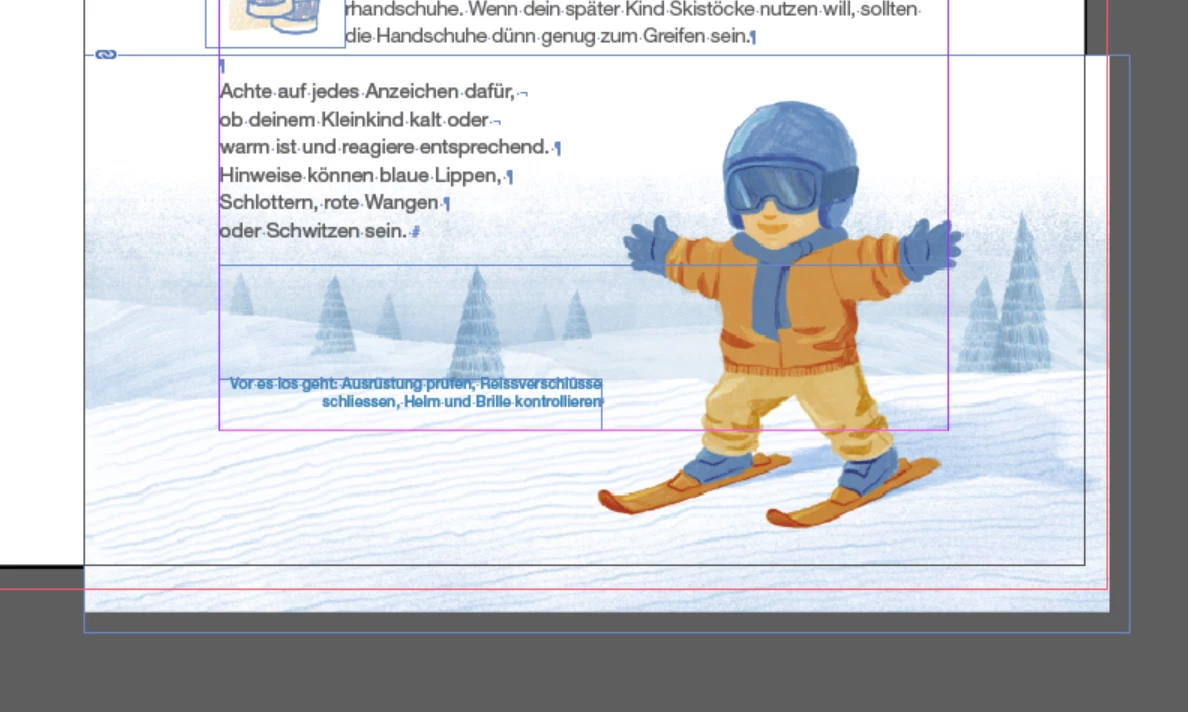
That page number marker has been hidden behind the image in previous screen shots and I didn't notice it before. What happens if you remove it from the page?

3 replies

Participating Frequently
October 28, 2025

newest try. Absolutely nothing on the page except for the image. If the image goes accross the page it doesnt work, if it is inside the bounds it does. But i have bleeds enabled?! how is thi spossible?


Peter Spier
Community Expert
Peter SpierCommunity ExpertCorrect answer
Community Expert
October 28, 2025

That page number marker has been hidden behind the image in previous screen shots and I didn't notice it before. What happens if you remove it from the page?

Participating Frequently
October 28, 2025

Hi Peter, this was the issue! Somehow the page numbers were a few pixels to low, the previewer didnt show me this as error on pages without image, but it flagged it on some of them with images. This was one kind of a journey. Thanks everyone for taking the time to help.

Community Expert
October 27, 2025

Looks like the ski is outside the page area and in the safety zone. 

Images have to reach the bleed area. And the ski doesn't. 


I'd say that's it.

Participating Frequently
October 27, 2025

just tried to move the image up. it doesnt change anything. also as reference the same page without the image. Also it works on some of the other images, which is very strange


Community Expert
October 27, 2025

Ok wonder if it's the extra bleed on the right hand side. 


Peter Spier
Community Expert
Community Expert
October 27, 2025

I've never prepped a file for Kindle, but I wonder if the problem is your bleed. Is bleed even allowed on Kindle? It certainly isn't something that would be displayed and I wonder if simply cropping you r image to the page edge would solve the issue.

Participating Frequently
October 27, 2025

It is a paperback and as per my configuration of the book should allow bleeds. It was also confirmed from KDP support that the file per se is okay. But they say there is "hidden text" which i cannot seem to find.

Peter Spier
Community Expert
Community Expert
October 27, 2025

Presumably you have not included printers marks or any  sort of slug with info in it, so I would expand EVERYTHING in the Layers Panel for this page and look for objects with visibility turned off, marked as non-printing, or simply stacked behind the image.