
Known Participant
March 21, 2023
Answered

Keep Anchored Frame On Page?

  • March 21, 2023
  • 1 reply
  • 279 views

I'm working on a book project and have a number of Illustrator graphic files placed into frames anchored to text:
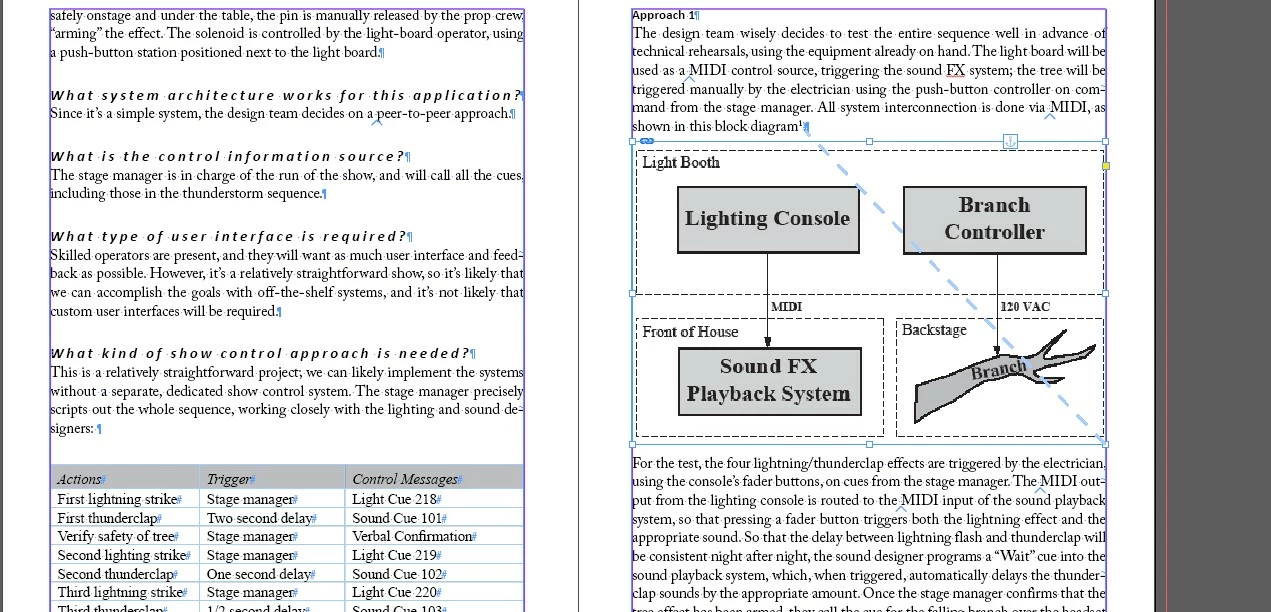
 

When I add text upstream of the page, the graphics sometimes flow off the bottom of the page:
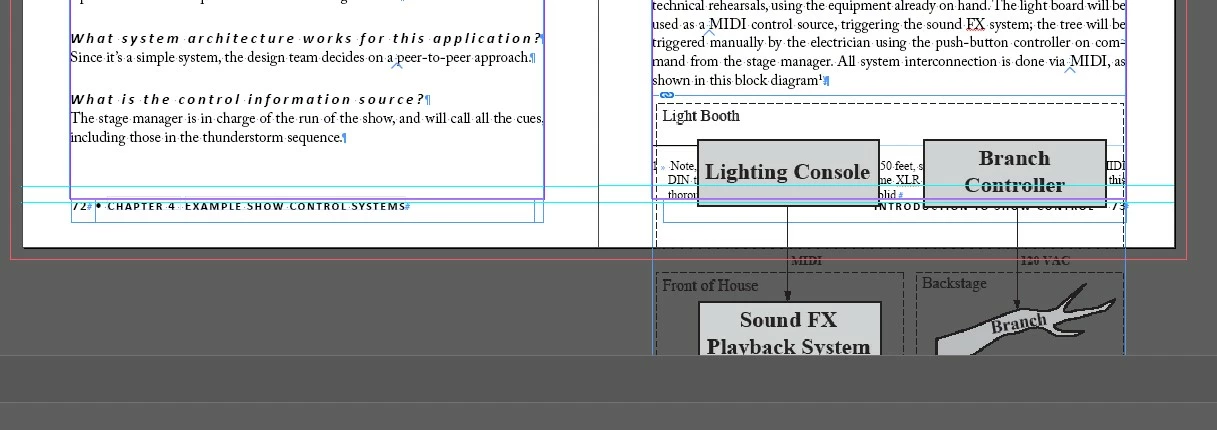


I end up just adding some empty paragraphs upstream to push the graphic onto the next page, but is there a better way to do this, or get InDesign to push the frame to the next page automatically?  (I come from a Framemaker background :-))


Thanks!


John


This topic has been closed for replies.
Correct answer James Gifford—NitroPress

You can set an number of characteristics for anchored frames by right-clicking on the anchor icon and selecting Anchored Object. Between those and the settings for text wrap, you can get a fair amount of position automation... but only that. ID has fairly limited auto-placement features or rules.


So if you muck around upstream from anchored elements, there's not much you can do except work downstream and reposition them as needed.


You can also skip anchoring graphics, and let text flow around them,. but that can make reorganizing a document messy and tedious, and will be a problem if you're seeking to export to EPUB.


1 reply

James Gifford—NitroPress
Legend
March 21, 2023

You can set an number of characteristics for anchored frames by right-clicking on the anchor icon and selecting Anchored Object. Between those and the settings for text wrap, you can get a fair amount of position automation... but only that. ID has fairly limited auto-placement features or rules.


So if you muck around upstream from anchored elements, there's not much you can do except work downstream and reposition them as needed.


You can also skip anchoring graphics, and let text flow around them,. but that can make reorganizing a document messy and tedious, and will be a problem if you're seeking to export to EPUB.


Known Participant
March 21, 2023

Thanks!

John