
Inspiring
May 8, 2023
Answered

keeping table column width when updating place and link object

  • May 8, 2023
  • 1 reply
  • 441 views

morning community.

I know that this subject has been treated in other ways.
I have a text table present in two separate documents with different dimensions and graphic styles.
i want to use the "place and link" function to import the table.
what I would like to know is if it is a good choice to create a script that, before updating the linked table, it save the size of the columns of the table, performs the update of the placed and linked object (which containt the table) and restores the size of the columns.
is it complicated with javascript ?
Would you make this choice too?

thx
 

This topic has been closed for replies.
Correct answer m1b

Hi @milko259349307s4y, I'm not answering your question yet, sorry, but I just did this test:


1. I imported (as a linked file) an excel worksheet into two documents A and B.


2. I then styled both of them very differently using cell styles, and manually adjusted the column widths to suit—A was portrait, with multi-line content and B was landscape, with wider columns to fit content in one line.


So: now I had two very different-looking tables linked to the same data.


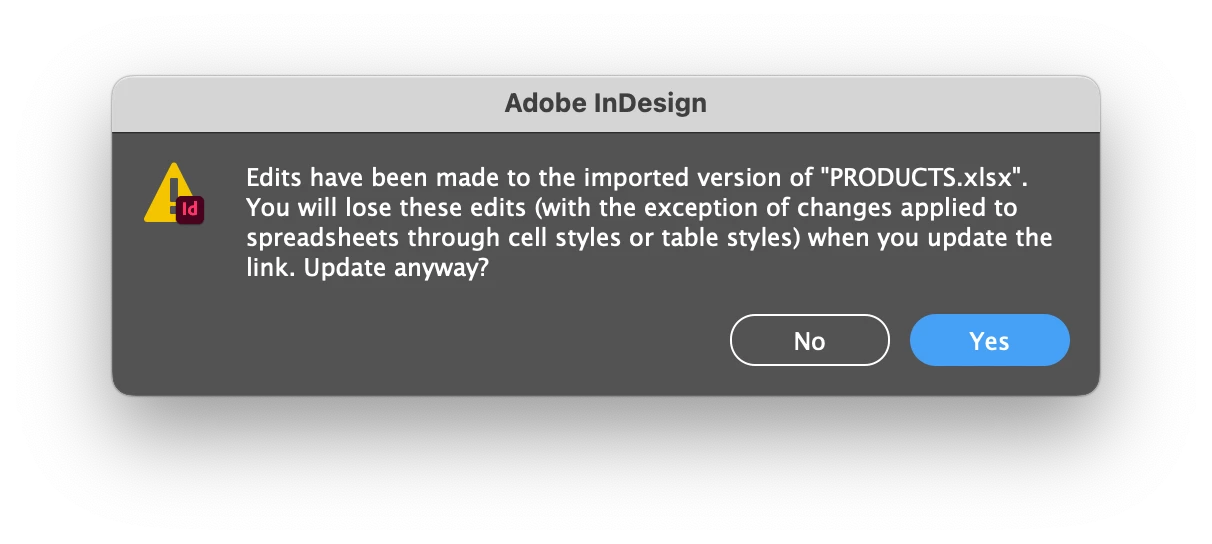
3. Then I changed the content dramatically in excel (without changing the number of columns) and updated both files. Indesign gave me this warning:


I answered Yes.


4. The result was that the data updated in each table correctly, but didn't alter the column widths. Everything else worked well, as I had used cell styles to format the table.


So, could that be a workflow that would suit your case?

- Mark

1 reply

m1b
Community Expert
m1bCommunity ExpertCorrect answer
Community Expert
June 9, 2023

Hi @milko259349307s4y, I'm not answering your question yet, sorry, but I just did this test:


1. I imported (as a linked file) an excel worksheet into two documents A and B.


2. I then styled both of them very differently using cell styles, and manually adjusted the column widths to suit—A was portrait, with multi-line content and B was landscape, with wider columns to fit content in one line.


So: now I had two very different-looking tables linked to the same data.


3. Then I changed the content dramatically in excel (without changing the number of columns) and updated both files. Indesign gave me this warning:


I answered Yes.


4. The result was that the data updated in each table correctly, but didn't alter the column widths. Everything else worked well, as I had used cell styles to format the table.


So, could that be a workflow that would suit your case?

- Mark

Inspiring
June 14, 2023

grazie m1b

I owe you one
;D