Participant
January 10, 2021
Question

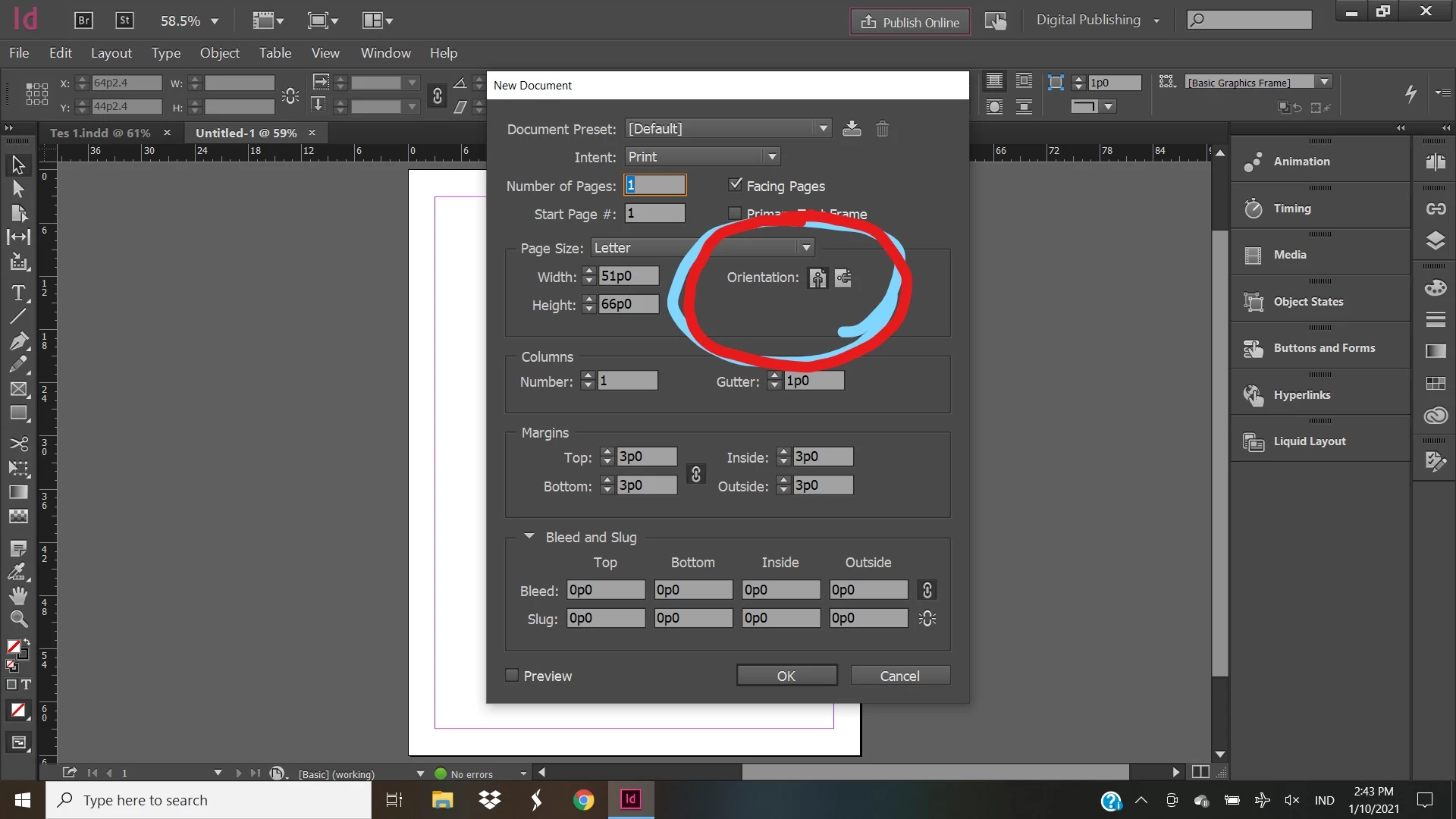
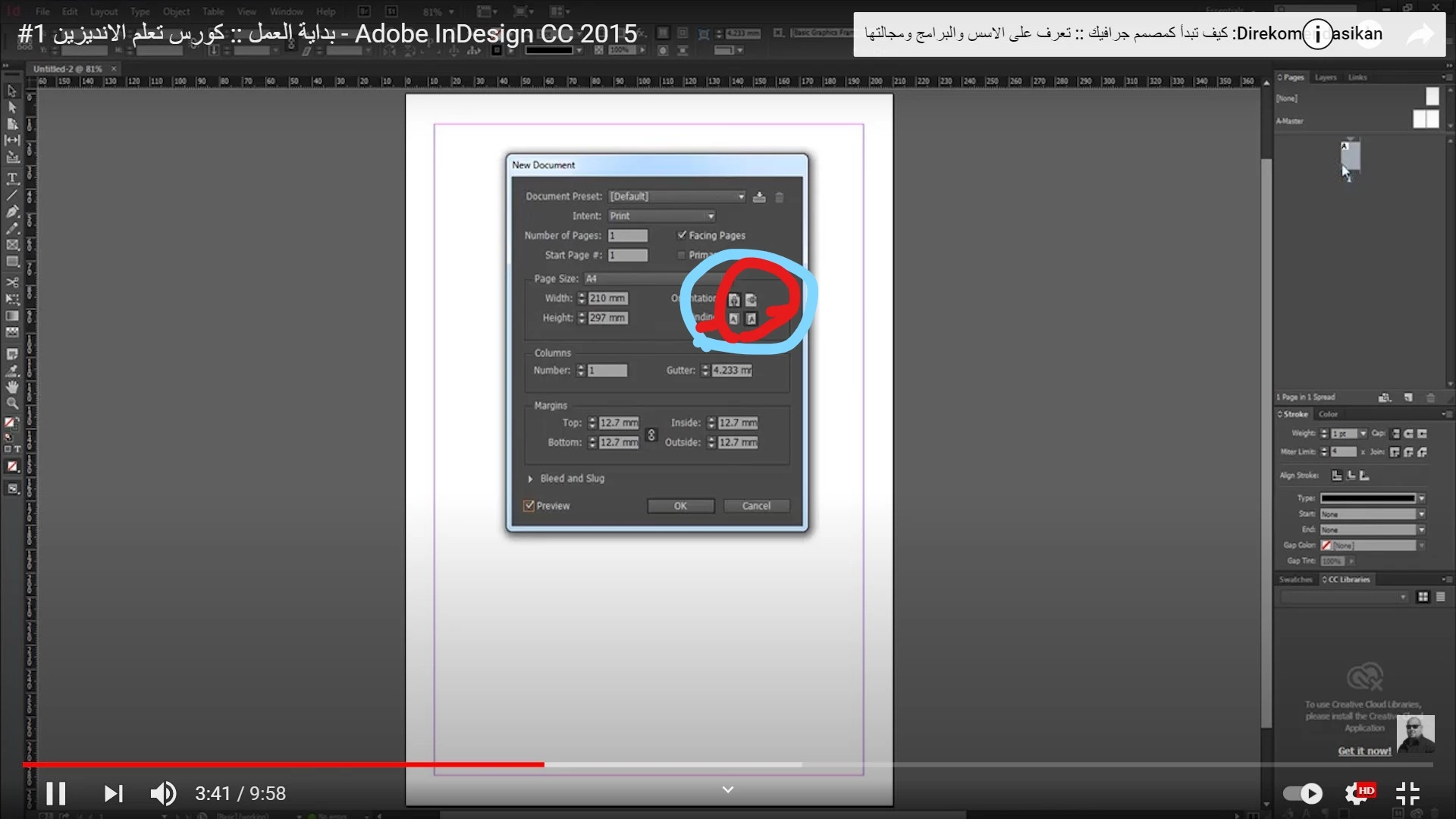
Kenapa di adobe in desgin saya tidak muncul BINDING

  • January 10, 2021
  • 3 replies
  • 950 views

Saya menggunakan adobe in design cc 2015. ada masalah dalam layout halaman. di adobe in design saya tidak muncul BINDING

This topic has been closed for replies.

3 replies

Srishti Bali
Legend
February 8, 2021

Hi there,


Thanks for reaching out. For this option you need to uninstall the current version and install the ME (Hebrew/ Arabic) version of InDesign.

If you need help doing that, please take a look at this help article ( https://helpx.adobe.com/in/indesign/kb/access-install-hebrew-arabic-indesign-illustrator-CC.html ). 


Regards,

Srishti

Zaid Al Hilali
Community Expert
Community Expert
February 10, 2021

Just like @Srishti Bali wrote, the Right-to-Left binding feature shows when you download and install InDesign يدعم العربية that supports Arabic just like in the video you linked to.

Check this post here for details

vladan saveljic
Inspiring
January 10, 2021

Did you try to delete the preference files?

Using a keyboard shortcut:
  1. (Windows) Start InDesign, and then immediately press Shift+Ctrl+Alt. Click Yes when asked if you want to delete preference files. ...
  2. (Mac OS) Start InDesign, and then immediately press Shift+Option+Command+Control. Click Yes when asked if you want to delete preference files.
Alfin5E6AAuthor
Participant
January 10, 2021

Mohon bantuannnya. bagaimana cara memunculkan BINDING. terima kasih banyak sebelumnya