Karthik681
Inspiring
March 22, 2018
Answered

Keyboard Shortcut to 'Show Library Subset'

  • March 22, 2018
  • 1 reply
  • 500 views

Hi,

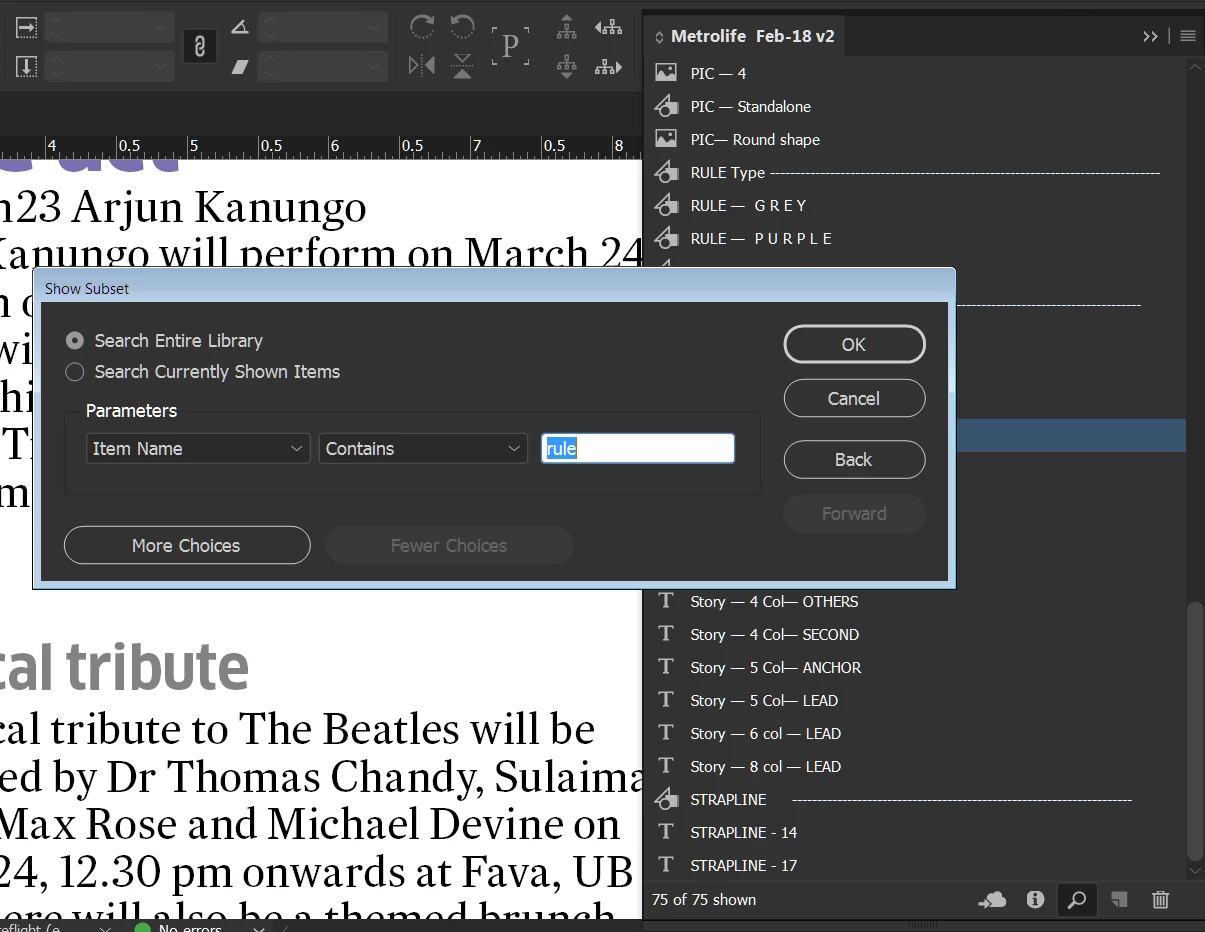
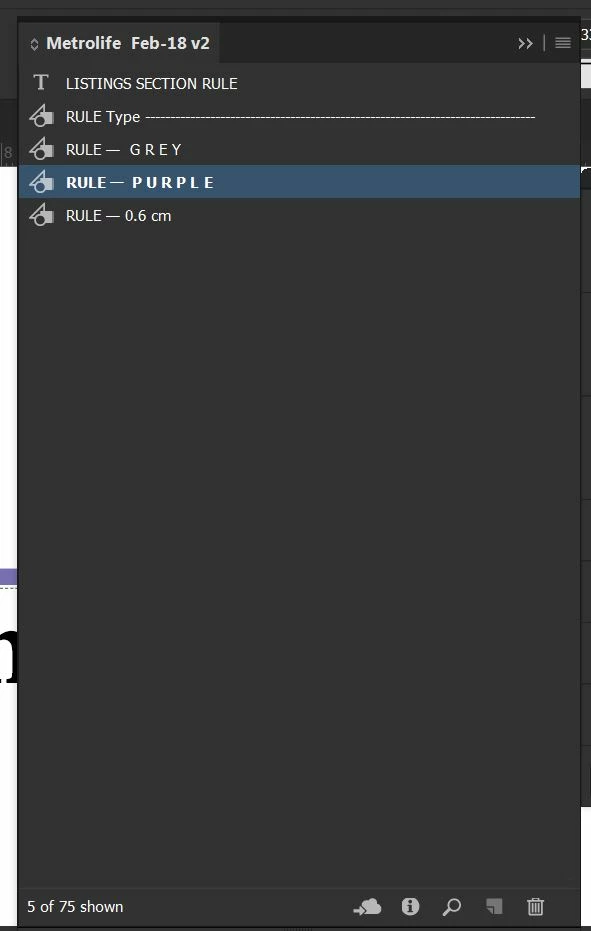
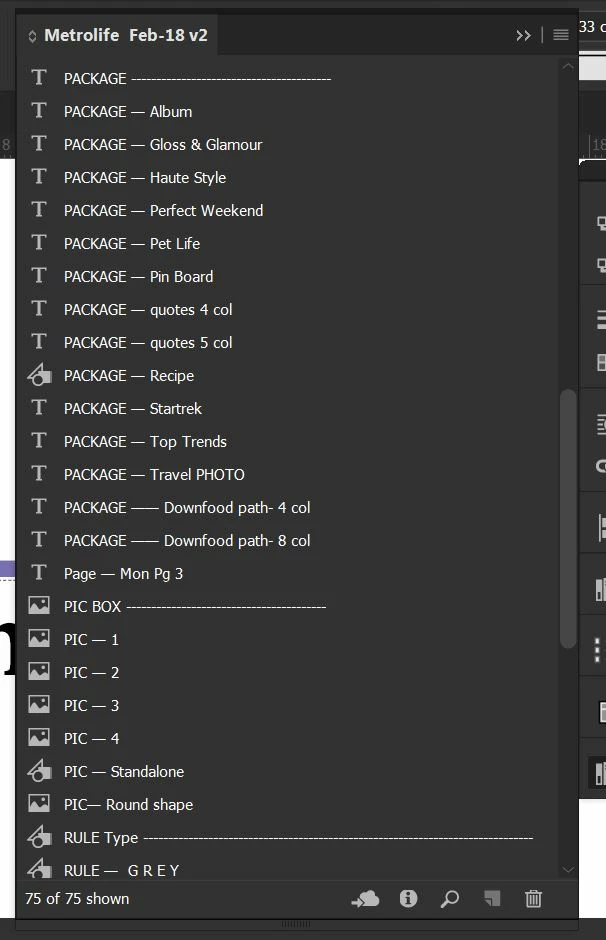
I work in large document with plenty of Library items, There are about 50-90 library items in an library, i use the 'Show Library Subset' to key in the required library item and drag it to page. I want to know is there any shortcut to directly go for  'Show Library Subset' . I have attached a sample here, there are 75 items.
This topic has been closed for replies.
Correct answer Steve Werner

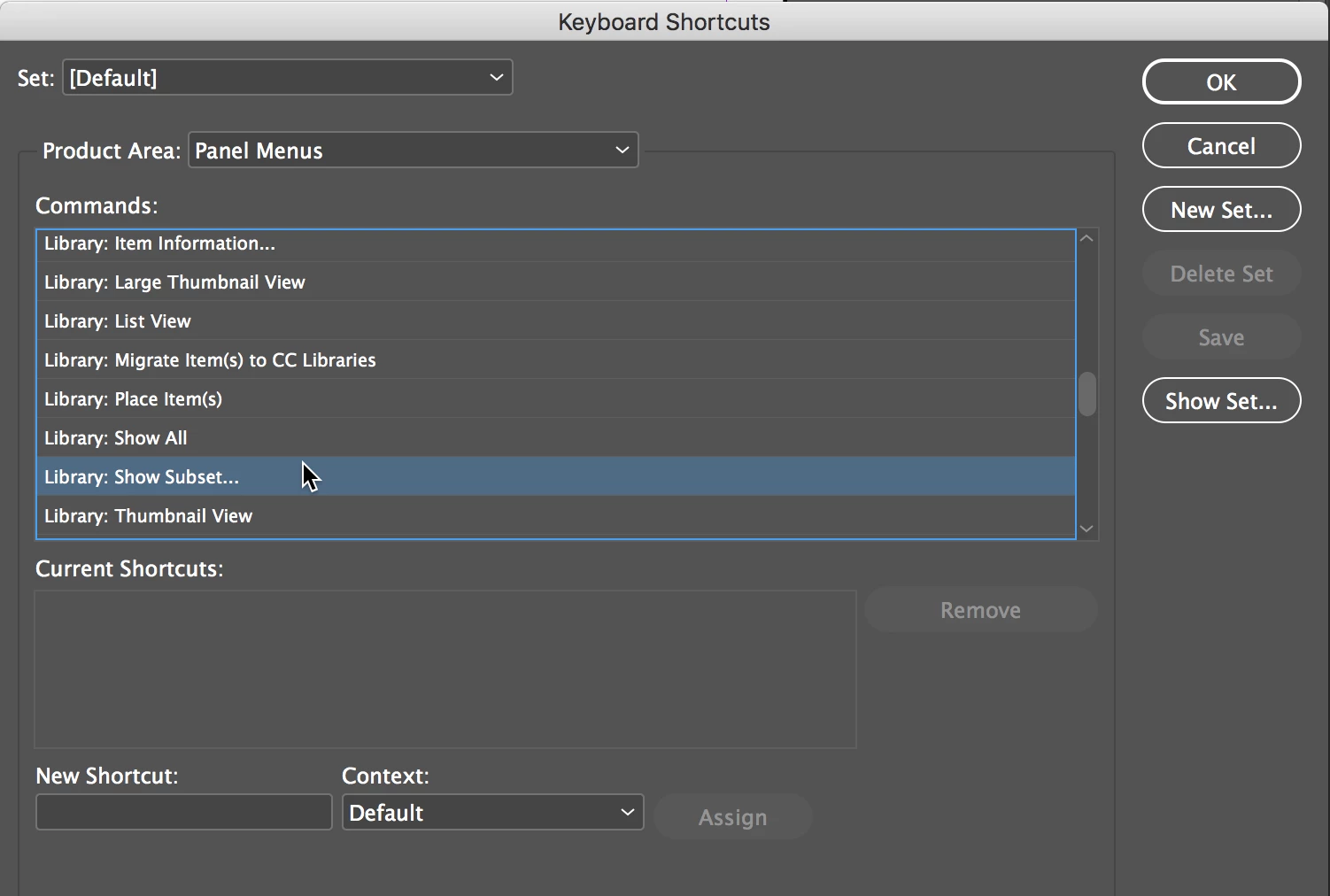
There is not a built-in keyboard shortcut for "Show Library Subset," but you can define one.

Choose Edit > Keyboard Shortcuts. Create a new set of shortcuts. Then go to Product Area: Panel Menus. Scroll down to "Library: Show Subset" and create your own keyboard shortcut and save it.

1 reply

Steve Werner
Community Expert
Steve WernerCommunity ExpertCorrect answer
Community Expert
March 22, 2018

There is not a built-in keyboard shortcut for "Show Library Subset," but you can define one.

Choose Edit > Keyboard Shortcuts. Create a new set of shortcuts. Then go to Product Area: Panel Menus. Scroll down to "Library: Show Subset" and create your own keyboard shortcut and save it.

Karthik681
Inspiring
April 3, 2018

Thanks it works