

Question
Kindle makes frame aroung page
Dear professionals,
help please to solve the problem.
I've made FXL mobi file and it is displayed perfectly in Kindle Previewer 3 on my computer. But when checking it in KDP Online Previewer, SOME pages have a thin border over margins. All images have the same border too.
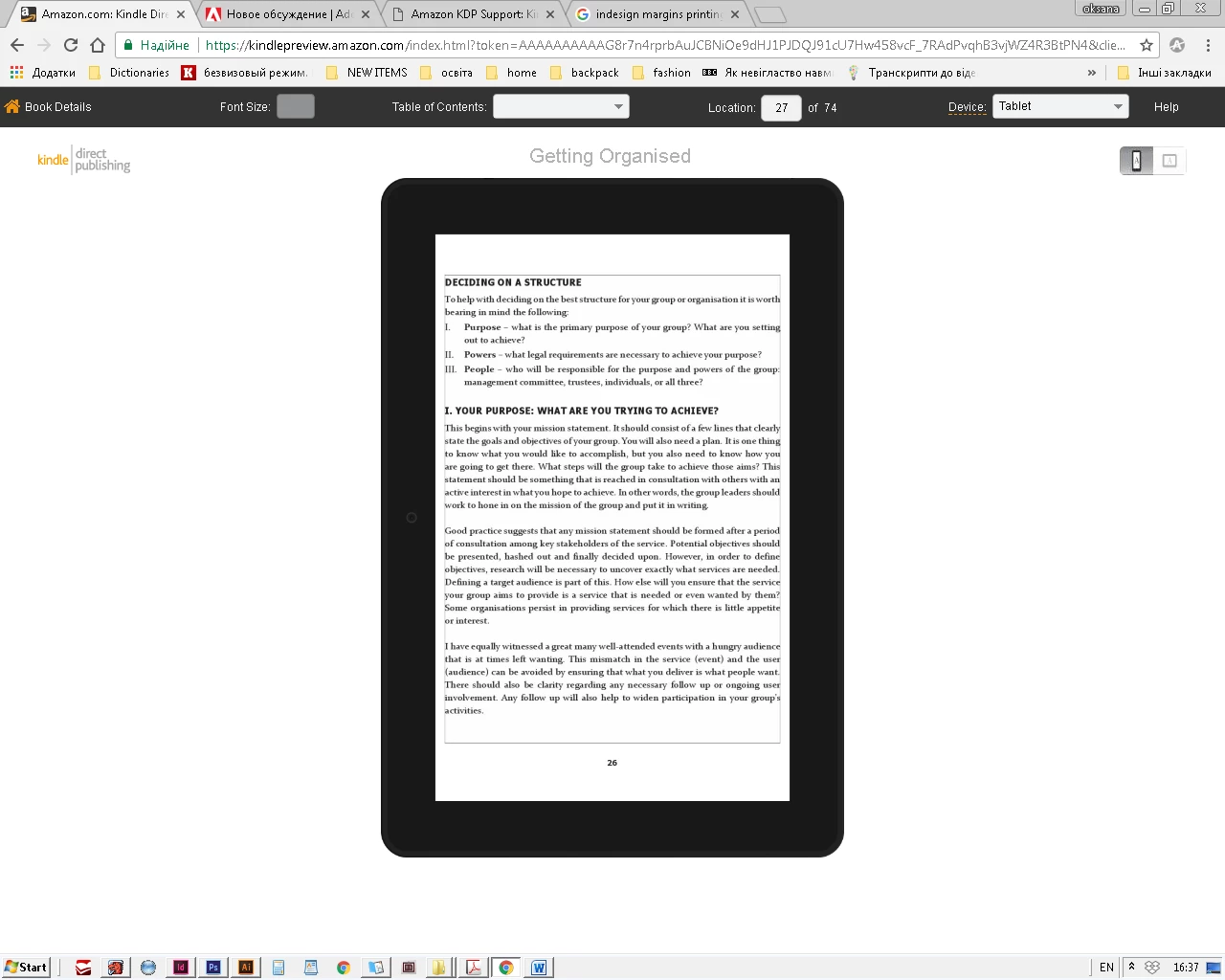
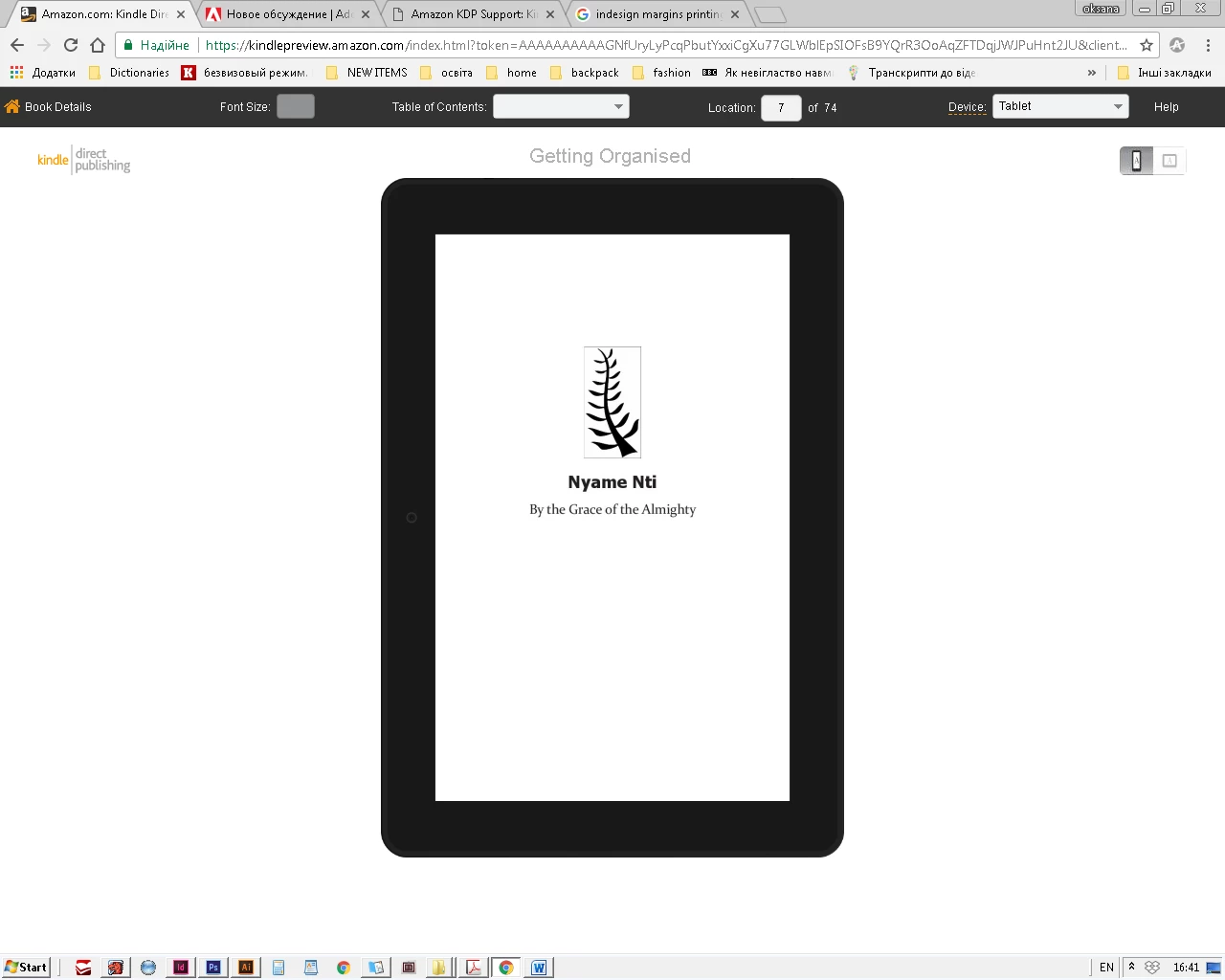
When launching preview I got an alert:
This book contains interactive features that cannot be previewed with KDP Online Previewer. You can use Kindle Previewer 3 to preview this book with its interactive features, or continue previewing without interactive features.
But I don't have any interactive elements in Indesign document.
What should I do to remove the borders?
Thanks a lot.
 AdChoices